Description
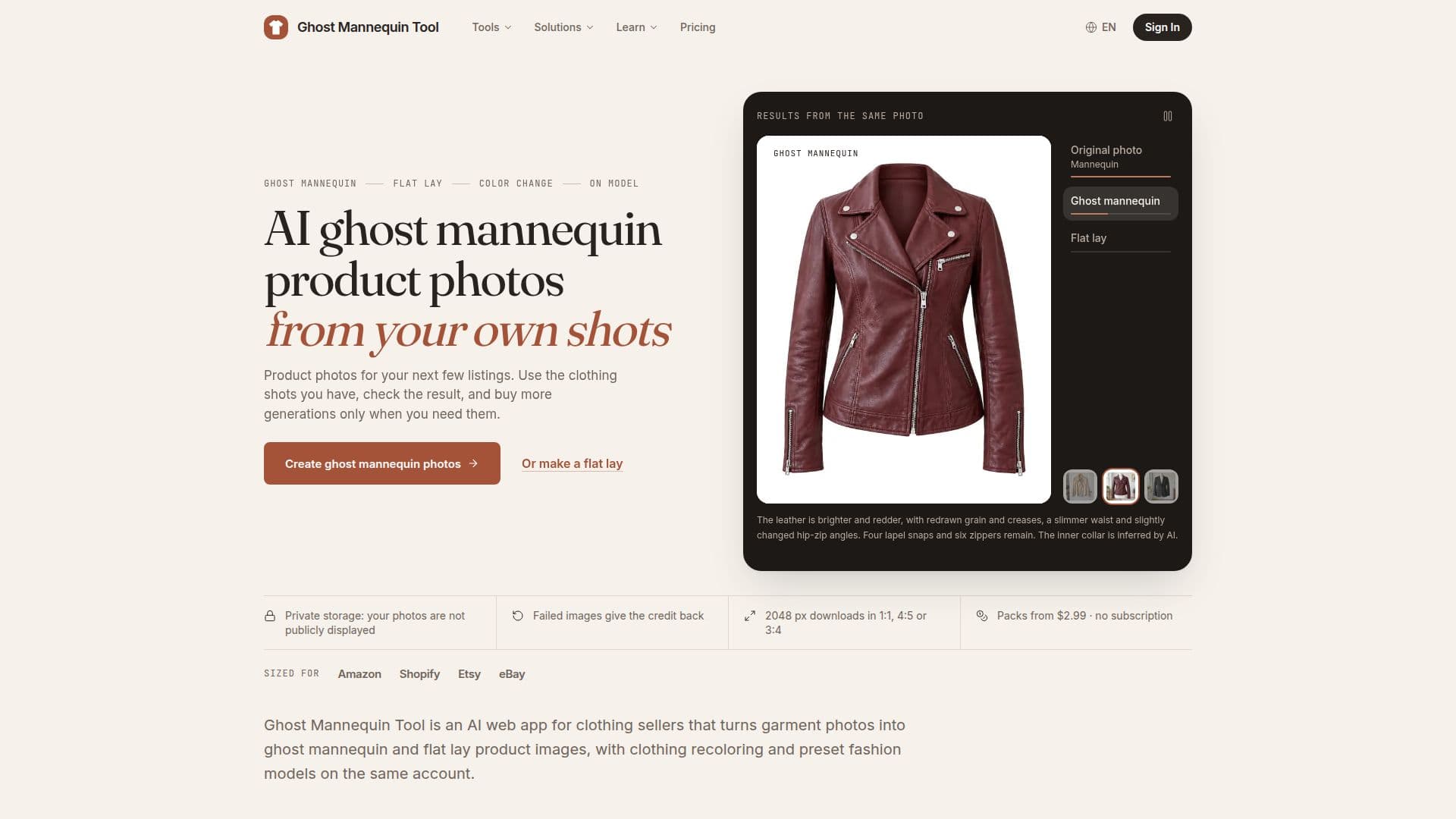
Ghost Mannequin Tool is an AI web application designed for clothing sellers and fashion brands, streamlining the creation of professional product photos. It specializes in transforming existing garment photos—whether on a mannequin, hanger, or laid flat—into ghost mannequin (invisible mannequin) product images. Beyond this core functionality, the tool also enables users to generate flat lay images, recolor clothing, and place garments on AI fashion models, all within the same account.
Read More
The platform is built for ease of use, operating entirely in a browser on both computers and phones, eliminating the need for any software installation. Users simply upload a photo and download the processed result. To maintain privacy and manage credits, an account is required, which can be created by signing in with Google. New accounts receive a trial credit to generate one standard image and preview it with a watermark before committing to a purchase.
Ghost Mannequin Tool offers flexible, credit-based pricing with one-time purchases, ensuring no automatic renewals or subscriptions. Generation packages start at $2.99 for 10 credits, with credits valid for 365 days. Each standard image generation uses 2 credits, and additional versions or modifications also consume credits. The system automatically returns credits for any failed generations, providing a fair usage policy.
Key capabilities include generating ghost mannequin images with inferred inner necklines, creating neat top-down flat lays with various background options (white, light gray, light wood, linen), changing garment colors using swatches, hex codes, or common colors, and placing garments on diverse AI models (women, men, plus-size, kids) with customizable poses, framing, and backgrounds. The tool supports JPG, PNG, or WEBP photo uploads up to 15 MB and at least 800 pixels on the shortest side.
Designed with small clothing stores in mind, the tool helps create consistent listings by applying uniform backgrounds, aspect ratios, and spacing across images. It emphasizes keeping the garment true to its original appearance, preserving color, print, logo, text, stitching, and shape, while clearly indicating what parts are AI-drawn. Users can process up to 10 photos in a batch, making it efficient for managing small collections. The generated images are suitable for commercial use on e-commerce platforms like Amazon, Shopify, Etsy, and eBay, provided the user holds the rights to the original uploaded photo. All uploads and results are stored privately and deleted automatically after a specified period.
- CategoryAI Product Photography
- Pricing ModelCredit-based
- DeploymentCloud
- PlatformsWeb
Ghost Mannequin Tool's Core Features
Ghost mannequin photo generation from existing images
Flat lay product image creation
Clothing recoloring with swatches or hex codes
AI model photo generation (women, men, plus-size, kids)
Batch processing for up to 10 images
Upload via QR code from phone
Reference image support for hidden details
Customizable output background, aspect ratio, and margins
High-resolution downloads up to 2048 pixels
Credit-based pricing with one-time purchases
No automatic subscription renewals
Free trial for one standard image generation
Automatic credit return for failed generations
Browser-based tool, no installation required
Private storage of uploaded photos and results
How to use Ghost Mannequin Tool?
Upload Photo: Upload a single garment photo (mannequin, hanger, flat lay, or worn) in JPG, PNG, or WEBP format, up to 15 MB.
Pick Look: Choose between an invisible mannequin or a top-down flat lay, then set background, aspect ratio, and padding.
Add Details (Optional): Add reference images for hidden details like collars or other angles, or select colors for recoloring.
Generate Image: Process your photo. For batch processing, select up to 10 photos with the same settings.
Review & Download: Compare the original and result, check garment details, and download the 2048 px image without a watermark.
Ghost Mannequin Tool's Use Cases
- E-commerce Product Photos
- Clothing Recolorization
- AI Model Photography
- Marketplace Image Compliance
- Batch Image Processing
- Quick Flat Lay Creation
- Cost-Effective Product Imaging
- Consistent Brand Imaging