Description
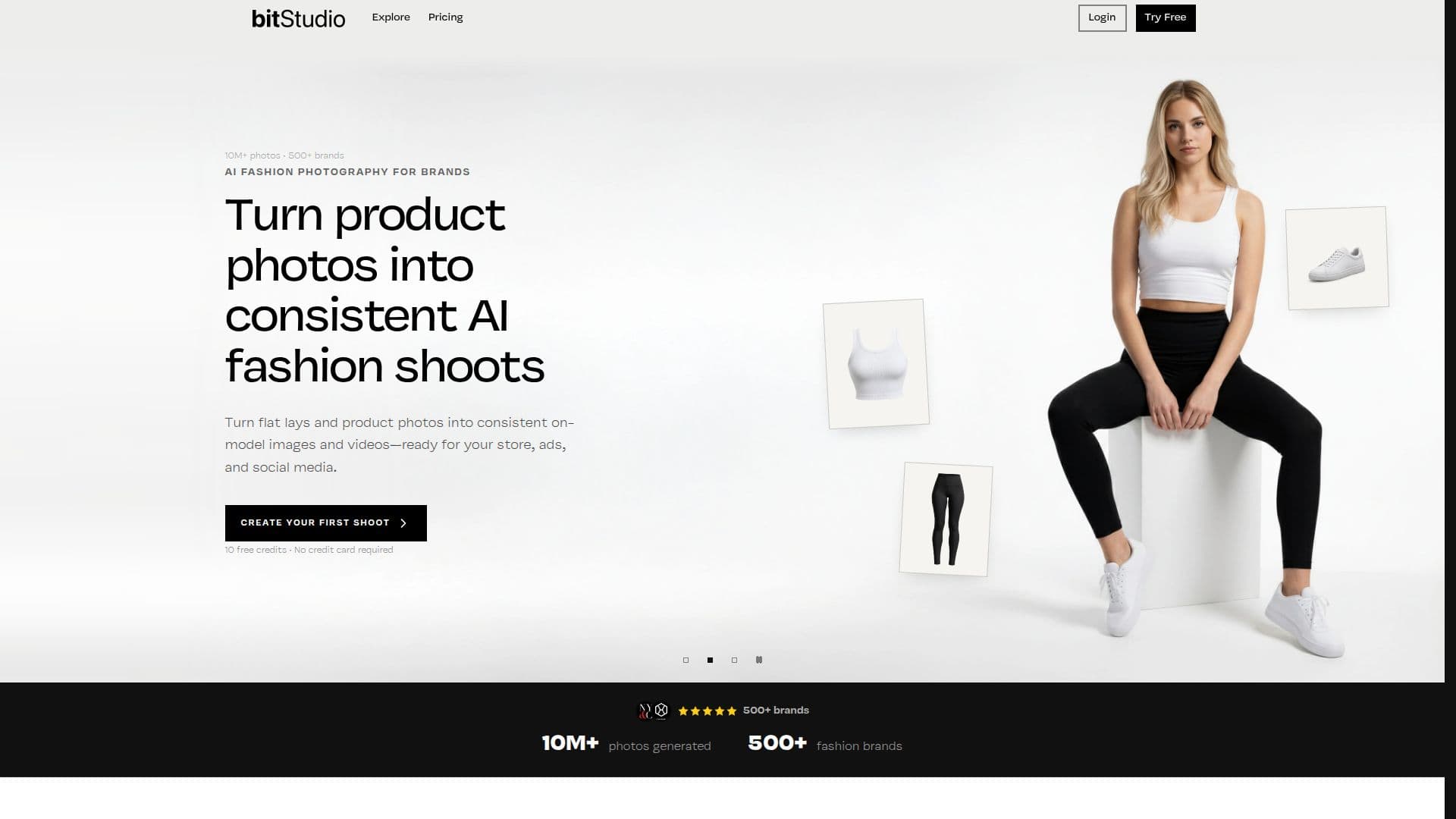
bitStudio is an AI-powered fashion photography platform designed for ecommerce brands and creative teams. It enables users to transform clothing product photos into on-model catalog images, campaign creatives, and short videos. The platform supports various input types, including flat lays, mannequin photos, and existing on-model photos, allowing users to save multiple views of their products and choose from a library of AI fashion models and photography presets.
Read More
The platform offers a range of features, including AI-generated models and custom avatars, a ready-to-use avatar and photography preset library, and saved product assets with automatic reference selection. Users can benefit from product reference quality and angle feedback, benchmark-tested creative presets, and reusable models and visual direction. The platform also supports garment reference preservation, pose and camera angle variations, and text-guided photo editing.
bitStudio provides precision editing tools, image extension, image upscaling, and bulk editing capabilities. Users can generate image-to-video content and create reusable shoot presets from one to three references. Team collaboration is facilitated through team workspaces and invitations. New users receive 10 free credits to explore the platform without requiring a credit card.
Pricing plans are flexible, with options for monthly subscriptions or credit packs. The platform supports leading image models, including Nano Banana, and offers features like bulk editing, upscaling, and video generation. bitStudio is designed to make professional-grade fashion photography accessible and efficient, reducing the need for traditional photoshoots and enabling rapid iteration and creative flexibility.
- CategoryAI Product Photography
- Pricing ModelFreemium
- DeploymentCloud
- PlatformsWeb
bitStudio's Core Features
AI-generated models and custom avatars
Ready-to-use avatar and photography preset library
Saved product assets with automatic reference selection
Product reference quality and angle feedback
Benchmark-tested creative presets
Reusable models and visual direction
Garment reference preservation
Pose, camera angle, and detail variations
Text-guided photo editing
Precision editing with selected areas
Image extension and upscaling
Bulk editing and bulk upscaling
Image-to-video generation
Reusable shoot presets
Team workspaces and invitations
How to use bitStudio?
Upload: Add product photos from different angles
Select: Choose an AI fashion model and preset
Generate: Create on-model images and videos
Edit: Apply precision edits and upscaling
bitStudio's Use Cases
- Ecommerce Catalogs
- Campaign Creatives
- Social Media Content
- Virtual Try-On
- Team Collaboration