
Description
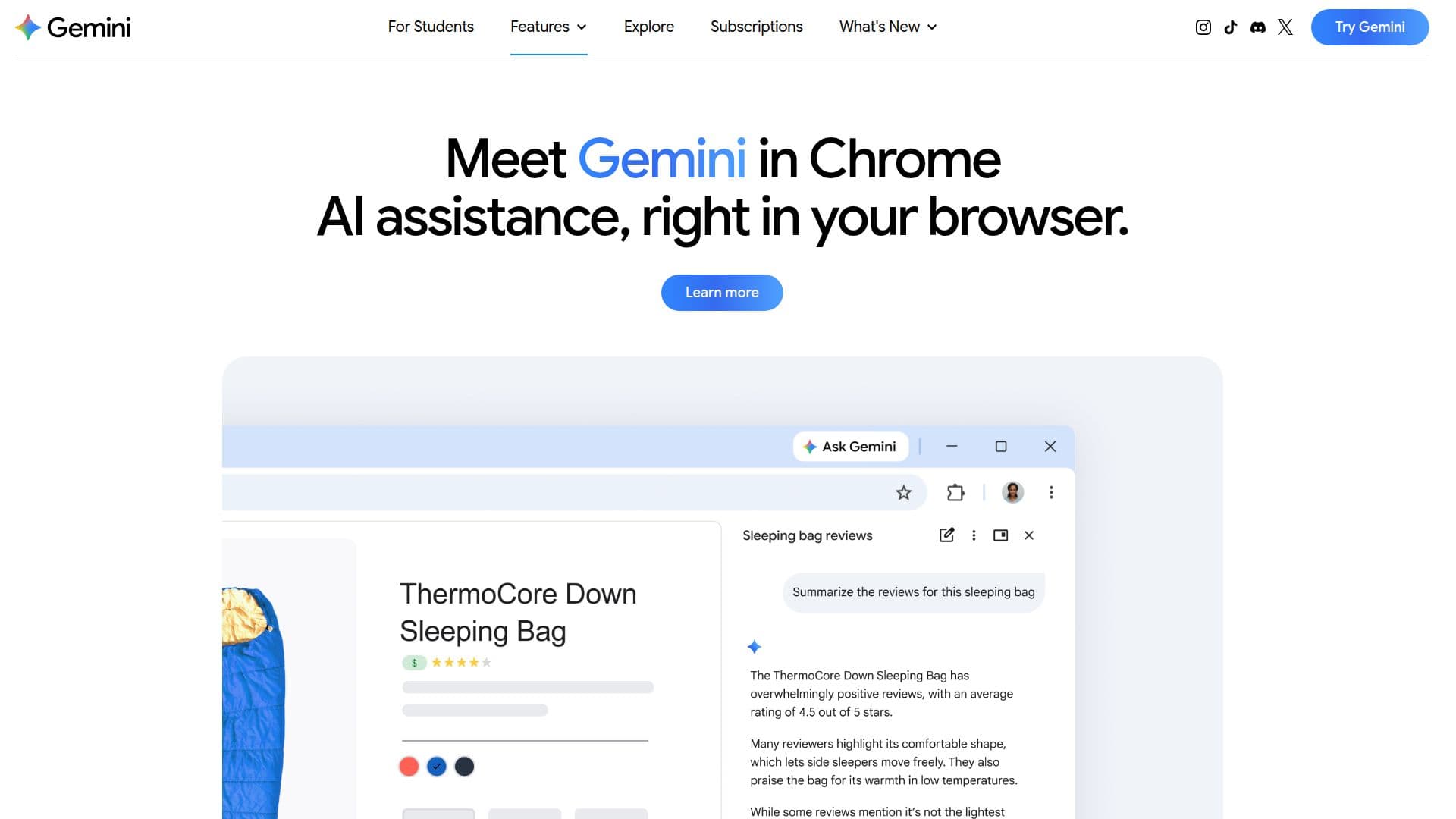
Gemini in Chrome is an AI tool integrated into the Chrome browser, designed to enhance productivity and creativity by providing AI assistance directly within your browser. It allows users to get key takeaways, clarify concepts, and find answers effortlessly on any webpage. By using the context of open tabs, Gemini in Chrome delivers the most relevant responses, making it a unique feature compared to using Gemini in other browsers or as a standalone web app.
Read More
Users can access Gemini in Chrome through the Gemini icon in the Chrome toolbar or via a keyboard shortcut on Windows, MacOS, and Chromebook Plus. It is also available on Android by holding the power button, and will soon be integrated into the iOS app, accessible through the Chrome omnibox.
Gemini in Chrome offers various functionalities such as summarizing articles, comparing options, and automating tasks with auto-browse. It works seamlessly with other Google apps, allowing users to manage emails, calendars, and playlists without leaving the browser. This integration makes it a powerful tool for users looking to streamline their workflow and enhance their browsing experience.
The tool is part of Google's broader AI offerings, which include different subscription plans like Google AI Pro and Ultra, providing access to advanced features and models. However, specific pricing details for Gemini in Chrome are not provided in the available content.
Gemini in Chrome is suitable for users who want to enhance their browsing experience with AI assistance, offering a range of features that cater to productivity, creativity, and task management. It is designed to be user-friendly, activating only when prompted, ensuring that users maintain control over their browsing experience.
- CategoryBrowser & Web Automation
- Pricing ModelFreemium
- DeploymentBrowser Extension
- PlatformsWindows, MacOS, Chromebook Plus, Android, iOS
Gemini in Chrome's Core Features
AI assistance directly in Chrome
Contextual responses based on open tabs
Summarize articles and content
Compare options and organize information
Automate tasks with auto-browse
Integration with Google apps
Available on Windows, MacOS, Chromebook Plus, Android, and soon iOS
Access through toolbar icon or keyboard shortcut
How to use Gemini in Chrome?
Access: Click the Gemini icon in the Chrome toolbar
Activate: Use a keyboard shortcut on your device
Integrate: Use with other Google apps for enhanced productivity
Control: Manage activity and settings through the app
Gemini in Chrome's Use Cases
- Content Summarization
- Task Automation
- Information Comparison
- Email Management
- Calendar Organization