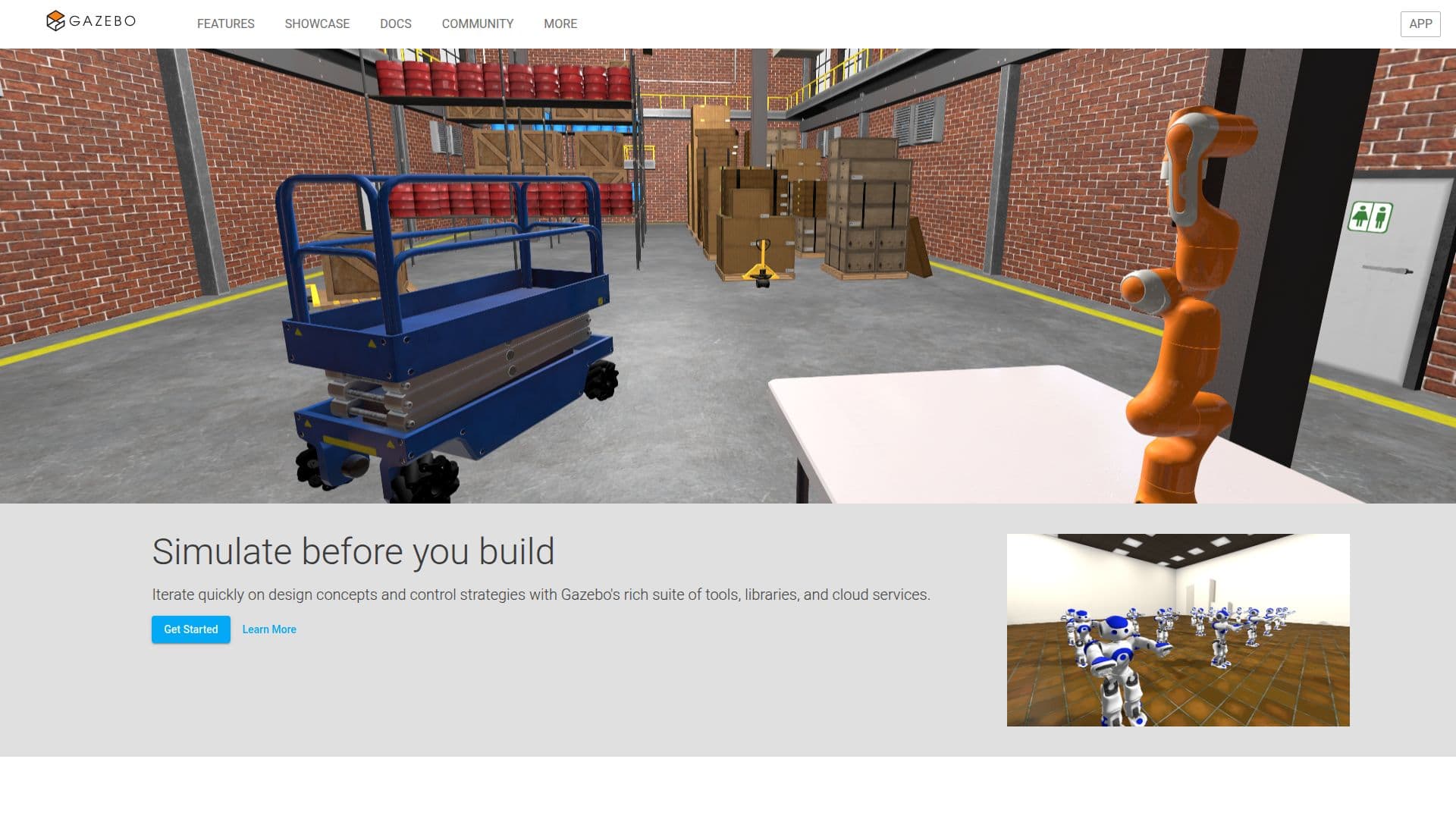
Description
Gazebo is a comprehensive robotics design, development, and simulation suite that empowers users to simulate their projects before actual construction. It provides a rich suite of tools, libraries, and cloud services that make the simulation process straightforward and efficient. With Gazebo, users can iterate rapidly on their physical designs, testing various control strategies in safe, realistic environments. This capability is crucial for developers who want to ensure their designs function as intended before committing to physical prototypes.
Read More
The platform features high-fidelity sensor streams that allow for detailed simulations, enabling users to test their designs under various conditions. Gazebo's open-source libraries encapsulate essential functionalities, including common math data types, logging, 3D mesh management, and asynchronous message passing. This makes it easier for both users and developers to leverage the platform for their specific needs.
Getting started with Gazebo involves installing the software on the appropriate platform, such as Ubuntu or macOS, and launching the simulator to begin creating custom worlds and simulations. The documentation provides clear guidance for both users and developers, ensuring that everyone can find the resources they need to succeed. Users can engage with the community to discover additional features, tips, and tricks, enhancing their experience with the software. Gazebo is particularly beneficial for those in the robotics field, offering a robust environment for testing and development.
- CategoryRobotics & AI Hardware
- Pricing ModelFree
- DeploymentCloud
- PlatformsUbuntu, macOS, Windows
Gazebo's Core Features
Open Source Libraries
High Fidelity Sensor Streams
Cloud Services
3D Mesh Management
Asynchronous Message Passing
Continuous Integration Testing
Realistic Environment Simulation
Custom Plugin Development
How to use Gazebo?
Install Gazebo: Follow the installation steps for your platform to set up Gazebo.
Launch Gazebo Sim: Use the terminal to start Gazebo Sim, which includes both server and GUI.
Create Your Own World: Use SDF to specify simulation contents and modify existing worlds.
Explore Resources: Access tutorials and examples to enhance your understanding and usage of Gazebo.
Gazebo's Use Cases
- Robotics Simulation
- Design Iteration
- Control Strategy Testing
- Continuous Integration
- Custom Plugin Development