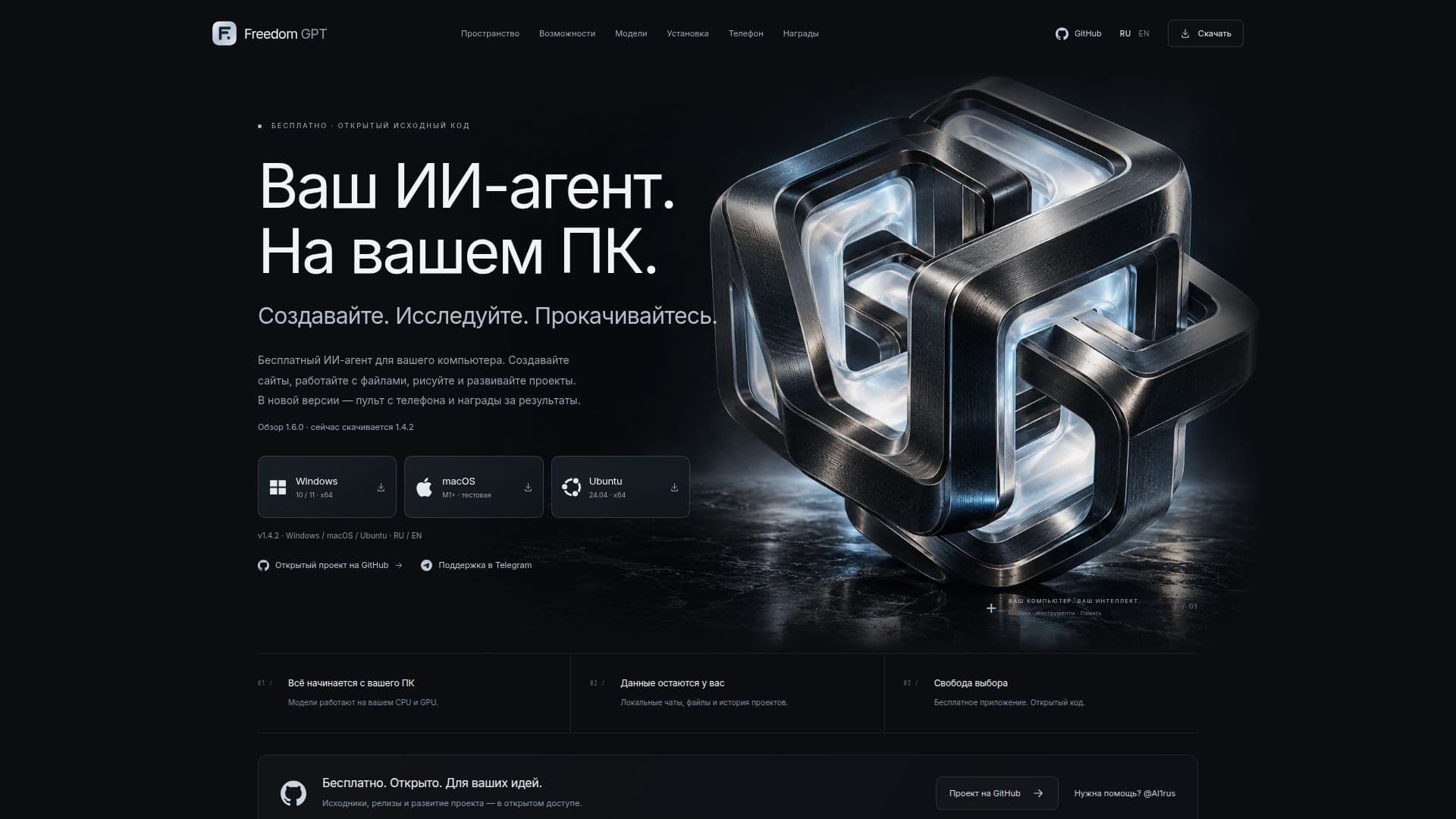
Description
Freedom GPT is a versatile AI agent designed for personal computers, offering a range of functionalities without the need for subscriptions. As an open-source application, it provides users with the ability to deploy local models, manage files, and develop projects directly on their PCs. This ensures that all data remains private and secure, as everything is processed locally.
Read More
The tool supports a variety of tasks, including programming assistance and image generation, utilizing separate models for each function. Users can choose from multiple models based on their computer's specifications, such as CPU, RAM, and GPU capabilities. This flexibility allows for optimized performance tailored to individual hardware setups.
Freedom GPT also features a local chat interface, enabling users to interact with the AI for various tasks. The application supports the creation of websites and applications by reading and modifying files, working in the terminal, and running available checks. Users can set goals with readiness criteria, add tasks to a queue, and make urgent corrections to ongoing work.
The tool is compatible with Windows, macOS, and Ubuntu Linux, providing installation options that include standalone installers and portable versions. Users can manage their projects and monitor progress through a connected phone, receiving notifications and updates in real-time.
Freedom GPT is designed to be user-friendly, offering a customizable interface with language options in Russian, English, and Chinese, as well as light and dark themes. The application supports integration with external services like GitHub and Hugging Face, allowing for enhanced functionality and model compatibility.
Overall, Freedom GPT is an ideal solution for users seeking a comprehensive AI agent that prioritizes privacy and flexibility, making it suitable for a wide range of applications, from coding to creative projects.
- CategoryAI Agent Builders
- Pricing ModelFree
- DeploymentLocal
- PlatformsWindows, macOS, Ubuntu
Freedom GPT's Core Features
Open-source code
Local model deployment
Programming assistance
Image generation
Project management
Model selection based on hardware
Real-time notifications
Cross-platform compatibility
How to use Freedom GPT?
Install: Download and install the application for your system
Configure: Choose and download compatible models
Use: Start a chat or project to interact with the AI
Monitor: Connect your phone for real-time updates
Freedom GPT's Use Cases
- Programming Assistance
- Image Generation
- Project Management
- Model Selection
- Real-Time Monitoring