
Description
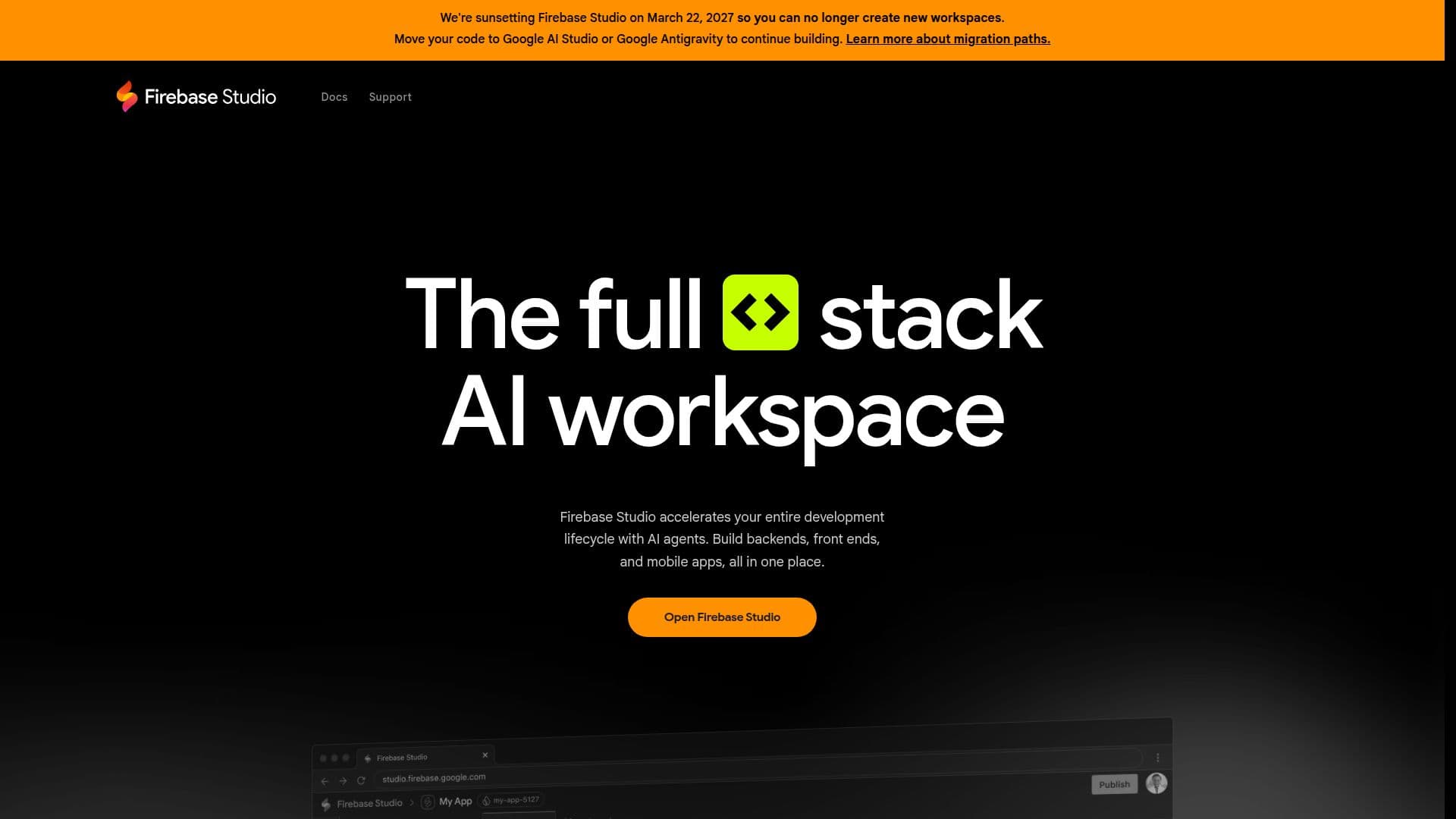
Firebase Studio is an entirely web-based workspace for full-stack application development, combining generative AI from Gemini with full-fidelity app previews powered by cloud emulators. You can go from opening your browser to building in minutes, importing existing repositories from GitHub, GitLab, Bitbucket, or your local machine with support for most tech stacks, or using the App Prototyping agent to create a new app from natural language, mockups, drawing tools, and screenshots.
Read More
Gemini in Firebase helps you code, debug, test, refactor, explain, and document code, interacting with your codebase and taking actions on your behalf, and you can use the built-in model or select your preferred one. You can customize your environment with Nix, choose from a large catalog of framework and language templates, and access thousands of extensions through the Open VSX Registry. Built-in web previews and Android emulators let you preview apps as your users would see them.
Firebase Studio supports collaboration by sharing preview URLs for early testers and inviting team members to work on the same project at once, whether or not they can code. You can publish apps to Firebase App Hosting or deploy production apps to Firebase Hosting, Cloud Run, or your own infrastructure. During preview it is available with 3 workspaces at no cost, with Google Developer Program members getting up to 30.
- CategoryAI App Builders
- Pricing ModelFreemium
- DeploymentCloud
- PlatformsWeb
Firebase Studio's Core Features
Web-based full-stack development workspace
Gemini AI for coding, debugging, testing, and refactoring
App Prototyping agent from natural language and mockups
Repository import from GitHub, GitLab, and Bitbucket
Cloud emulators with full-fidelity app previews
Android emulators and web previews
Open VSX extensions and Nix environment customization
Deployment to Firebase App Hosting, Cloud Run, or custom infrastructure
How to use Firebase Studio?
Start a workspace: Import a repo or use the App Prototyping agent to create a new app.
Build with Gemini: Code, debug, and refactor with AI assistance.
Preview your app: Use web previews and Android emulators to test.
Share and deploy: Share preview URLs and publish to App Hosting, Cloud Run, or custom infrastructure.
Firebase Studio's Use Cases
- Rapid prototyping
- Full-stack development
- AI-assisted coding
- App preview and deploy