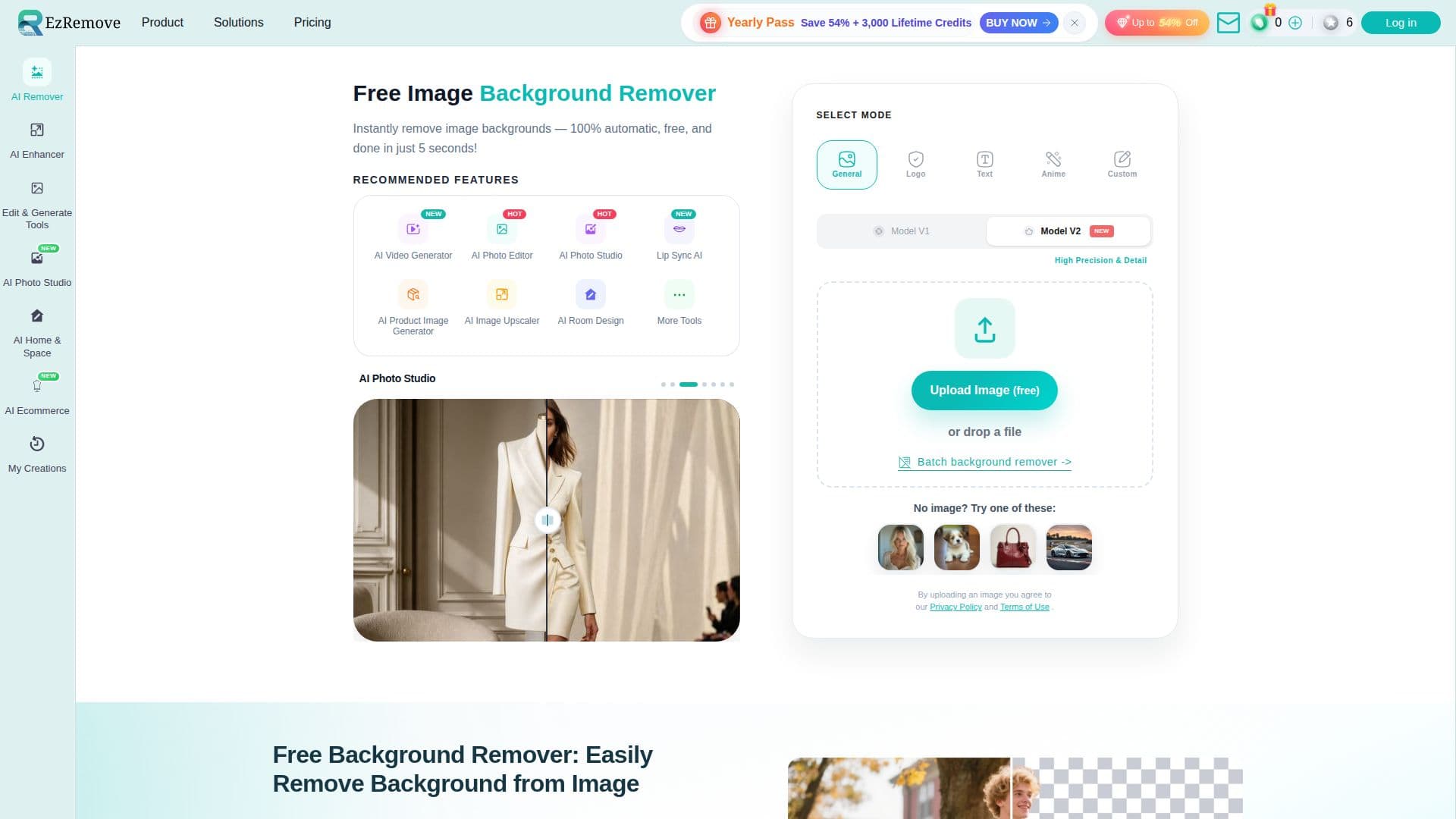
Description
EzRemove is a free, browser-based tool that removes the background from a photo automatically. A user uploads an image and the tool detects the subject and produces a transparent PNG cutout, aiming to keep natural-looking edges around hair and other fine detail without manual masking in software like Photoshop. EzRemove reports having processed more than 50 million images.
Read More
The tool offers several detection modes: General for everyday photos, Logo for brand graphics, Text for screenshots, Anime for illustrations, and a Custom mode where a user types a short prompt, such as removing a specific object or a photobomber, instead of relying on the automatic subject detection. Users can also choose between two underlying models, one tuned for speed and general use and one tuned for higher precision and detail. After the background is removed, a result can stay transparent, switch to a plain white or custom color background, or be placed into a new AI-generated scene using the built-in background generator, which creates a setting from a short text prompt such as a studio backdrop or an outdoor scene. A Magic Eraser tool can remove distracting objects from an image, and a batch background removal mode processes multiple images in one pass for users working through a full photo set.
EzRemove supports JPG, PNG, WEBP, and HEIC image formats and works on both desktop and mobile browsers. The company positions the tool for individuals who need a quick cutout for things like profile pictures or resumes, photographers cleaning up a shoot, marketers and ecommerce sellers who need consistent product photos across a catalog, and developers or enterprise teams that need repeatable, high-volume image processing. A separate tool handles background removal for GIFs, since the main flow is built around static images.
Alongside background removal, EzRemove's site links to a broader set of image and video tools under the same product, including an AI photo editor and photo studio, an AI product image generator, an AI image upscaler, AI room design, and an AI video generator, so background removal is one entry point into a wider AI image toolset rather than a standalone utility.
- CategoryBackground Removers
- Pricing ModelFree
- DeploymentCloud
- PlatformsWeb
EzRemove's Core Features
Automatic AI background removal producing a transparent PNG in about 5 seconds
Multiple detection modes: General, Logo, Text, Anime, and prompt-based Custom mode
Choice of a fast general model or a higher-precision detail model
Switch background to transparent, white, a custom color, or a new AI-generated scene
AI background generator that creates new scenes from a text prompt
Magic Eraser for removing unwanted objects from an image
Batch background removal for processing multiple images at once
Support for JPG, PNG, WEBP, and HEIC formats on desktop and mobile
How to use EzRemove?
Upload your image: add a JPG, PNG, WEBP, or HEIC photo to EzRemove.
Pick a mode: choose General, Logo, Text, Anime, or type a Custom removal prompt.
Remove the background: let the AI detect the subject and generate a transparent cutout.
Adjust the background: keep it transparent, switch to white or a color, or generate a new scene.
Clean up if needed: use the Magic Eraser to remove distracting objects.
Download or batch process: export the PNG, or run multiple images at once with batch removal.
EzRemove's Use Cases
- Product photo cleanup
- Profile picture editing
- Batch photo processing
- Scene replacement