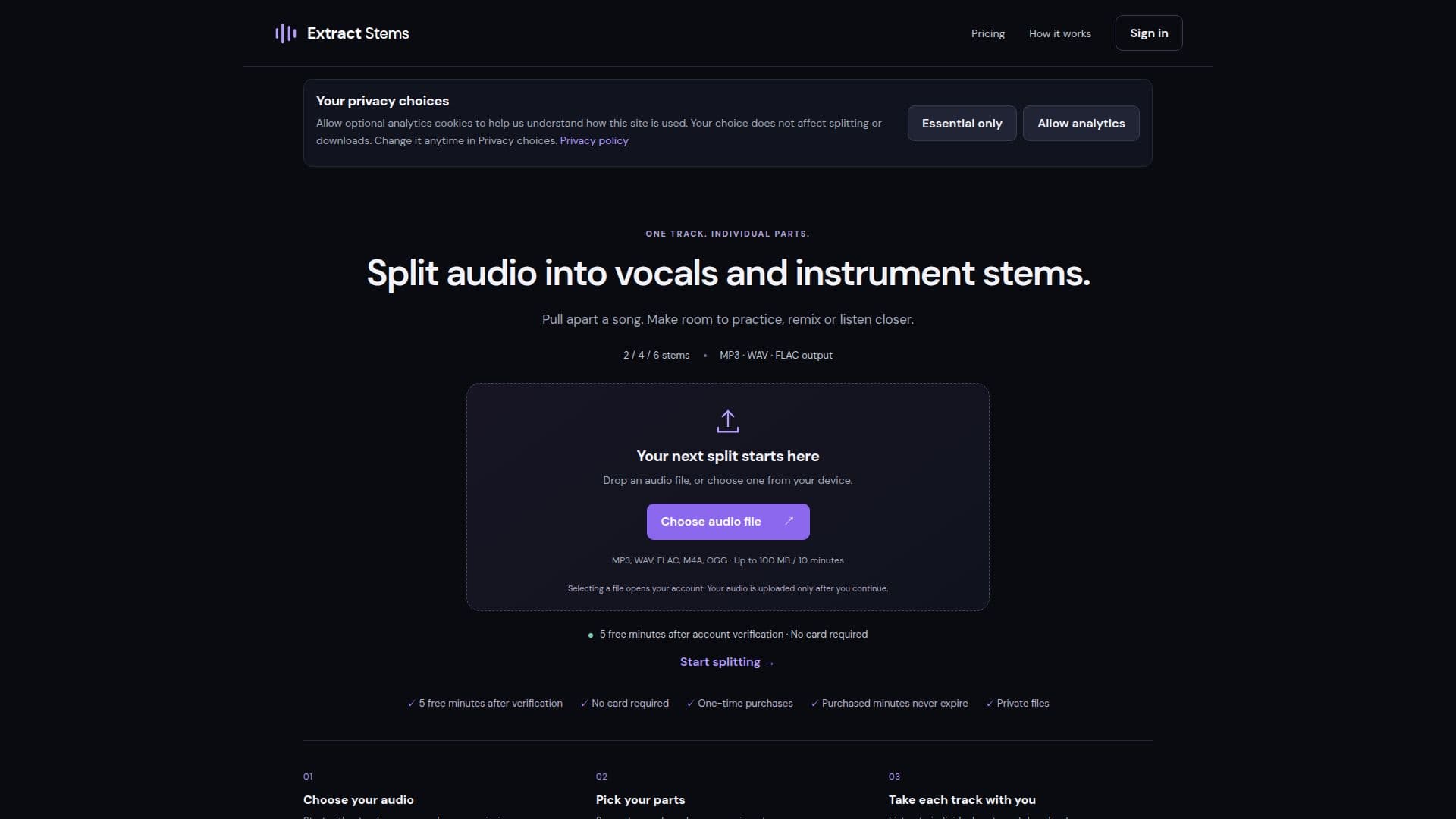
Description
Extract Stems provides an online audio stem splitting service, allowing users to separate their music tracks into individual components such as vocals and various instrument stems. This tool is designed for musicians, producers, DJs, and anyone looking to remix, practice, or analyze audio more closely. It supports common audio formats including MP3, WAV, FLAC, M4A, and OGG, with a file size limit of 100 MB or 10 minutes per track.
Read More
The service offers flexible splitting options: users can choose to separate a track into two stems (vocals and instrumental), or opt for more detailed separation into four or six stems, which typically includes drums. After processing, individual stem files or a complete ZIP archive can be downloaded. The platform emphasizes user privacy, stating that audio uploads are private, drafts expire after 24 hours, and results are retained for 7 days, with a strict policy against using user files for model training.
Extract Stems operates on a one-time purchase model for processing minutes, eliminating the need for subscriptions. Purchased minutes do not expire, providing users with flexibility. New users receive 5 free minutes upon account verification, with no credit card required to access this trial. Pricing tiers are available in packs of 15, 40, 100, or 300 minutes, with larger packs offering a lower cost per minute. Secure payments are processed through Stripe, ensuring a straightforward transaction experience without recurring charges.
- CategoryAI Audio Editors
- Pricing ModelOne-time Purchase
- DeploymentCloud
- PlatformsWeb
Extract Stems's Core Features
Separate vocals and instrument stems
Split audio into 2, 4, or 6 stems (including drums)
Download individual stem files or a ZIP archive
Supports MP3, WAV, FLAC, M4A, OGG audio formats
Maximum file size: 100 MB or 10 minutes per track
One-time purchase minute packs
Purchased minutes never expire
5 free minutes upon account verification (no card required)
Private file uploads and processing
Results retained for 7 days
No user files used for model training
Secure payments via Stripe
Listen to original mix and output tracks example
How to use Extract Stems?
Choose Audio: Drop an audio file or select one from your device (MP3, WAV, FLAC, M4A, OGG, up to 100 MB / 10 minutes).
Create Account: Selecting a file opens your account; audio is uploaded only after you continue.
Verify Account: Complete verification to receive 5 free minutes for processing.
Pick Parts: Choose to separate into vocals and accompaniment, or select four or six stems.
Process Audio: Use available minutes to process your chosen track.
Download Stems: Listen to individual parts and download your preferred format (MP3, WAV, FLAC).
Extract Stems's Use Cases
- Music Remixing
- Vocal Practice
- Instrumental Practice
- DJ Sets
- Audio Analysis
- Content Creation