Description
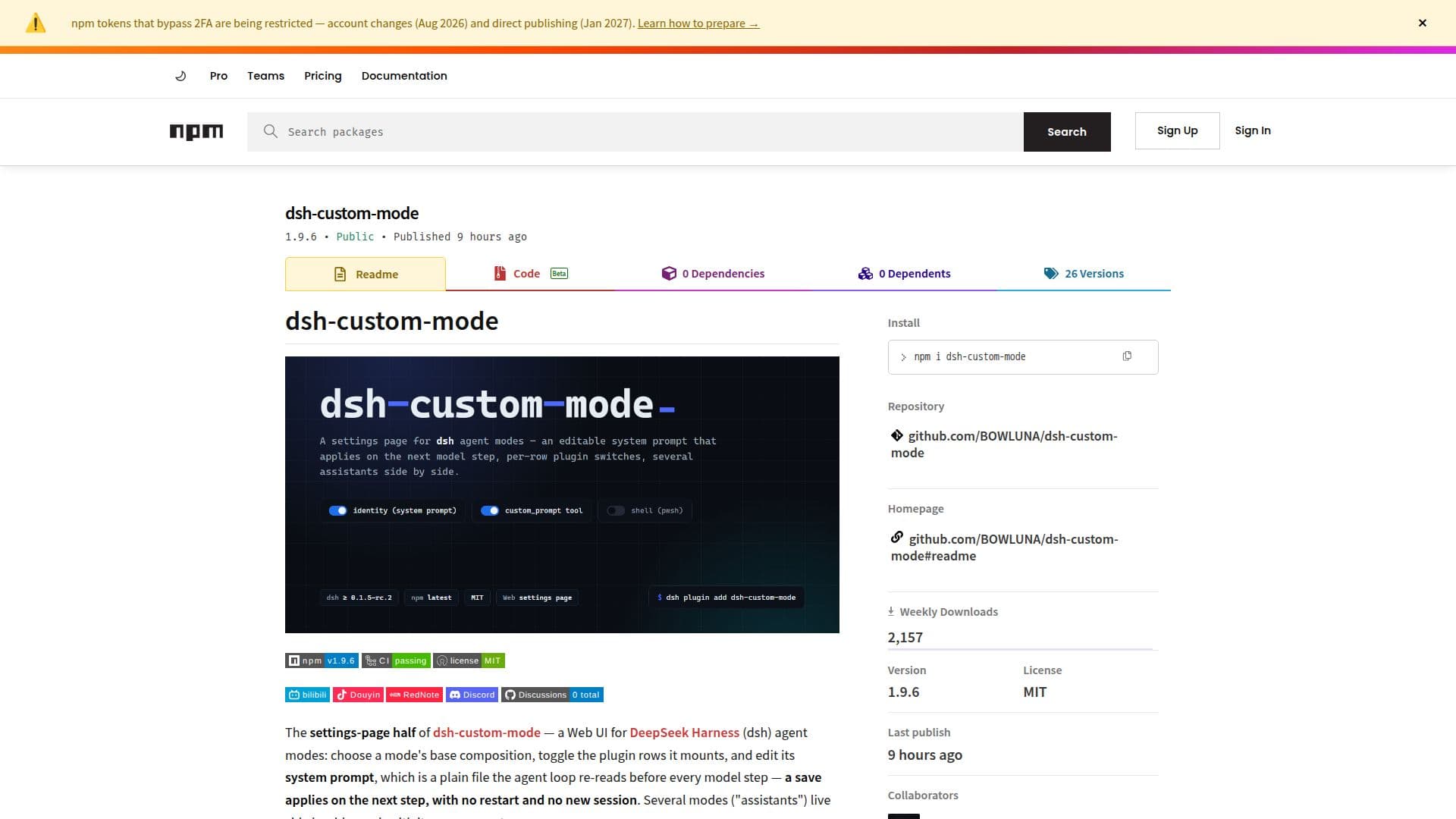
dsh-custom-mode is a specialized package designed for DeepSeek Harness (dsh), providing users with the ability to create custom modes and prompts. This tool is particularly useful for those looking to tailor the behavior of their DeepSeek Harness agents. Users can edit a mode's system prompt directly on the settings page, and these changes take effect in the next model step without requiring a restart or new session. The package supports multiple modes, allowing several assistants to operate side by side, each with its own unique prompt.
Read More
The installation process is straightforward, requiring only a single command. The package integrates seamlessly with the host system, writing necessary presets into the $DSH_HOME/.agent-presets/ directory upon first activation. This ensures that user-created prompt files are preserved and not overwritten. For those who prefer to keep the source code, cloning the repository and running the provided installation script is an option.
dsh-custom-mode is designed to work with the web profile of DeepSeek Harness, as it does not register any presets in a terminal user interface or headless environment. It requires a specific version range of dsh, ensuring compatibility and optimal performance. The package is published without dependencies and relies solely on Node's standard library, making it lightweight and efficient.
The documentation for dsh-custom-mode is comprehensive, offering bilingual support in both English and Chinese. It includes detailed sections on troubleshooting, measurements, and architecture, providing users with the information needed to effectively utilize the package. Security is a priority, with the package implementing browser-trust checks to prevent unauthorized access.
Overall, dsh-custom-mode is an invaluable tool for developers and users of DeepSeek Harness, offering enhanced customization and control over agent modes and prompts.
- CategoryAI Agent Builders
- Pricing ModelOpen Source
- DeploymentWeb
- PlatformsNode.js
dsh-custom-mode's Core Features
Custom mode creation
System prompt editing
Base mode selection
Plugin management
Multiple assistant support
Web profile integration
No dependencies
Bilingual documentation
How to use dsh-custom-mode?
Install: Run `npm i dsh-custom-mode`
Configure: Edit system prompts on the settings page
Activate: Changes take effect on the next model step
Manage: Use multiple assistants simultaneously
dsh-custom-mode's Use Cases
- Custom mode development
- Prompt customization
- Multi-assistant management
- Web profile integration
- Lightweight deployment