
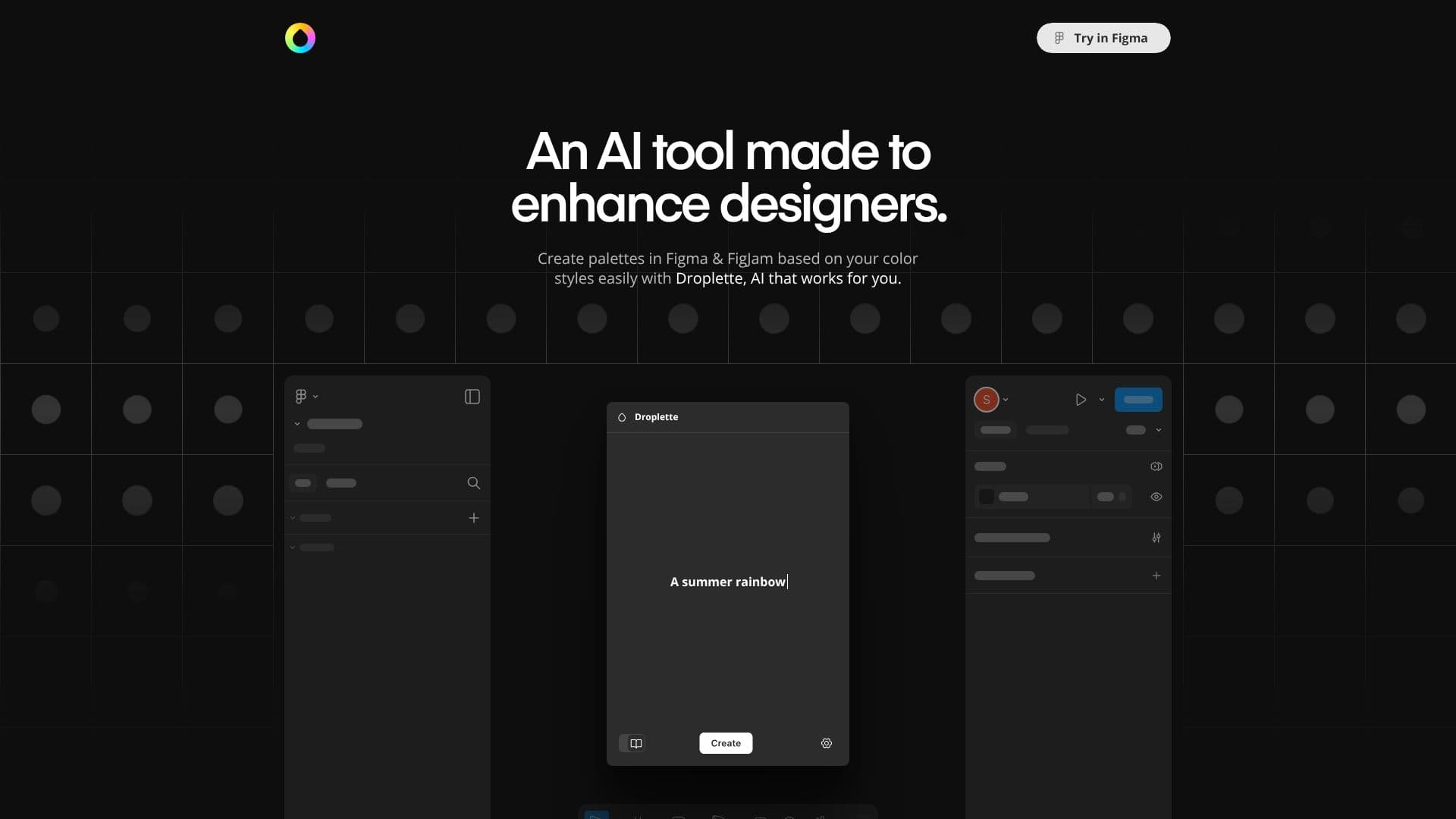
Description
Droplette is an intelligent AI tool crafted to enhance the design workflow for users of Figma and FigJam. It specializes in generating sophisticated color palettes, making the process intuitive and efficient. The core functionality revolves around leveraging AI to understand your design context and produce harmonious color combinations.
Read More
To begin, Droplette offers flexible setup options. You can either select specific colors you wish to incorporate into your palette or connect your existing design system styles. This integration ensures that generated palettes align with your established brand identity and design language, maintaining consistency across projects. The tool can also extract colors directly from your chosen frames within Figma or FigJam, providing a data-driven foundation for palette creation.
Once colors are selected or extracted, Droplette's AI engine analyzes them to generate unique and complementary palettes. Designers have the ability to iterate on these generated palettes, making adjustments as needed. This iterative process allows for fine-tuning to achieve the desired aesthetic. You can choose to refine specific colors, request new suggestions, or even start the generation process from scratch, offering complete creative control.
Droplette aims to streamline the often time-consuming task of color palette development. By automating much of the creative heavy lifting, designers can focus more on other aspects of their work. The tool is positioned as a valuable asset for individuals and teams looking to accelerate their design process and explore new color possibilities efficiently. Its integration with popular design tools makes it a seamless addition to existing workflows.
The pricing model is straightforward, offering a single payment for a license rather than a recurring subscription. This approach provides clear value and accessibility for designers. The tool is designed to be user-friendly, requiring minimal setup to start generating professional-grade color palettes.
- CategoryAI Graphic Design Tools
- Pricing ModelOne-time payment
- DeploymentDesktop Application / Plugin
- PlatformsFigma, FigJam
Droplette AI Color Generator's Core Features
AI-powered color palette generation
Integration with Figma and FigJam
Color extraction from design frames
Syncing with existing color styles
Iterative palette adjustment and refinement
Option to redo palettes from scratch
Suggests colors for further development
Single payment license model
Supports OpenAI API key integration
How to use Droplette AI Color Generator?
Select colors or sync styles: Choose your starting colors or connect your design system styles.
Extract colors from frames: Allow Droplette to grab colors directly from your selected design frames.
Generate palettes: Let the AI create unique color palettes based on your input.
Adjust and iterate: Tweak generated palettes or regenerate them as needed.
Apply to designs: Use the generated palettes within your Figma or FigJam projects.
Droplette AI Color Generator's Use Cases
- Generate Brand Palettes
- Explore New Color Schemes
- Accelerate Design Workflow
- Maintain Design Consistency
- AI-Assisted Design