Description
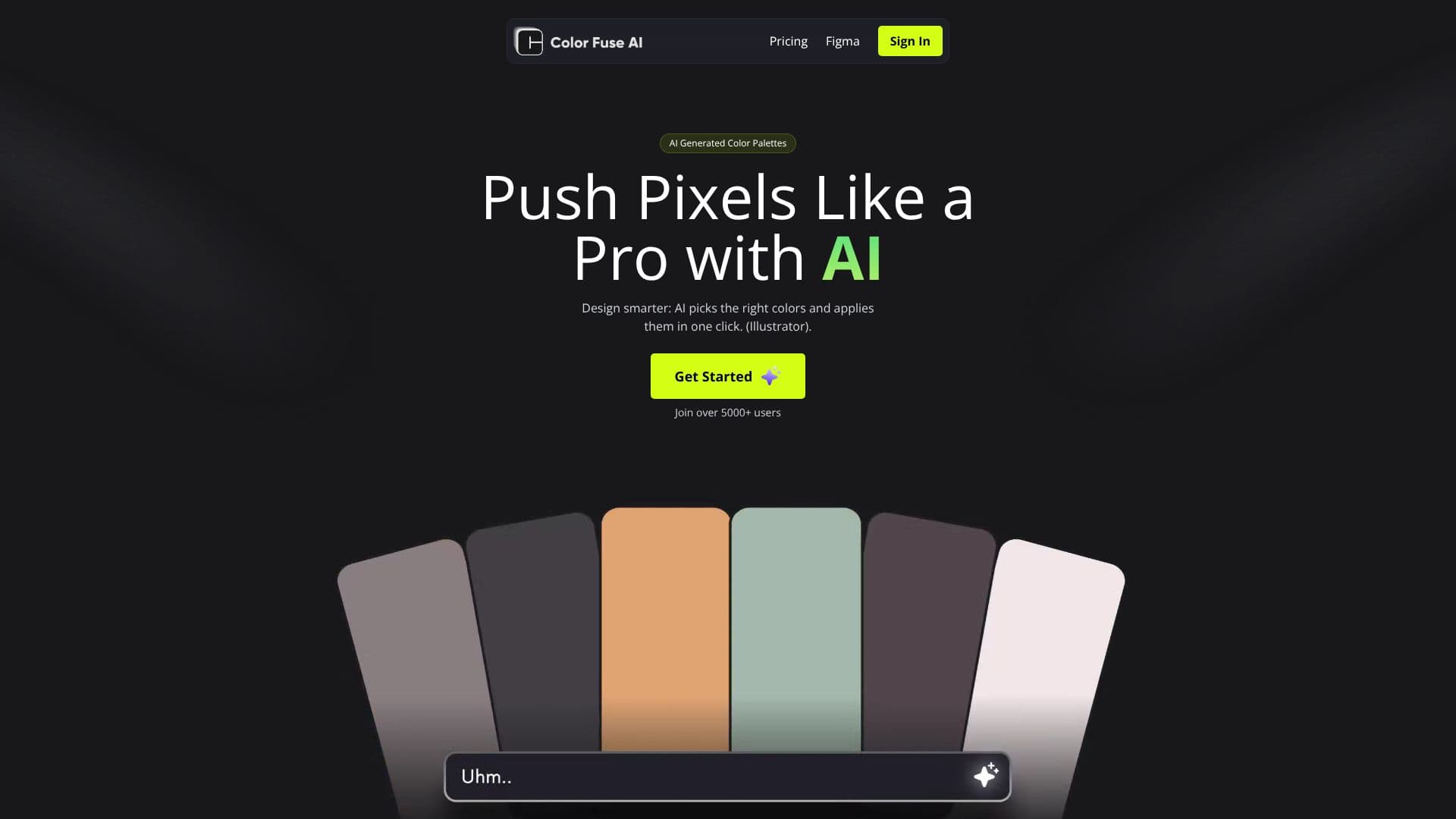
Color Fuse AI offers a novel approach to color palette generation, leveraging artificial intelligence through a conversational chat interface. This tool is designed to streamline the design process by helping users find and apply the perfect color schemes for their projects with unprecedented ease. By pushing pixels like a pro, designers can work smarter, with AI identifying and applying suitable colors in a single click.
Read More
The platform is accessible via a web interface and also provides plugins for popular design tools, including Adobe Illustrator and Photoshop (2022 or later), as well as Figma. This integration ensures that generated palettes can be seamlessly incorporated into existing workflows. Users can start with a free tier, which includes AI assistance for generating color schemes and customizing palettes, available on the web. This free option requires no credit card and provides access to the AI assistant for color scheme generation and palette customization across supported platforms.
For users requiring more advanced functionality, Color Fuse AI offers a Pro plan. This paid tier, priced at $8 per month, unlocks the ability to save and access palettes from anywhere, enhancing collaboration and project management. The Pro plan retains all the features of the free tier, including the AI assistant, color scheme generation, palette customization, and support for Illustrator, Photoshop, and Figma. It also allows for one-click application within Illustrator and the saving of palettes.
Color Fuse AI aims to eliminate the time-consuming task of manually searching for complementary colors. The service boasts a growing user base, with over 8,000 users already benefiting from AI-driven color generation. The company provides clear pathways for support and account management through its FAQs, addressing common queries about subscriptions, installations, and account deletion. The platform is committed to user privacy and service terms, with links to its Privacy Policy and Terms of Service available.
- CategoryAI Graphic Design Tools
- Pricing ModelFreemium
- DeploymentCloud
- PlatformsWeb, Illustrator, Photoshop, Figma
Color Fuse AI's Core Features
AI-powered color palette generation
Conversational AI assistant for color schemes
One-click color application for Illustrator
Integration with Adobe Illustrator
Integration with Adobe Photoshop
Integration with Figma
Web-based free tier
Pro plan for advanced features
Save and access palettes from anywhere (Pro)
Customizable palettes
ZXP file download for plugins
How to use Color Fuse AI?
Access the AI Chat: Engage with the AI assistant via the web interface or integrated plugins.
Generate Palettes: Describe your project needs or preferences to the AI to receive color scheme suggestions.
Customize Palettes: Refine the AI-generated palettes to perfectly match your vision.
Apply Colors: Utilize the one-click apply feature for Illustrator or manually apply colors in other supported tools.
Save Palettes: Store your favorite palettes for future use, especially with the Pro plan.
Upgrade for More: Consider the Pro plan to unlock features like cross-platform palette saving and access.
Color Fuse AI's Use Cases
- Generate Brand Colors
- Web Design Palettes
- Graphic Design Projects
- UI/UX Design
- Presentation Design
- Color Inspiration