
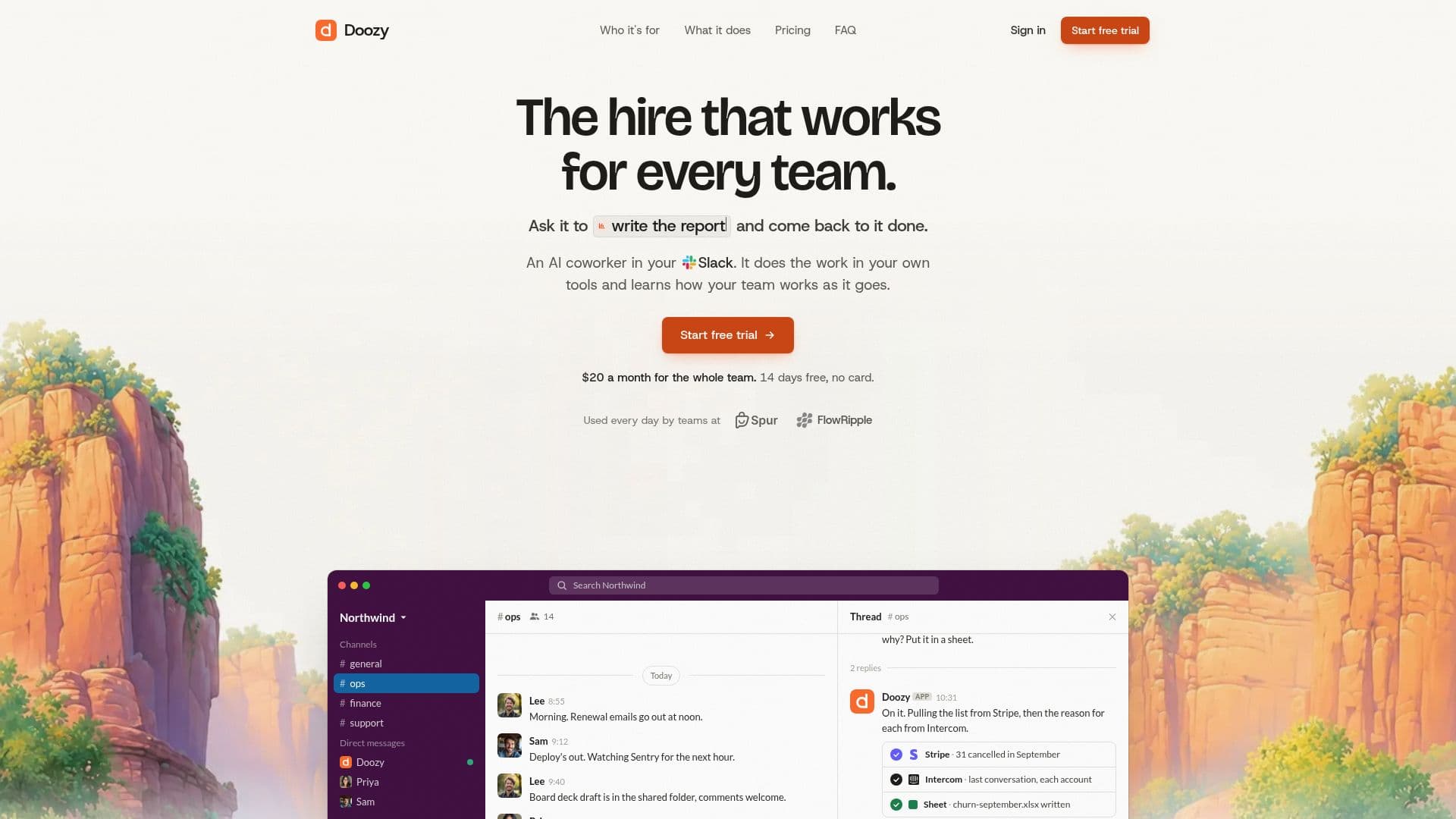
Description
Doozy is an AI coworker that integrates seamlessly into Slack, designed to assist teams in support, operations, sales, and engineering. By mentioning @Doozy in a Slack thread, users can assign real tasks that Doozy executes using their existing tools. It learns and adapts to company-specific workflows, enhancing efficiency over time. Doozy is used daily by companies like Spur and FlowRipple, offering a 14-day free trial without requiring a credit card.
Read More
Doozy operates in a secure environment, ensuring that passwords and API keys remain protected. Each request runs in its own sandbox, and sensitive information is only used when necessary. Users have control over which tools Doozy can access, and it cannot make changes without permission. On GitHub, for instance, it can open pull requests but cannot merge them or push to the main branch.
The AI is included in every plan, but companies can opt to use their own AI models from providers like OpenAI, Anthropic, Google, or DeepSeek. Doozy supports integrations with Slack, GitHub, and other tools like Linear, Notion, HubSpot, Stripe, and Sentry. It can also interact with any tool that has an MCP server.
Doozy offers simple pricing plans based on workspace usage rather than per-person fees. The Starter plan costs $20 per month, while the Pro, Team, and Scale plans offer increased usage allowances at higher prices. Users are notified when they approach their usage limits, and additional usage packs can be purchased if needed.
Doozy is designed for ease of use, requiring no engineering expertise to set up. Users simply add it to Slack, connect their tools, and start assigning tasks. It provides detailed records of its actions, ensuring transparency and accountability. Doozy is a valuable tool for teams looking to streamline their workflows and improve productivity.
- CategoryAutomation & Agents
- Pricing ModelFreemium
- DeploymentCloud
- PlatformsSlack, GitHub
Doozy's Core Features
Slack integration
GitHub integration
Custom AI model support
Secure sandbox environment
Usage-based pricing
14-day free trial
No credit card required
Task automation
How to use Doozy?
Add Doozy to Slack: integrate the tool
Connect tools: link existing systems
Mention Doozy: assign tasks in threads
Monitor progress: track task completion
Doozy's Use Cases
- Support Automation
- Sales Operations
- Engineering Tasks
- Operations Management
- Data Reconciliation