Description
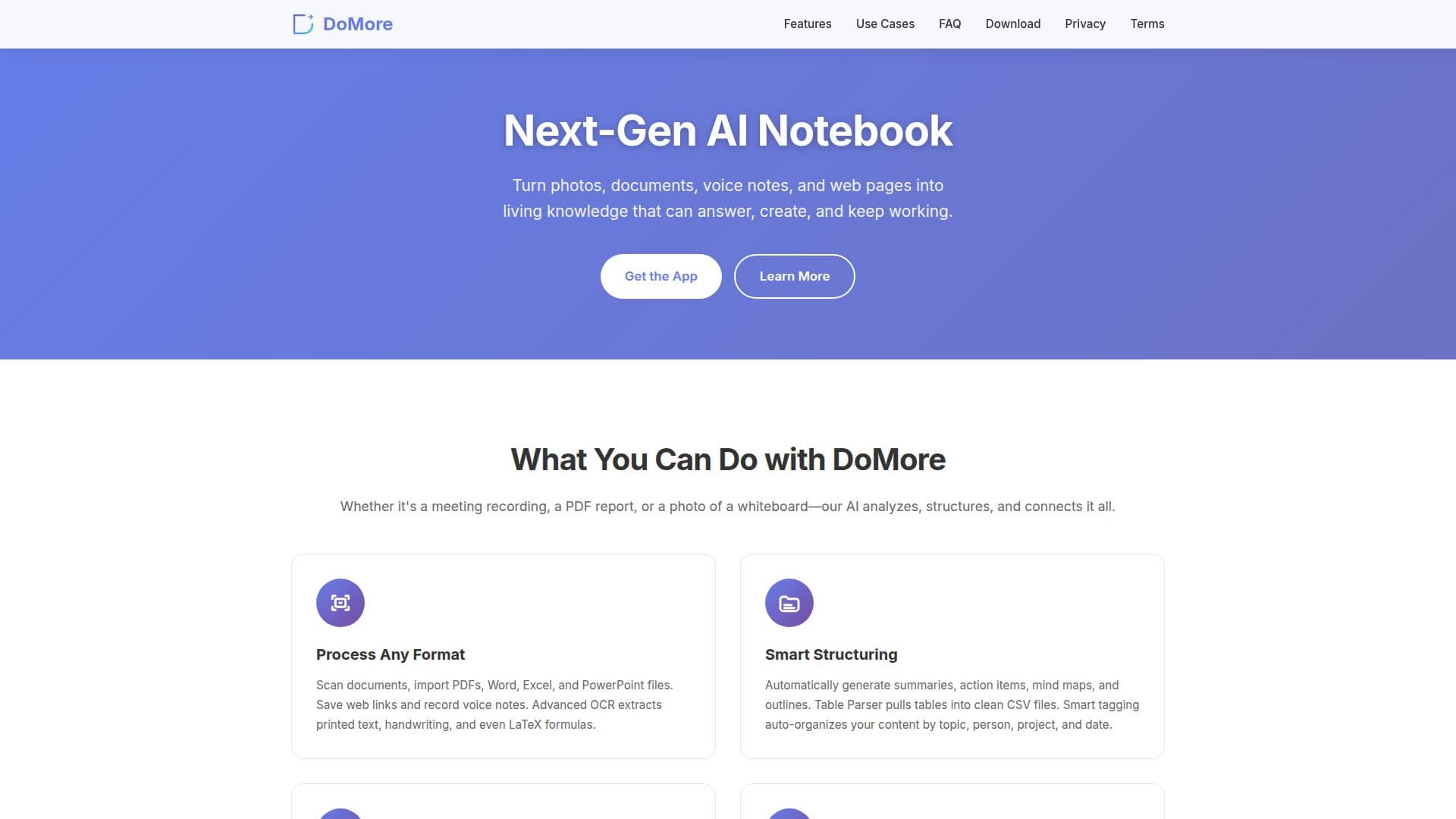
DoMore is an innovative AI notebook designed to convert diverse types of information, such as photos, PDFs, documents, and voice notes, into a structured and interactive knowledge base. This tool is particularly beneficial for students, researchers, and professionals who handle large volumes of complex information. With advanced OCR capabilities, DoMore can extract printed text, handwriting, and even LaTeX formulas, making it a versatile tool for academic and professional use.
Read More
The platform offers features like transcription, translation, and summarization, allowing users to quickly derive insights from lengthy content. Users can generate summaries, action items, mind maps, and outlines automatically, which helps in organizing and understanding information more efficiently. The Table Parser feature enables the extraction of tables from images or PDFs into clean CSV files, facilitating easy data manipulation.
DoMore supports a wide range of file imports, including PDF, Word, Excel, and PowerPoint files, and allows users to save web links and record voice notes. The tool also provides seamless export options to formats like PDF, DOCX, TXT, HTML, Markdown, CSV, or XLSX, and can generate shareable interactive webpages and podcasts.
Security and privacy are prioritized, with end-to-end encryption ensuring that user data remains private and secure. The platform is built on Google Cloud, and users have full control over their data, with options to access, export, or delete it at any time.
DoMore is available for free, making it accessible to a wide range of users. Its ability to sync across mobile and web platforms ensures that users can access their knowledge base wherever they are, enhancing productivity and collaboration.
- CategoryAI Knowledge Management
- Pricing ModelFree
- DeploymentCloud
- PlatformsWeb, Mobile
DoMore's Core Features
Advanced OCR for text and handwriting
Real-time transcription of voice notes
Automatic summarization and translation
Export to multiple formats including PDF and DOCX
Interactive webpage and podcast generation
End-to-end encryption for data security
Cross-device sync for mobile and web
Smart tagging and organization
How to use DoMore?
Import: Add photos, PDFs, and documents
Organize: Use smart structuring features
Interact: Chat with your knowledge base
Export: Share in various formats
DoMore's Use Cases
- Meeting Transcription
- Lecture Review
- Paper Summary
- Exam Preparation
- Creative Asset Management