Description
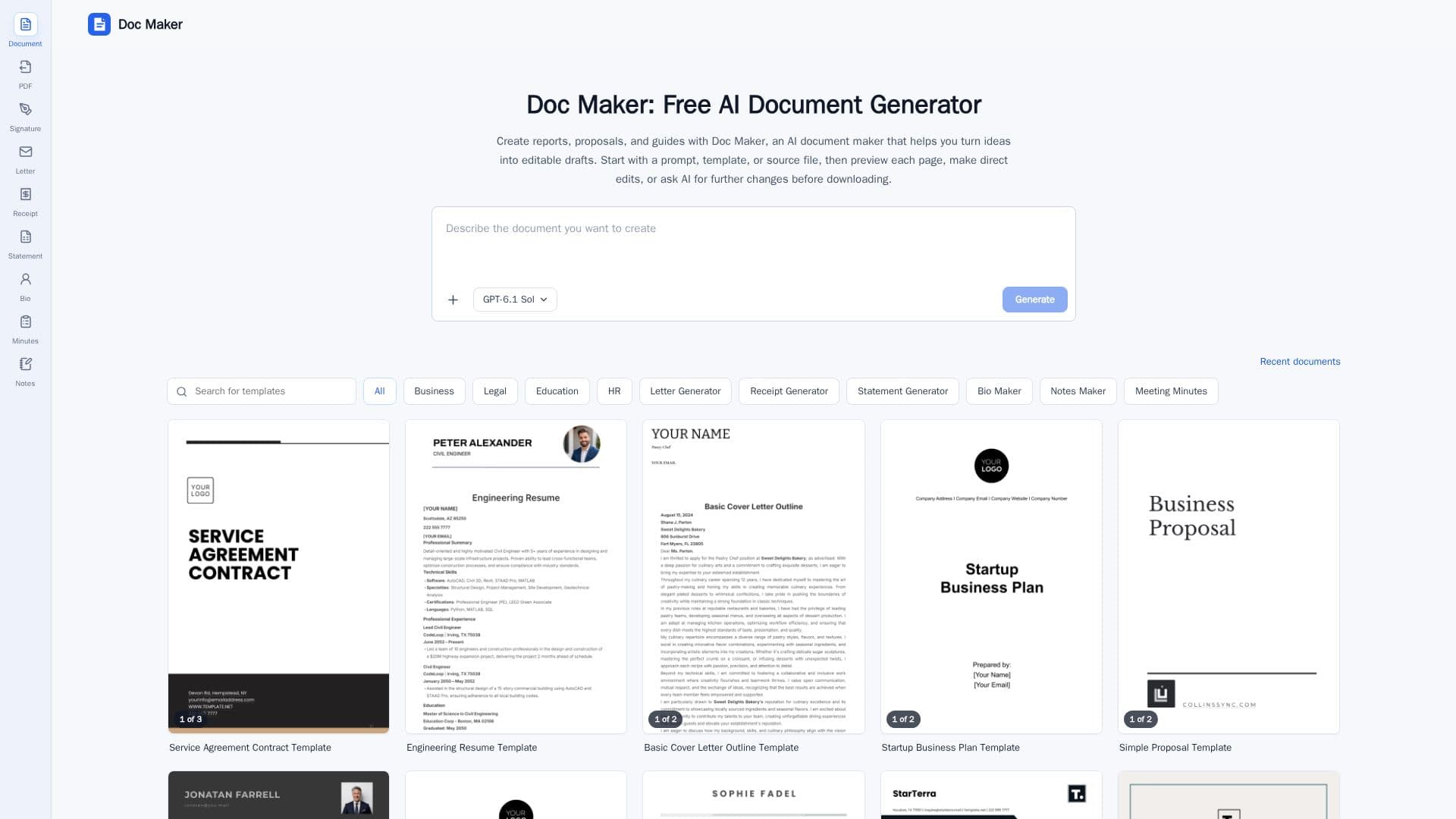
Doc Maker is an AI document generator and online editor designed to streamline the creation of various structured documents, including reports, proposals, briefs, business plans, SOPs, guides, research drafts, and handbooks. The platform enables users to transform ideas or existing content into editable drafts through a clear, three-stage process: generate, review, and revise.
Read More
Users can initiate document creation by providing a prompt, selecting a template, or uploading source files such as PDF, DOCX, TXT, CSV, and XLSX. The AI document generator then organizes headings, paragraphs, lists, and tables across multiple pages, providing an initial structure. This helps overcome the challenge of starting with a blank page and ensures an organized layout from the outset.
After the initial draft is generated, Doc Maker offers comprehensive online editing capabilities. Users can directly edit text within the workspace, adjusting formatting like text size, color, alignment, bold, and italic styles. The platform also integrates an AI writing assistant, allowing users to request revisions such as shortening sections, adding detail, or reorganizing content. A key feature is the ability to keep earlier versions of documents in the same workspace, facilitating iterative refinement.
Doc Maker displays drafts as A4 pages, enabling users to preview headings, tables, spacing, and page breaks before downloading. This ensures that layout issues can be addressed proactively. Once satisfied, documents can be downloaded in DOCX, PDF, or both, depending on the document and template.
The tool is free to use, offering up to 20 document generation or AI revision requests per 24-hour period without requiring an account. Direct edits do not count towards this limit. Doc Maker is suitable for business professionals, students, researchers, operations teams, and independent professionals, helping them create various documents efficiently while maintaining control over content and formatting. The platform emphasizes keeping the entire workflow—from initial instructions to final download—within a single environment.
- CategoryAI Document & PDF Tools
- Pricing ModelFree Tier
- DeploymentCloud
- PlatformsWeb
Doc Maker's Core Features
Generate structured documents with AI
Preview documents as A4 pages
Edit text directly in the online workspace
Adjust text formatting (size, color, alignment, bold, italic)
Refine drafts with AI (shorten, expand, reorganize content)
Download documents in DOCX and PDF formats
Start without an account
Upload PDF, DOCX, TXT, CSV, and XLSX files as source material
Keep earlier versions of drafts in the workspace
Use templates or provide custom prompts
Create reports, proposals, briefs, and guides
Supports business plans, SOPs, research drafts, and handbooks
Combines generation, preview, and editing in one workflow
Does not publish uploads or generated drafts publicly
How to use Doc Maker?
Describe Needs: Tell Doc Maker what document to create, its audience, and key topics. Use a clear brief, choose a template, or upload reference files.
Generate & Preview: Answer follow-up questions or skip, then let the AI generate a draft. Review it page by page in the online workspace.
Edit & Refine: Make direct text edits or ask the AI to revise content (e.g., shorten, expand, reorganize sections).
Download Document: Once satisfied, open the Download menu and select available formats like DOCX or PDF.
Doc Maker's Use Cases
- Client Proposal Drafting
- Operations Report Generation
- Research Draft Organization
- Standard Operating Procedure Creation
- Service Guide Development
- Employee Handbook Updates
- Client Brief Preparation
- Market Overview Summaries
- Study Guide Creation