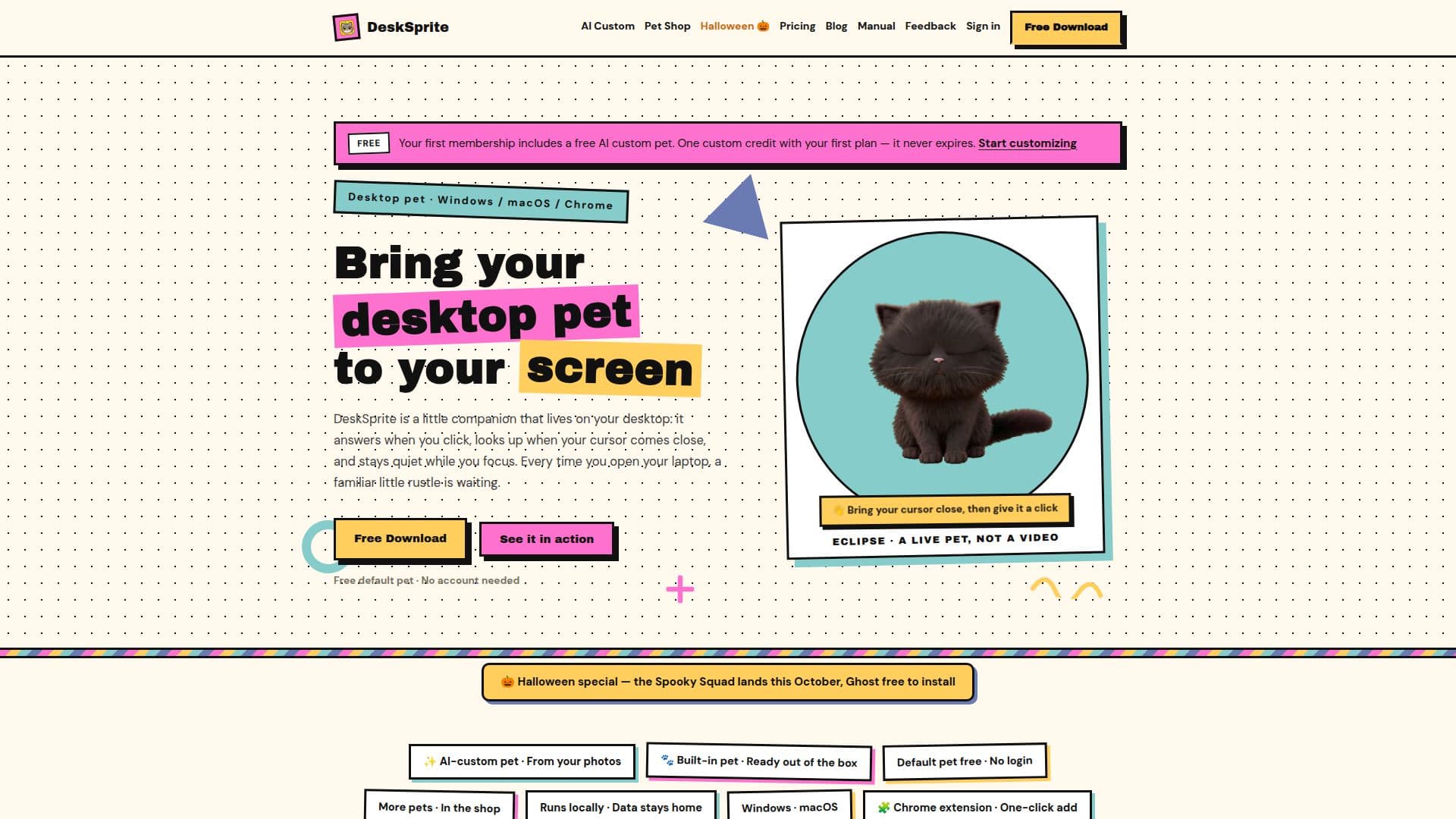
Description
DeskSprite is a unique desktop pet application available for Windows and macOS, offering users a virtual companion that interacts with their desktop environment. The app is free to download and does not require an account for its basic features. Upon installation, a default pet is available, which responds to user interactions such as clicks and cursor movements. The app also includes a Pomodoro timer to assist users in managing their focus sessions.
Read More
Users can explore a variety of pets in the DeskSprite shop, where free pets can be installed with a single click. For those seeking more personalized experiences, DeskSprite offers an AI customization feature. By uploading 1-3 photos of their own pet, users can create a custom desktop pet that retains the unique characteristics of their real-life pet. This feature is available as part of a membership, which also unlocks access to premium pets.
DeskSprite supports both Windows and macOS platforms, with a Chrome extension available for users who prefer to have their pet accompany them while browsing. The extension is compatible with Chrome, Edge, and other Chromium-based browsers. The app ensures user data privacy by keeping all pet assets and settings on the local machine, with the exception of the AI customization feature, which uses uploaded photos solely for generating custom pets.
Membership options include annual and lifetime plans, priced at $19.99 and $39.99 respectively. These plans provide access to all premium pets and include one free AI custom pet credit. DeskSprite is developed and maintained by an independent developer, emphasizing transparency and user feedback in its operations.
- CategoryAI Companions
- Pricing ModelFreemium
- DeploymentDesktop app
- PlatformsWindows, macOS
DeskSprite's Core Features
Free desktop pet app for Windows and macOS
Interactive pets that respond to clicks and cursor
Pomodoro timer for focus sessions
AI customization for creating custom pets
Free and premium pets available in the shop
Chrome extension for browser integration
Local data storage for privacy
Membership plans with additional benefits
How to use DeskSprite?
Download: Install DeskSprite from the website
Launch: Open the app to meet your default pet
Interact: Click and move your cursor to engage
Customize: Use AI Custom to create a personal pet
DeskSprite's Use Cases
- Virtual Pet Companion
- Focus Management
- Custom Pet Creation
- Browser Integration
- Membership Benefits