

Description
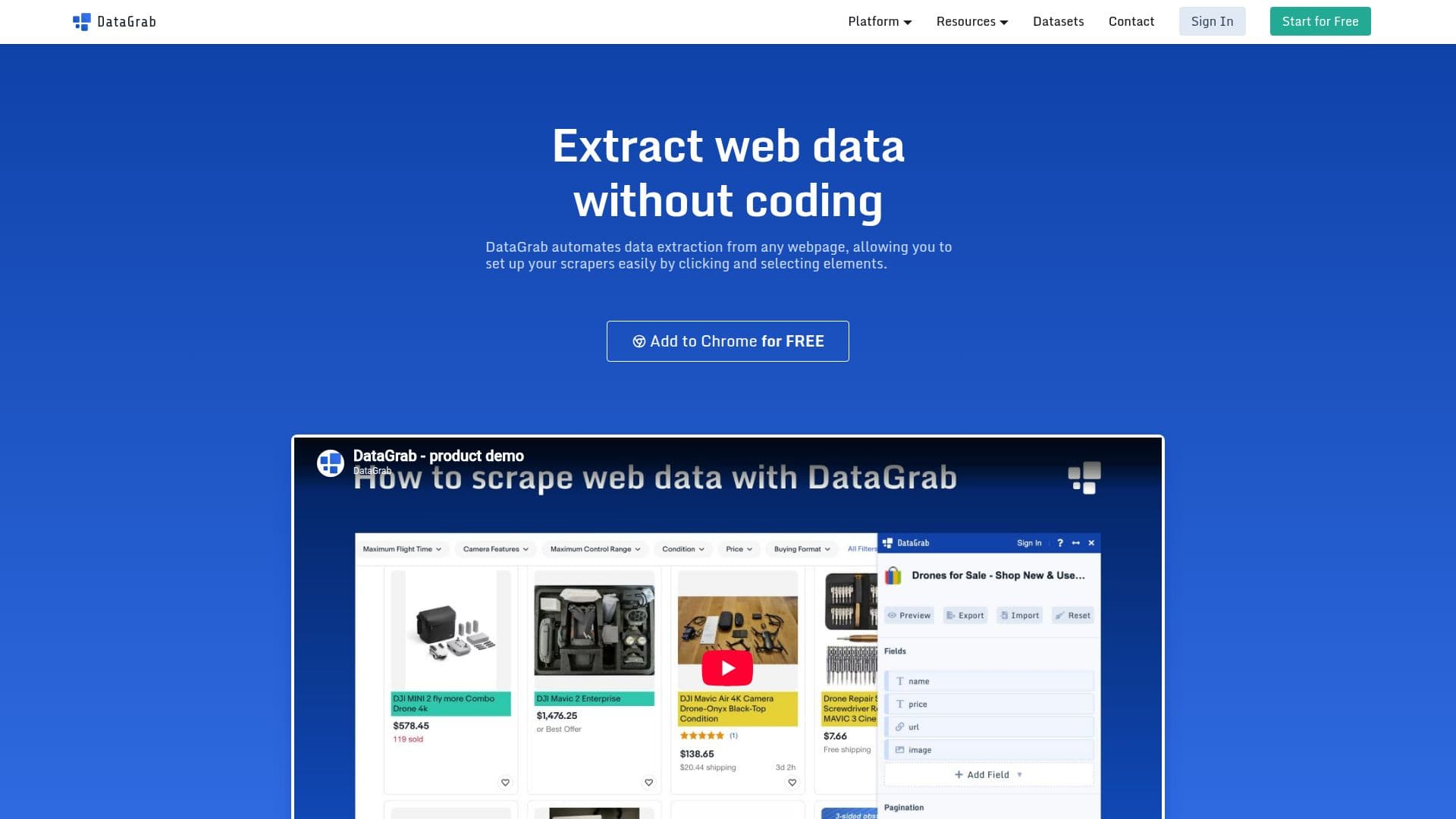
DataGrab is a powerful tool designed to automate the extraction of data from web pages. It allows users to set up scrapers easily by clicking and selecting elements, eliminating the need for coding skills. This makes it accessible to both beginners and experienced developers. The tool is versatile, supporting a range of use cases such as lead generation, price monitoring, real estate investment, and data aggregation. Users can extract high-quality leads from platforms like yellow pages and social networks, adjust pricing strategies by monitoring competitors, and make informed real estate investments based on recent data.
DataGrab offers a visual setup through a Chrome extension, allowing users to configure scrapers via a point-and-click interface. Once set up, scrapers can be run in the browser or in the cloud, with data downloadable in CSV or JSON format. The tool handles dynamic sites using JavaScript techniques like infinite scroll and 'load more' buttons, and it supports pagination to scrape through all pages of a listing.
To ensure seamless data extraction, DataGrab includes features like proxy support to avoid being blocked during multiple parallel requests, and workflows to scrape complex sites. It also offers data cleaning capabilities, including deduplication and transformations, to maintain data quality. The cloud service allows users to scrape data at scale without keeping their browser open, and data retention ensures that users can access their data anytime.
DataGrab integrates with Google Sheets, with more integrations planned, making it easy to push data to other platforms. The tool is highly recommended by users for its simplicity and effectiveness, making it a valuable asset for businesses looking to build data-driven strategies.
DataGrab's Core Features
Visual Setup
Pagination
Dynamic Sites
Proxies
Workflows
Data Cleaning
Cloud Service
Data Retention
Google Sheets Integration
How to use DataGrab?
Configure: Set up your scraper using the Chrome extension
Run: Execute the scraper in your browser or in the cloud
Download: Retrieve your data in CSV or JSON format
Optimize: Use workflows and data cleaning for better results
DataGrab's Use Cases
- Lead Generation
- Price Monitoring
- Real Estate
- Data Aggregation
- AI Training