
Description
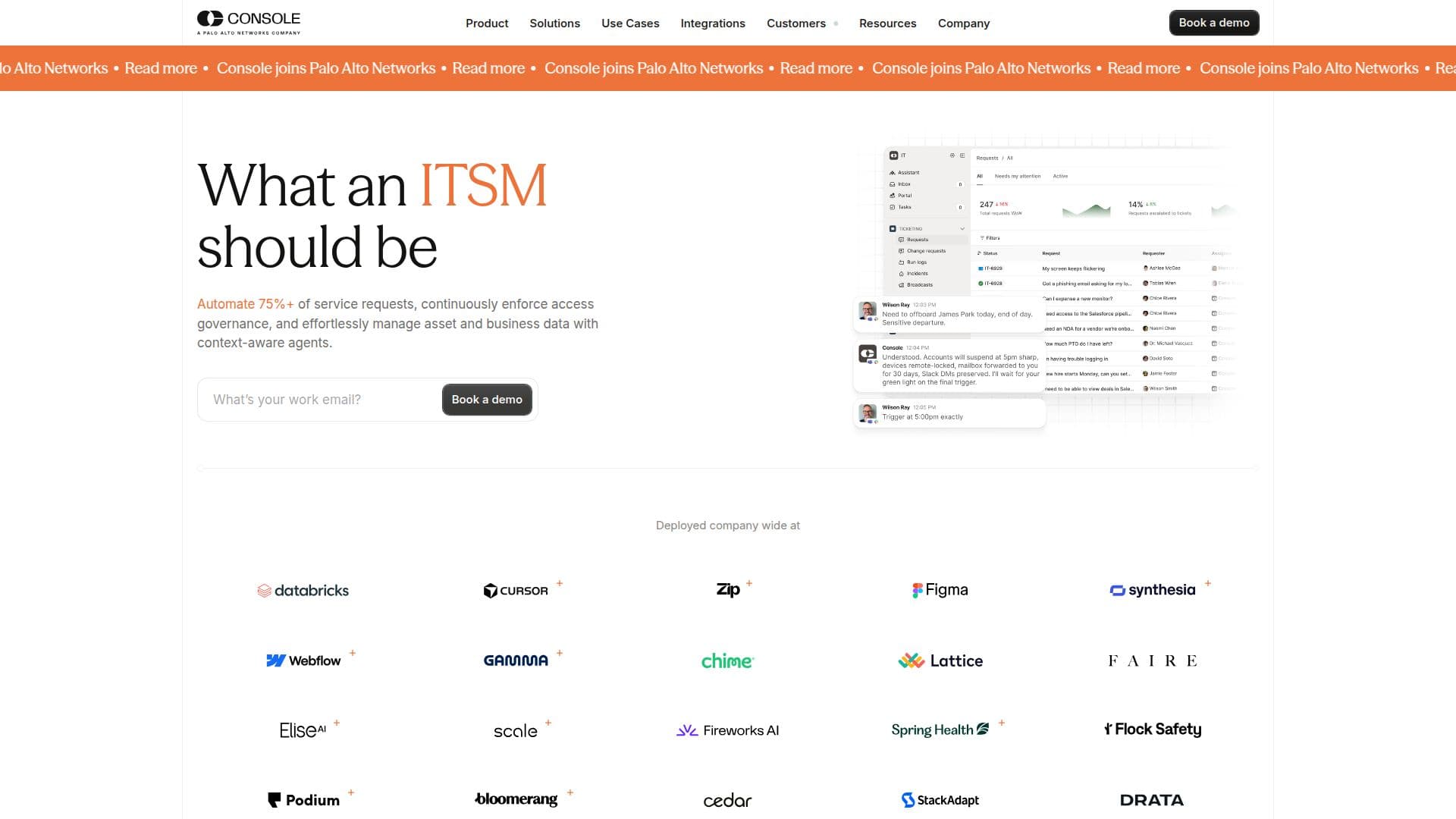
Console is an AI-native IT service management (ITSM) platform designed to automate IT support requests within Slack and Microsoft Teams. It utilizes AI agents trained on company-specific workflows, policies, and knowledge bases to resolve tickets autonomously. Console aims to shift teams from performing manual tasks to managing systems that perform these tasks automatically.
Read More
The platform boasts the ability to automate over 75% of service requests, enforce access governance, and manage asset and business data through context-aware agents. Console integrates with hundreds of applications and can self-build integrations using natural language instructions, eliminating the need for engineering resources.
Console supports various functions across IT, HR, Legal, RevOps, Security, and Finance, handling tasks from onboarding and offboarding to app access requests and password resets. It offers features like intelligent ticketing, workflow automation, access governance, and asset management.
Security is a priority for Console, featuring multi-layered, enterprise-grade security with end-to-end encryption, seamless SSO, SCIM, and comprehensive audit logs. It provides deterministic approvals for sensitive actions and step-up MFA for high-risk actions.
Console is modular, built on a Context Graph that connects every user, system, policy, and ticket, allowing IT teams to focus on strategic work. The platform is designed to be a force multiplier, enabling small teams to perform the work of much larger ones.
- CategoryAI Help Desk Tools
- DeploymentCloud
- PlatformsSlack, Teams
Console's Core Features
AI-native ITSM platform
Automates IT support requests
Slack and Teams integration
AI agents trained on workflows
Automate 75%+ of service requests
Access governance enforcement
Asset and business data management
Self-build integrations with APIs
Multi-layered security
Deterministic approvals
Step-up MFA
Seamless SSO & SCIM
Comprehensive audit logs
Modular platform
Context Graph
How to use Console?
Configure: Set up integrations and workflows
Use: Automate service requests and governance
Optimise: Monitor and improve system performance
Integrate: Connect with hundreds of applications
Console's Use Cases
- Employee Onboarding
- App Access Requests
- Password Resets
- Device Lockout Recovery
- Hardware Requests