
Description
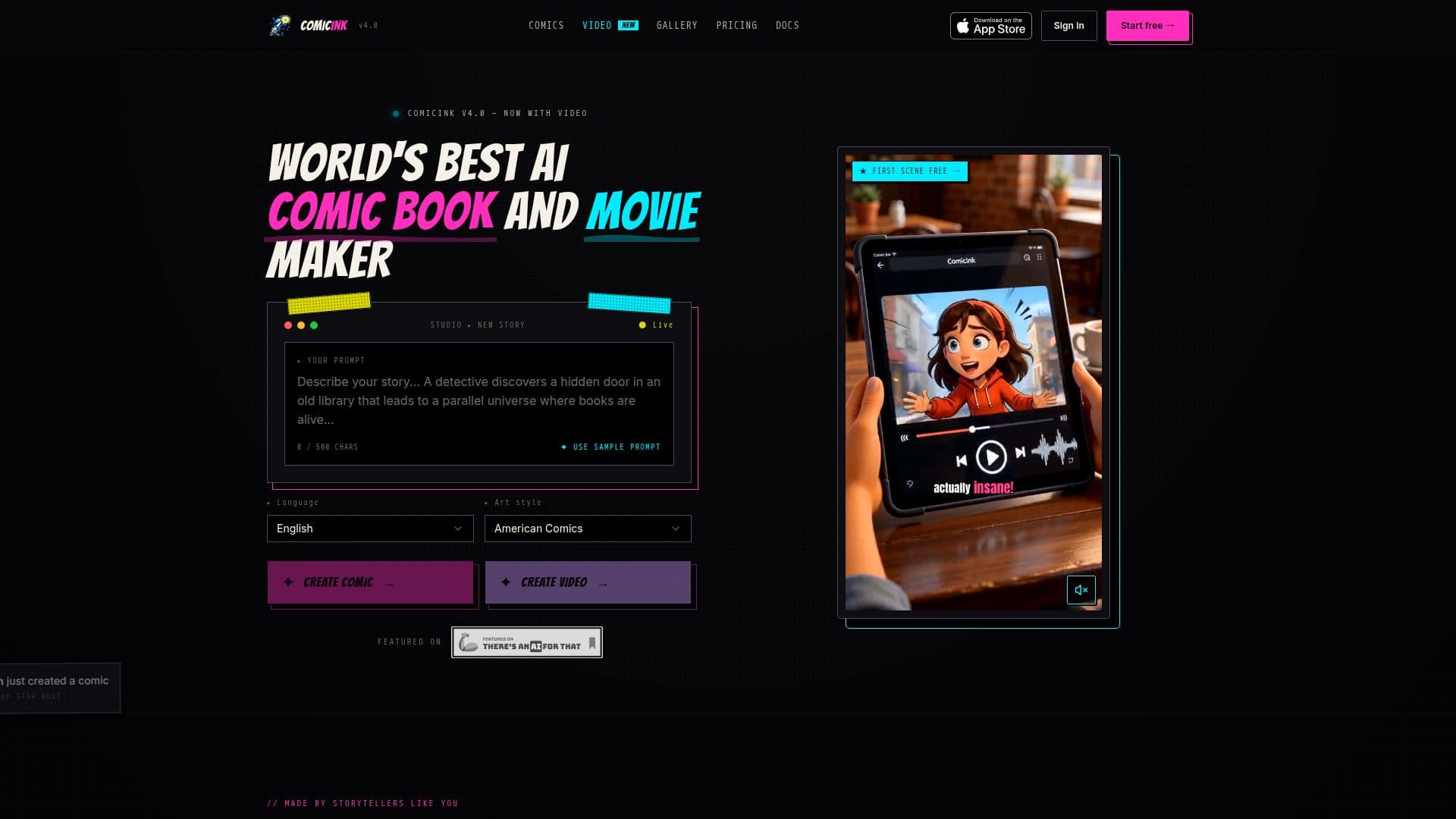
ComicInk is an AI-powered comic book and video creation platform. You write story ideas and the AI generates the artwork, including characters, pages, panels, and covers, with no drawing skills required. A built-in AI teammate called Sidekick can write scripts, build your cast, generate pages and video scenes, and fix panels. Character definitions and reference images keep characters as consistent as possible across pages and panels, and every page gets up to two free error fixes.
Read More
Beyond static comics, ComicInk converts a comic issue, or a fresh prompt, into a narrated animated film. The Story Videos feature auto-storyboards the story into scenes, locks the cast, props, and locations so they stay consistent, and renders moving panels with spoken dialogue, auto-timed captions, background music, and camera motion, exporting a 720p MP4 or WebM. It supports 12 art styles for comics (American Comics, Manga, Manhwa, European BD, Cartoon, Realistic, Noir, Watercolor, Digital Art, Vintage/Retro, Chibi, and Pixel Art) plus cinematic styles for video, and generation in around 20+ languages. Creators can build multi-issue series with a persistent world, collaborate with others by email, and there is an iOS app.
Pricing is credit-based with no subscription. New accounts get 100 free credits (no card), the first two comic pages and first film scene render free, and credits never expire. Comic pages and covers cost 50 credits each, while character, asset, world, and title images cost 10 credits; video is billed per second (roughly 150 credits per second at 720p). Creators can publish free to a public gallery or sell issues through a branded Creator Store, keeping 70% of each sale paid via Stripe.
- CategoryAI Animation Tools
- Pricing ModelFreemium
- DeploymentCloud
- PlatformsWeb, iOS
ComicInk's Core Features
AI-generated comic pages, panels, characters, and covers from text
Character Lock for consistent characters across pages and scenes
12 comic art styles plus cinematic styles for video
Story Videos: turn comics or prompts into narrated animated films
Sidekick AI assistant for scripts, casting, and panel fixes
Up to 2 free error fixes per comic page
Creator Store to sell issues (70% revenue) and public gallery
Multi-issue series, collaboration, 20+ languages, and iOS app
How to use ComicInk?
Write your story: enter a logline, outline, or finished chapter, or use the AI to draft it.
Define characters and style: set each character once and pick one of 12 art styles.
Generate: let the AI render pages and panels with consistent characters.
Refine: use free error fixes and text edits to correct any page.
Publish, sell, or make a film: publish to the gallery, sell via your Creator Store, or convert the comic into a narrated video.
ComicInk's Use Cases
- AI comic books
- Narrated story videos
- Comic series and worlds
- Selling comics
- Social short-form content