
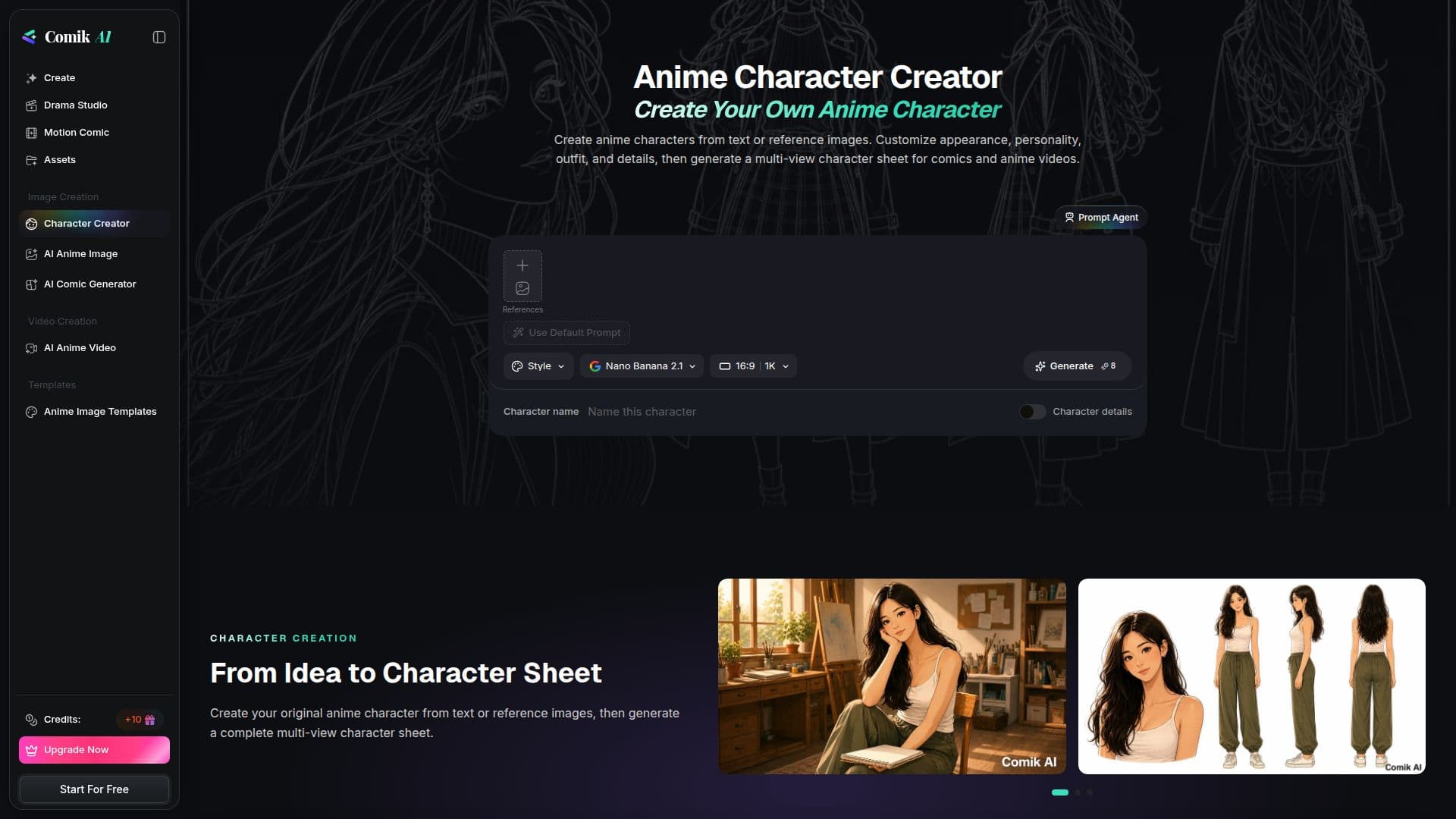
Description
Comik AI's Anime Character Creator is a tool designed for anime enthusiasts and creators who wish to bring their character ideas to life. By using text prompts or reference images, users can generate detailed multi-view character sheets. These sheets include a bust portrait and full-body front, side, and back views, all on a clean background. The tool allows for extensive customization, enabling users to define character names, personalities, outfits, actions, and scenes.
Read More
The platform offers a freemium pricing model, starting with 10 free AI credits for new users. These credits can be used to explore the core features of the tool, such as creating comic panels, anime images, and anime-style videos. Paid plans provide additional credits and access to advanced features, catering to both casual users and professional creators.
Comik AI is particularly useful for those involved in comics and anime video production, offering a seamless way to create character-consistent panels and videos. The tool also supports character editing and animation, allowing users to refine their creations and generate anime-style video clips.
The platform is accessible to a wide range of users, from hobbyists to professional artists, providing a user-friendly interface and comprehensive support for character creation and animation. With its focus on customization and ease of use, Comik AI stands out as a valuable resource for anyone looking to create original anime characters.
- CategoryAI Animation Tools
- Pricing ModelFreemium
- DeploymentCloud
- PlatformsWeb
Comik AI's Core Features
Multi-view character sheet generation
Text prompt-based character creation
Reference image support
Character customization options
Bust portrait and full-body views
Freemium pricing model
Character editing and animation
Anime-style video generation
How to use Comik AI?
Describe: Enter character details in the text prompt
Customize: Add optional personality, outfit, and scene details
Generate: Create a multi-view character sheet
Animate: Use the character sheet for anime-style videos
Comik AI's Use Cases
- Anime Character Design
- Character Sheet Generation
- Anime Video Production
- Custom Character Creation
- Reference Image Integration