Description
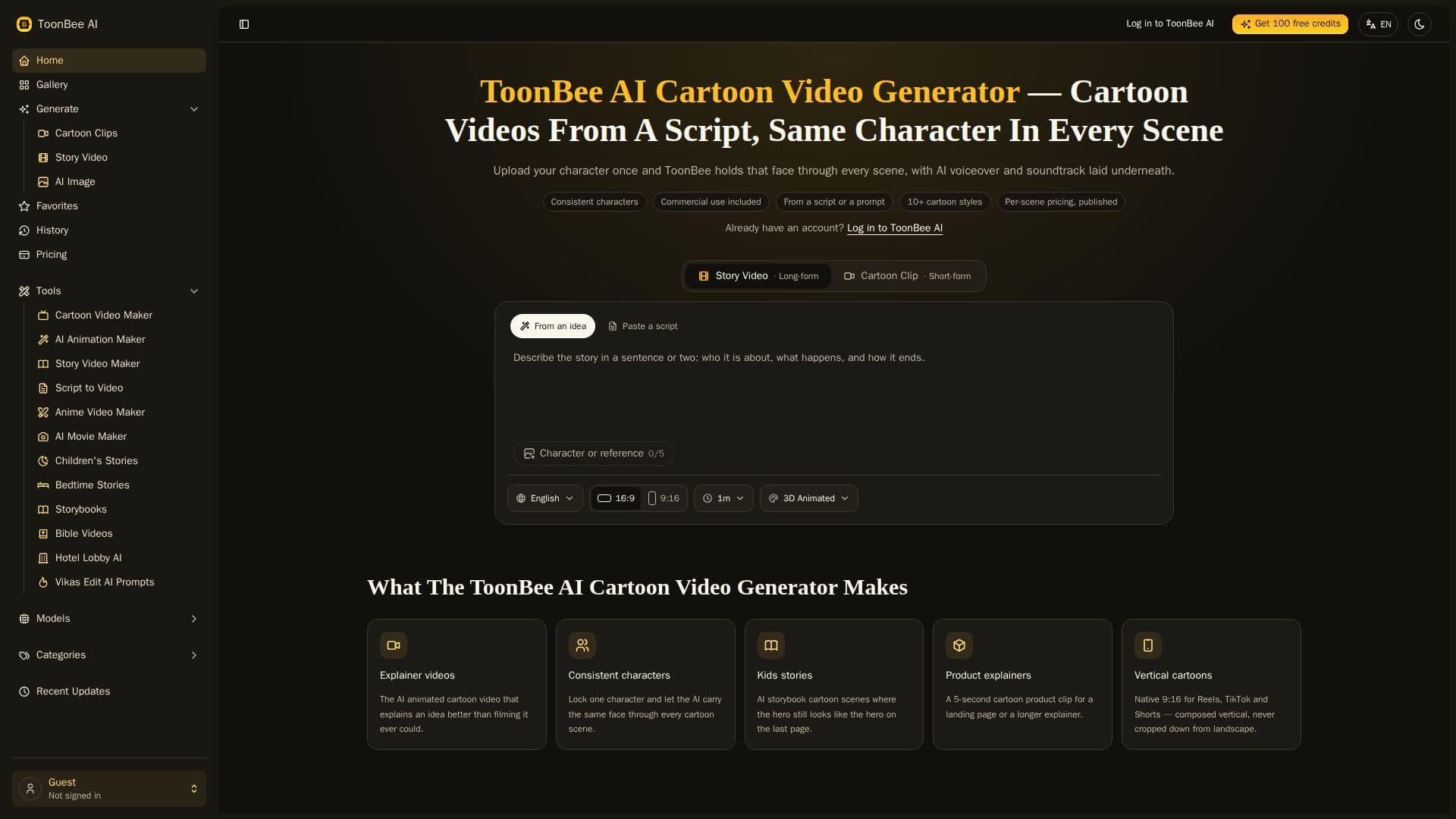
ToonBee AI is an innovative tool designed to convert scripts into animated cartoon videos quickly and efficiently. It ensures character consistency across scenes, a feature that sets it apart from other animation tools. Users can upload a reference image to maintain the same face, outfit, and proportions throughout the video. ToonBee AI supports various cartoon styles, including comic, anime, and 3D animation, allowing creators to choose the best fit for their project.
Read More
The platform operates on a credit-based system, with costs varying based on the model and scene complexity. A five-second scene ranges from 65 to 200 credits, while a 30-second story video can cost around 124 credits for still images or 924 credits if fully animated. ToonBee AI offers a free trial with enough credits to create a short scene, enabling users to experience the tool's capabilities before committing financially.
ToonBee AI is accessible via a web browser, eliminating the need for additional software or hardware installations. It supports Mac, Windows, and Linux systems, making it widely accessible. The tool also includes features like voiceover and music integration, enhancing the storytelling experience.
Pricing plans start at $39 per month for the Basic plan, offering 5,000 credits, and go up to $119 per month for the Max plan, which includes 20,000 credits. One-time credit packages are also available, starting at $9.90. ToonBee AI is suitable for creating educational videos, marketing content, and children's stories, providing a versatile solution for various creative needs.
- CategoryAI Animation Tools
- Pricing ModelFreemium
- DeploymentCloud
- PlatformsWeb
ToonBee AI's Core Features
Script to animated video conversion
Character consistency across scenes
Multiple cartoon styles available
Credit-based pricing model
Free trial credits for new users
Web-based platform, no installation required
Voiceover and music integration
Commercial rights included
How to use ToonBee AI?
Upload script: Provide your script or topic
Select style: Choose from various cartoon styles
Upload character: Use a reference image for consistency
Render video: Generate the animated video with selected options
Download: Obtain the final HD video file
ToonBee AI's Use Cases
- Educational Videos
- Marketing Content
- Children's Stories
- Explainer Videos
- Internal Training