


Description
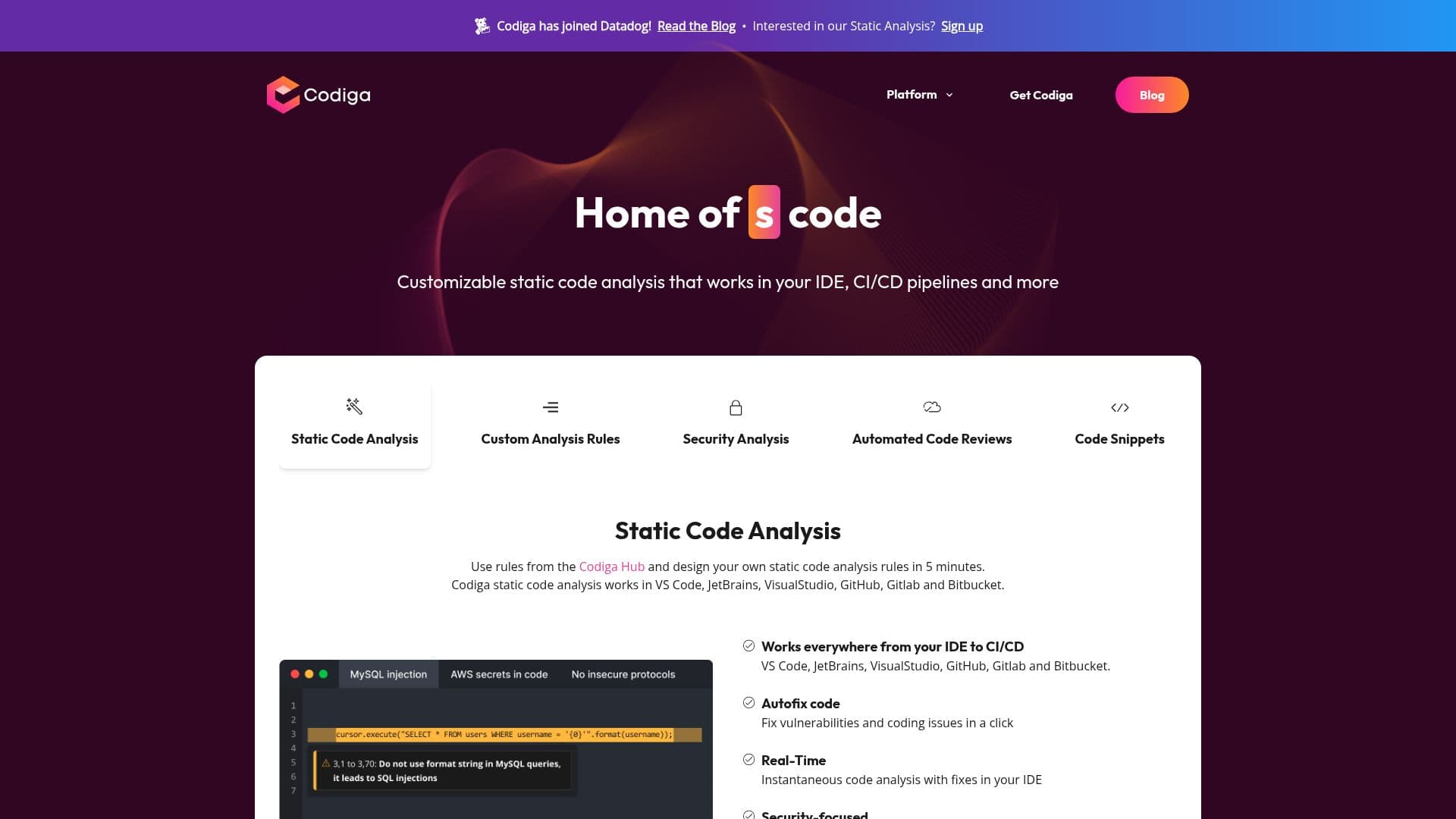
Codiga is a versatile static code analysis tool designed to improve code quality and security in real-time. It integrates seamlessly with popular IDEs like VS Code, JetBrains, and VisualStudio, as well as platforms such as GitHub, GitLab, and Bitbucket. Codiga allows developers to create and customize their own static code analysis rules, which can be shared publicly on the Codiga Hub or privately within teams. The tool supports over 1800 rules across more than 12 programming languages, providing comprehensive coverage for common threats and vulnerabilities, including OWASP Top 10 and SANS/CWE Top 25.
Codiga's real-time analysis engine detects issues instantly and suggests fixes directly within the IDE, streamlining the development process. It also offers automated code reviews, significantly reducing the time required for manual reviews. Security is a top priority, with features like automated security fixes and detection of leaked secrets such as SSH keys and API tokens.
The platform is backed by robust security policies, ensuring that source code is never stored on its servers. Codiga is hosted on AWS, with encrypted communications and a commitment to privacy. Founded by seasoned engineers, Codiga aims to help developers write better code faster, addressing technical debt and enhancing productivity. The tool is ideal for software developers, engineers, and teams looking to optimize their coding practices and maintain high standards of security and quality.
Codiga: Static Code Analysis Tool's Core Features
Real-time static code analysis
Customizable analysis rules
Integration with popular IDEs
Support for 12+ languages
Automated security fixes
Detection of leaked secrets
Automated code reviews
Shareable code snippets
How to use Codiga: Static Code Analysis Tool?
Configure: Set up Codiga in your IDE
Use: Write code and receive real-time analysis
Optimise: Create and share custom rules
Review: Conduct automated code reviews
Codiga: Static Code Analysis Tool's Use Cases
- Real-time analysis
- Custom rules
- Security fixes
- Code reviews
- Team collaboration