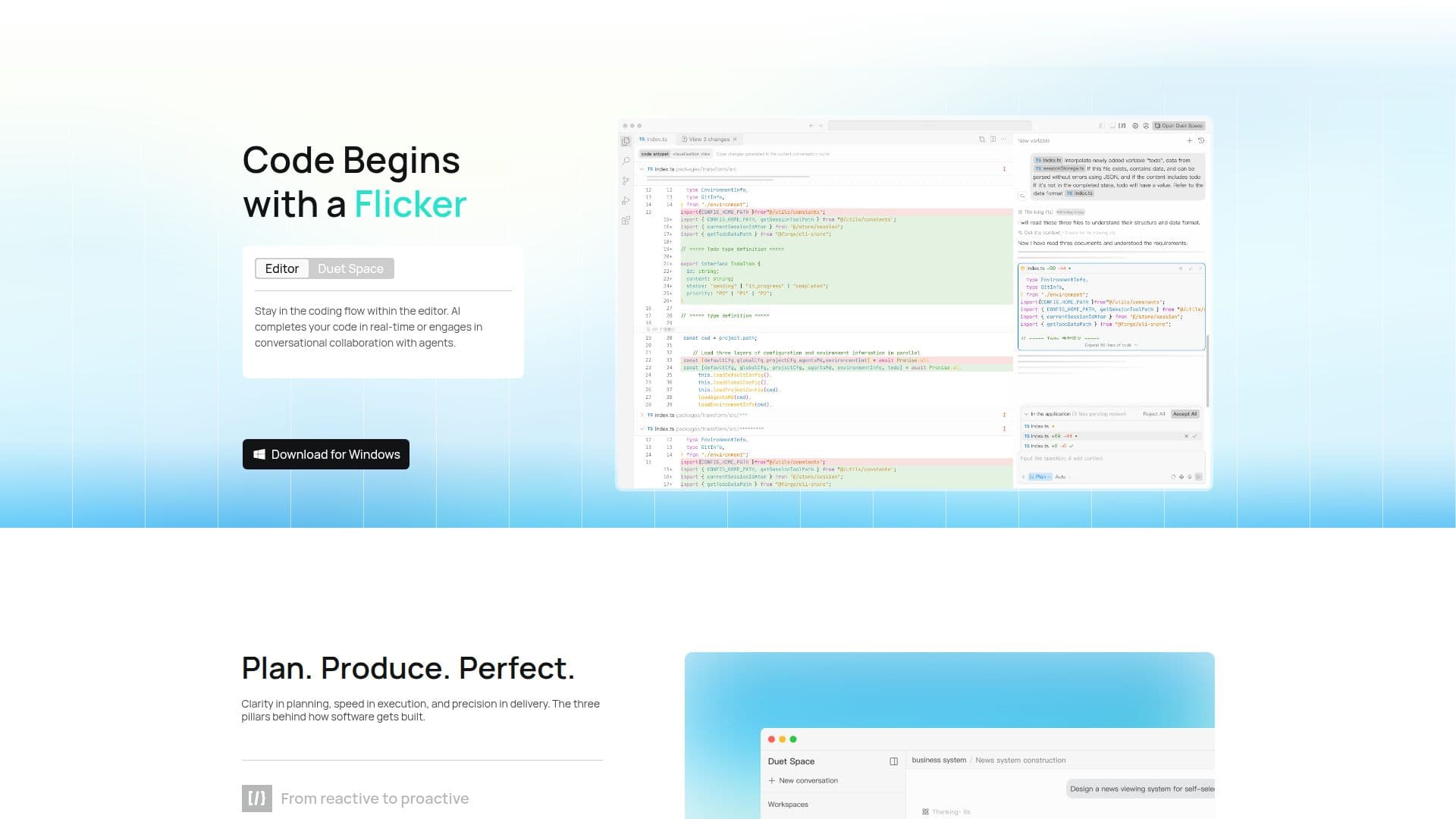
Description
CodeFlicker is an AI-powered intelligent code editor designed to revolutionize the development experience for programmers. It offers a suite of features including autonomous coding agents that facilitate engineering-grade code changes without disrupting workflow. The context-aware code completion feature intelligently suggests code based on the development context, enhancing coding efficiency.
Read More
One of the standout features of CodeFlicker is its ability to convert Figma designs into pixel-perfect frontend code, streamlining the design-to-development process. The platform supports a wide range of programming languages, including JavaScript, TypeScript, Python, Go, C/C++, C#, and Java, making it versatile for various development needs.
CodeFlicker integrates seamlessly with popular IDEs such as VS Code, JetBrains, Android Studio, and Xcode, allowing developers to work within their preferred environments. Additionally, it offers an AI development platform for building custom agents and end-to-end AI workflows, further enhancing its utility for advanced users.
The integration with Kuaishou's private knowledge base provides a substantial 200K context window support, enabling developers to access a wealth of information and insights during the coding process. CodeFlicker is available at no cost, making it accessible to a wide audience of developers looking to enhance their coding capabilities.
Overall, CodeFlicker aims to shape a new paradigm of human-AI collaboration in software engineering, helping developers efficiently tackle complex engineering challenges and improve their productivity.
- CategoryAI Coding Assistants
- Pricing ModelFree
- DeploymentCloud
- PlatformsVS Code, JetBrains, Android Studio, Xcode
CodeFlicker's Core Features
Autonomous coding agents
Context-aware code completion
Figma to code conversion
IDE extension integration
AI development platform
Kuaishou knowledge base integration
Multi-language support
Free pricing model
How to use CodeFlicker?
Register: Sign up with Email, Google, or GitHub
Integrate: Connect with your preferred IDE
Develop: Use autonomous agents and code completion
Optimize: Convert Figma designs to code
CodeFlicker's Use Cases
- Frontend Development
- Code Completion
- Multi-language Support
- IDE Integration
- AI Workflow Creation