


Description
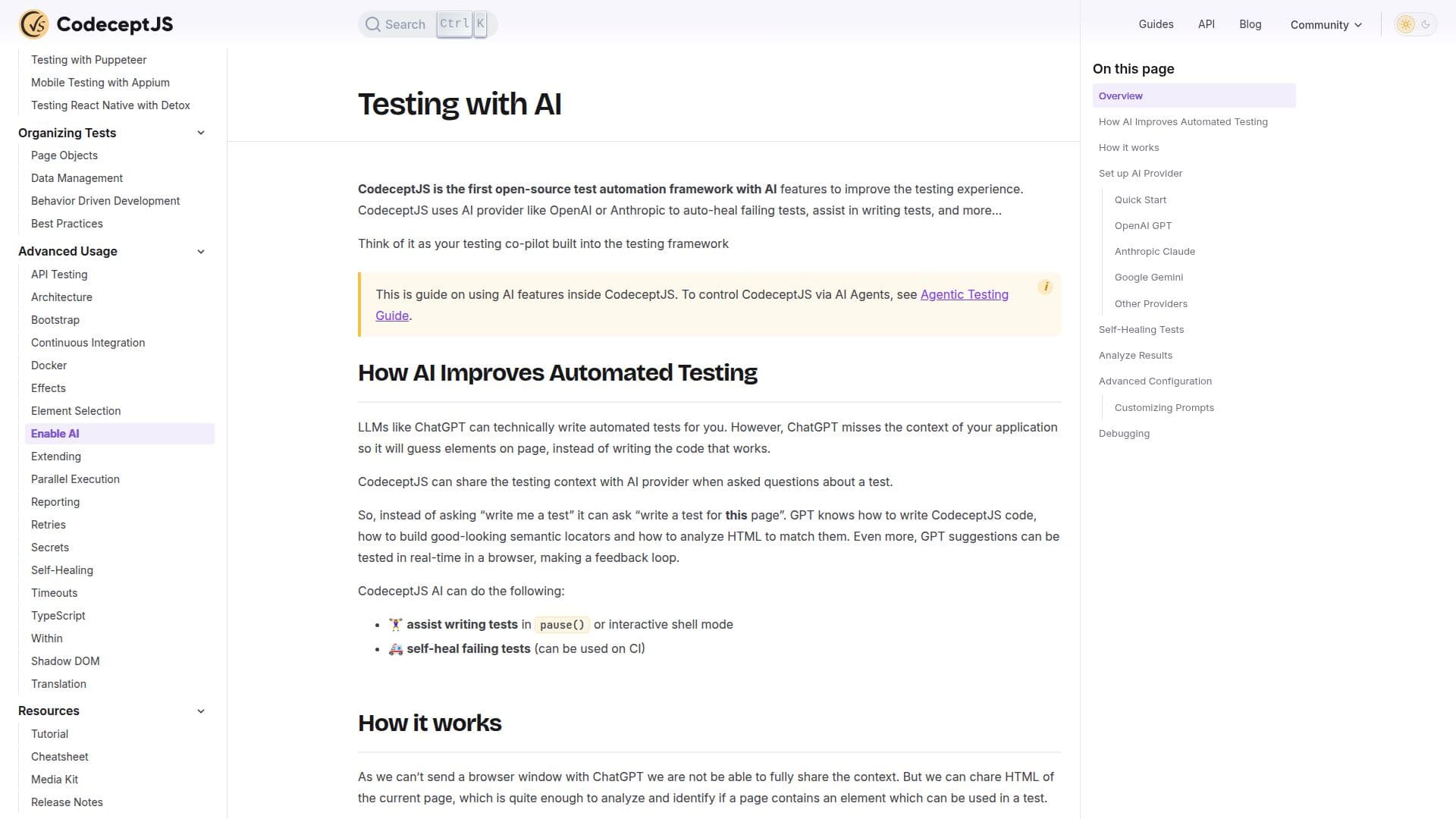
CodeceptJS is a powerful end-to-end testing framework designed for Node.js applications. It integrates AI capabilities to enhance automated testing processes, making it a valuable tool for developers seeking to improve test efficiency and reliability. CodeceptJS supports various testing methods, including REST and GraphQL API testing, and offers a unified web API for seamless integration with different browsers and drivers such as Playwright, WebDriver, and Puppeteer.
One of the standout features of CodeceptJS is its AI-driven self-healing tests. This functionality allows the framework to automatically identify and fix failing tests, which can be particularly useful in continuous integration environments. By analyzing error messages and stack traces, CodeceptJS provides detailed explanations of failures and suggests potential fixes, helping developers prioritize and address issues effectively.
The framework also supports advanced configuration options, enabling users to customize prompts and optimize HTML processing before sending data to AI models like OpenAI GPT, Anthropic Claude, and Google Gemini. This flexibility ensures that CodeceptJS can be tailored to meet specific testing needs.
CodeceptJS is designed to run in any CI environment that supports Node.js, with configurations available for major CI systems such as GitHub Actions, GitLab CI, Bitbucket Pipelines, Jenkins, and CircleCI. It also offers parallel execution capabilities, allowing tests to be distributed across multiple machines for faster results.
Overall, CodeceptJS is a comprehensive testing solution that leverages AI to enhance test automation, making it an ideal choice for developers looking to maintain stable and efficient test suites.
CodeceptJS Testing Framework's Core Features
AI-driven self-healing tests
Detailed error analysis and suggestions
Supports Playwright, WebDriver, Puppeteer
REST and GraphQL API testing
Customizable prompts for AI models
Parallel execution in CI environments
Unified web API for browser integration
Advanced configuration options
How to use CodeceptJS Testing Framework?
Set up AI Provider: configure AI models
Install CodeceptJS: add to your project
Initialize: set up config and test directory
Run Tests: execute tests in CI environments
Analyze Results: review errors and suggestions
CodeceptJS Testing Framework's Use Cases
- Web Testing
- API Testing
- Continuous Integration
- Error Analysis
- Parallel Execution