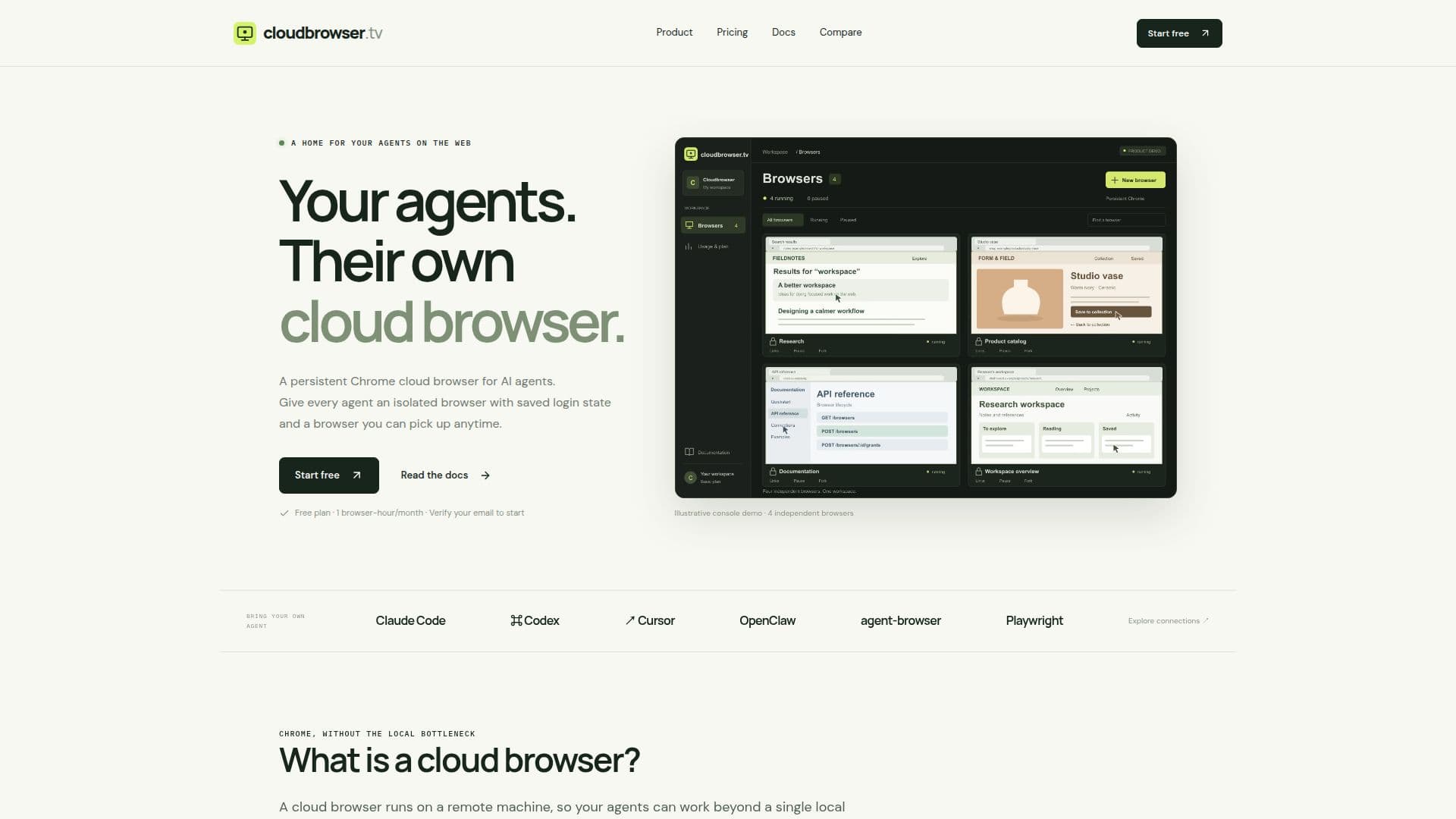
Description
Cloudbrowser offers a persistent Chrome cloud browser environment tailored for AI agents, enabling them to operate beyond a single local desktop. Each agent is assigned an isolated Chrome browser with its own saved profile, ensuring that login states, cookies, and local storage are preserved across tasks. This allows for seamless continuation of work, even after pausing and resuming browser instances.
Read More
The platform facilitates concurrent browser sessions, providing a dedicated environment for each parallel task. Users can initiate a clean Chrome instance, customize it, and then save the profile for future use. A key feature is the ability to log in once and maintain that session across multiple agent tasks, or even have a human sign in initially before handing the browser over to an agent.
Cloudbrowser supports advanced workflow management through its pause and fork capabilities. Users can pause a browser to stop compute usage and then fork its saved profile into independent copies, giving each new task a unique starting point without redundant setup. Browsers can be paused when work is done and resumed later, reconnecting to the exact profile needed.
Connectivity for automation is provided via the Chrome DevTools Protocol (CDP), allowing integration with popular tools like Playwright and Puppeteer. A REST API and Go CLI are available for managing browsers and links, simplifying the creation and control of cloud browser instances. Additionally, a live desktop view offers real-time monitoring and interaction, with options for read-only or full control permissions.
Cloudbrowser offers a tiered pricing structure, including a Free plan with 1 browser-hour per month and one concurrent browser. Paid plans, Basic and Pro, provide increased browser-hours and concurrency limits, with additional runtime billed at an hourly rate. This scalable model ensures that the service can grow with the needs of individual agents or larger teams, providing a robust and flexible solution for AI agent automation.
- CategoryBrowser & Web Automation
- Pricing ModelFreemium
- DeploymentCloud
- PlatformsWeb
Cloudbrowser's Core Features
Persistent Chrome profiles for AI agents
Isolated cloud browser sessions
Saved login state, cookies, and local storage
Chrome DevTools Protocol (CDP) access for automation
Live desktop view with read-only or control permissions
Ability to fork paused browsers into independent copies
Pause and resume browser compute
REST API for browser and link management
Go CLI for browser and link management
Concurrent browser sessions
Auto-pause functionality for inactive browsers
Scoped, expiring access tokens for connections
Owner controls for link creation, inspection, and revocation
Support for Playwright and Puppeteer integrations
How to use Cloudbrowser?
Install CLI: Install the Cloudbrowser CLI from the reference documentation.
Authenticate and Create Browser: Run `cloudbrowser auth login` and then create a named browser, waiting for it to reach a 'running' state.
Get Scoped Connection: Create a CDP link that remains valid until revoked, optionally while the browser is paused (resume before connecting).
Connect Agent: Set the `CDP_URL` from the issued connection response and attach your agent or automation tool to the existing Chrome instance.
Manage Browser State: Pause the browser manually to stop compute hours or configure auto-pause for inactivity. Resume explicitly when needed.
Monitor and Interact: Use a live view link to watch or interact with the browser, with configurable read-only or control permissions.
Cloudbrowser's Use Cases
- Automated Web Scraping
- AI Agent Testing
- Persistent Login Sessions
- Concurrent Task Execution
- Workflow Automation
- Interactive Agent Monitoring
- Reproducible Environments
- Long-Running Agent Tasks