Description
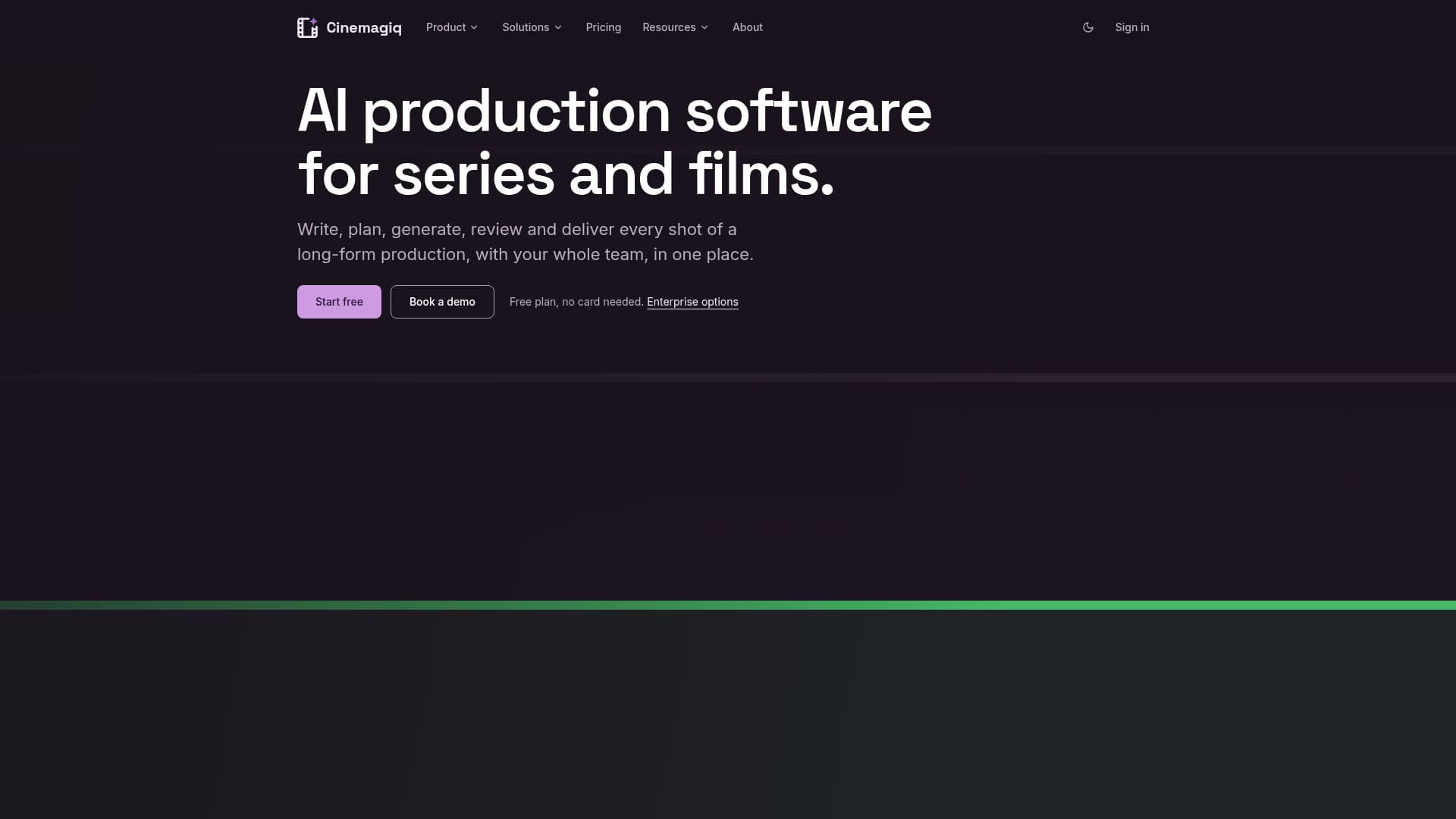
Cinemagiq provides a comprehensive AI production software solution for creators, production teams, and studios working on series, films, commercials, and branded content. It consolidates all necessary tools into a single, connected system, eliminating the need for multiple external applications and exports. The platform is built around core components like the Production Board, Asset Hub, Generation Studio, and an AI agent named Steve, alongside integrated tools such as Docs, Storyboard, Canvas, and a Video Editor.
Read More
The Production Board offers a structured overview of every episode, sequence, and shot, tracking assets, statuses, and assignees to ensure team alignment and efficient workflow. The Asset Hub serves as a central repository for characters, locations, and props, allowing for version control and reuse across different episodes or projects. This ensures consistency and efficiency, especially for long-form productions.
The Generation Studio provides access to over 40 AI models for image, video, and audio generation, including Seedance, Kling, Nano Banana, GPT Image, and ElevenLabs. Users can see the price of each generation in tokens before execution, with failed jobs automatically refunded. Steve, the integrated AI agent, assists by reading project boards, documents, and assets, planning tasks like breaking scripts into shots or generating sequences, and presenting the steps and costs before acting.
Cinemagiq supports collaborative workflows, allowing multiple team members to work simultaneously on a project with live updates, cell locking for edits, and comment features. The platform emphasizes user ownership of content, stating that users own their uploads and generated outputs, subject to AI provider terms. It also assures users that their content is not used to train Cinemagiq's own AI models, and business tiers of AI providers are utilized to prevent training on API content.
Pricing includes a free plan with 100 tokens and 100 MB storage per month, suitable for single users exploring the platform. Paid seats start from $5 per month, offering more tokens, storage, team workspaces, and additional features like increased concurrent generations and priority support. Enterprise plans are available for studios and large teams, providing dedicated capacity, custom SLAs, security reviews, account managers, and indemnification protection.
- CategoryVideo Generation & Editing
- Pricing ModelFreemium
- DeploymentCloud
- PlatformsWeb
Cinemagiq's Core Features
Unified Production Workspace: Manage scripts, shots, assets, AI generation, review, and editing in one place.
Production Board: Tracks episodes, sequences, and shots with assets, statuses, and assignees.
Asset Hub: Centralized storage for characters, locations, and props with versioning and reuse capabilities.
Generation Studio: Access to over 40 AI models for image, video, and audio generation.
Steve AI Agent: Assists with script breakdown, task planning, and content generation based on project context.
Integrated Docs: For scripts, style guides, and notes with version history.
Storyboard Tool: Creates panels in shot order with timing and transitions for animatics.
Canvas: For moodboards and look development with direct generation capabilities.
Video Editor: Cuts clips from the board with voice and music tracks for final export.
Team Collaboration: Live updates, cell locking, comments, and task assignments for multiple users.
Content Ownership: Users retain ownership of their uploads and generated content.
No AI Training on User Content: User data is not used to train Cinemagiq's models or AI provider models.
Transparent Pricing: Shows generation costs in tokens before execution, with automatic refunds for failed jobs.
API Access: For working with projects from custom code with controlled keys.
Enterprise Plans: Offers dedicated capacity, custom SLAs, security reviews, and indemnification.
How to use Cinemagiq?
Write Script: Draft scripts and notes using the integrated Docs tool.
Plan Production: Create storyboards and shot lists, organizing episodes, sequences, and shots on the Production Board.
Manage Assets: Upload and organize characters, locations, and props in the Asset Hub for consistent reuse.
Generate Content: Use the Generation Studio with over 40 AI models to create images, video, and audio, reviewing token prices before generating.
Utilize AI Agent: Ask Steve, the AI agent, to assist with tasks like breaking scripts into shots or generating sequences.
Review and Collaborate: Team members review work, provide feedback, and manage tasks on the Production Board.
Edit and Export: Cut generated clips, add voice and music tracks using the Video Editor, and export the final production.
Cinemagiq's Use Cases
- Series Production
- Film Production
- Commercials & Ads
- Character & Location Management
- Collaborative Production
- AI Content Generation
- Script to Storyboard
- Video Editing
- Asset Versioning