Description
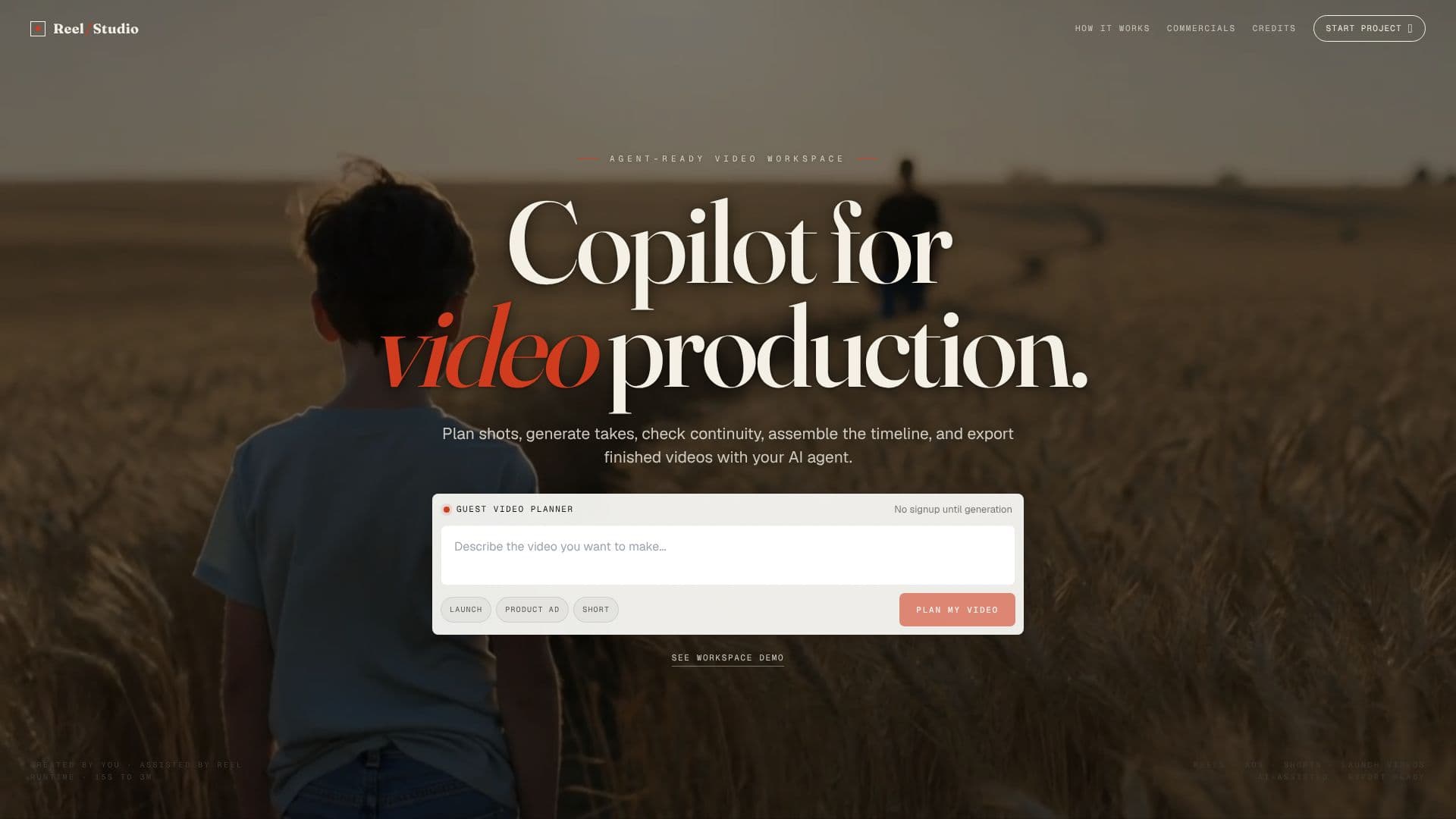
Reel Studio positions itself as an AI-centric workspace for filmmakers, designed to manage the entire video production pipeline from initial script to final timeline assembly and export. It functions as an agent-ready video workspace, empowering users with an AI copilot for video production tasks. This includes planning shots, generating multiple takes for review, checking for continuity issues, assembling the video timeline, and exporting polished final videos.
Read More
The platform's workflow is structured into three main stages: Brief the agent, Generate takes, and Finish the video. Users begin by briefing the agent with a script, product note, campaign idea, or a rough prompt, which Reel Studio then translates into actionable shots, references, and production tasks. Following this, users can generate stills or videos, compare different options, select the best take, and request retries for specific elements. The final stage involves assembling the timeline, adding audio elements like voiceovers, sound effects, or music, and exporting the completed reel, ad, short, or launch video.
A key differentiator for Reel Studio is its 'Agent workspace' feature, which integrates with various MCP-speaking agents like Claude, Codex, Cursor, and Cline. This integration grants AI agents real video production controls, allowing them to open projects, select models, queue takes, review continuity drift, assemble timelines, and manage exports. This advanced control is crucial for multi-shot video production, ensuring consistency in people, products, and places through pinned references and VLM checks. The 'Takes' feature allows for comparing multiple generated options before committing to one, while integrated 'Audio' tools enable direct generation of narration, dialogue, ambience, and music within the timeline.
Reel Studio operates on a credit-based system rather than per-seat licenses, offering flexibility for users to scale their usage based on their production needs. Various pricing tiers are available, starting from a 'Starter Weekend' option for experiments, progressing to 'Creator' for ongoing projects, and 'Studio' for teams and larger campaigns. The platform emphasizes a complete video production workflow, aiming to make the creation of reels, ads, shorts, and web-ready videos efficient and accessible.
- CategoryAI Video Generators
- Pricing ModelCredit-based
- DeploymentCloud
- PlatformsWeb
Reel Studio's Core Features
AI-powered video production workspace
Script to timeline workflow
Agent-ready video workspace with AI copilot
Shot planning and generation
Multiple take generation and comparison
Continuity checking and management
Timeline assembly and editing
Integrated audio generation (voice, SFX, music)
MCP server integration for AI agents
Project memory and reference management
Model catalog for various generation types
Credit-based usage system
Export-ready video output
How to use Reel Studio?
Brief the agent: Paste script or prompt to generate initial shots and tasks.
Generate takes: Create video or image options, compare, and select the best.
Refine and retry: Ask for specific retries to fix elements that drift.
Assemble timeline: Arrange shots, trim clips, and place audio.
Add audio: Generate narration, SFX, or music directly into tracks.
Export video: Render and export finished reels, ads, shorts, or launch videos.
Reel Studio's Use Cases
- Script to Screen
- AI-Assisted Content Creation
- Ad Production
- Short-form Video
- Launch Videos
- Filmmaking Workspace