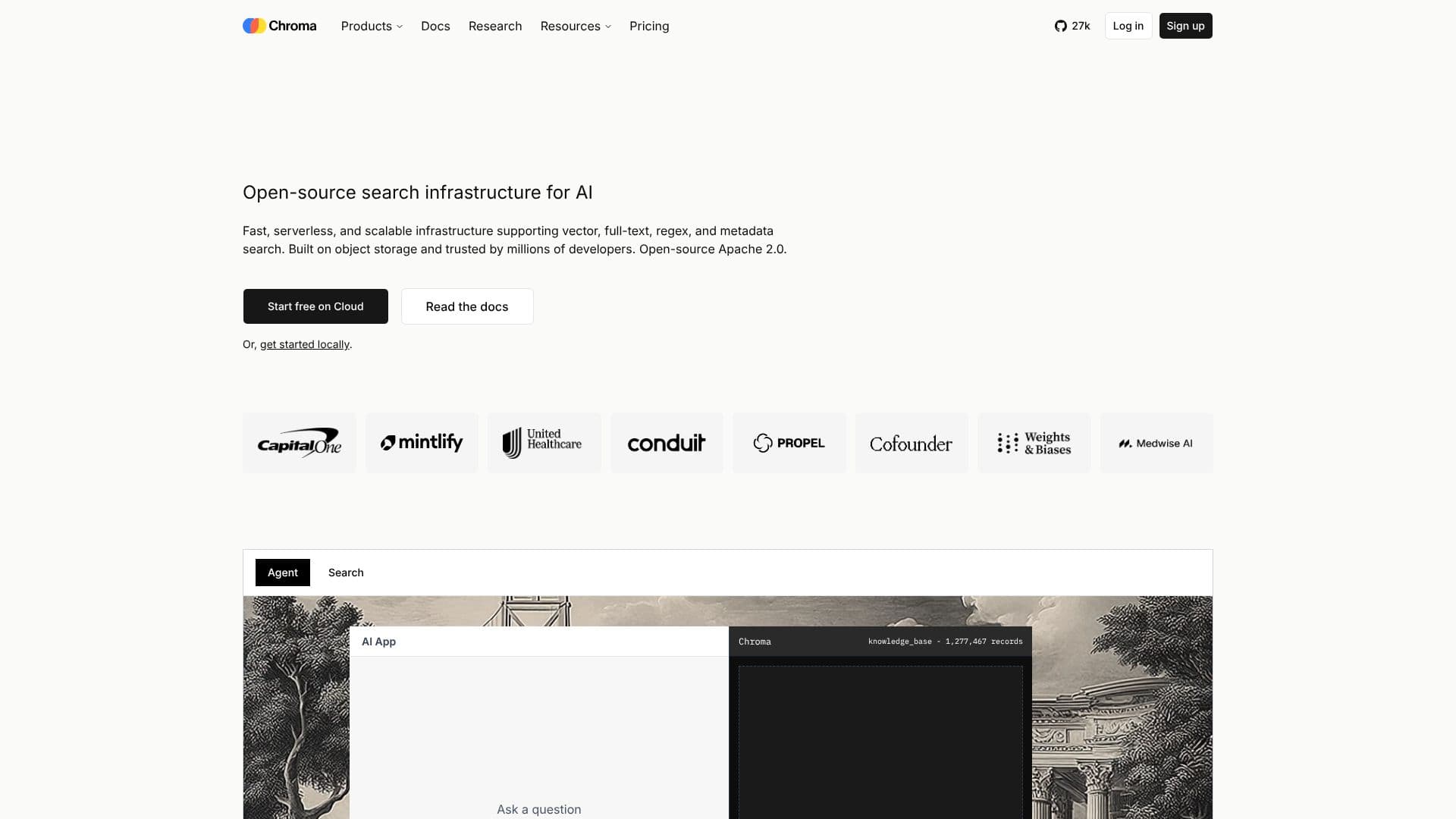
Description
Chroma is an open-source search infrastructure specifically designed for AI applications. It provides a robust solution for developers seeking to implement efficient and scalable search functionalities. Chroma supports various search types, including vector, full-text, regex, and metadata search, catering to diverse data retrieval needs.
Built on object storage, Chroma offers fast and scalable performance. It is engineered to handle billions of multi-tenant indexes, ensuring low-latency queries. The system is designed with automatic data tiering and caching, optimizing performance and cost-effectiveness. Chroma's architecture leverages object storage, making it up to 10x cheaper than legacy search systems. It also features zero-ops infrastructure, auto-scaling capabilities, and no manual tuning requirements.
Chroma's key features include sparse vector search, lexical search (BM25, SPLADE), semantic similarity search, full-text search, metadata search, and dataset versioning. It offers command-line tools for development and supports various programming languages like TypeScript, Python, and Rust. Chroma also provides enterprise-level features such as BYOC (Bring Your Own Cloud) in your VPC, multi-cloud/multi-region replication, and point-in-time recovery, ensuring a resilient and scalable search system.
Chroma is ideal for developers, data scientists, and AI engineers working on projects that require efficient and scalable search capabilities. It is particularly well-suited for applications involving vector embeddings, semantic search, and knowledge base querying. The open-source nature of Chroma allows for community contributions and customization, providing users with control and flexibility in building their search infrastructure.
Chroma's Core Features
Sparse vector search
Lexical search (BM25, SPLADE)
Semantic similarity search
Full-text search
Metadata search
Dataset versioning
Command-line tools
Automatic data tiering
Zero-ops infrastructure
Multi-tenant indexing
BYOC (Bring Your Own Cloud)
Multi-region replication
Point-in-time recovery
How to use Chroma?
Get Started: Start free on Cloud or get started locally.
Configure: Configure the client and collection for sparse embeddings.
Add Documents: Add documents with sparse embeddings.
Query: Query with sparse vector.
Analyze Results: Review the search results, ranked by score.
Chroma's Use Cases
- Semantic Search
- Knowledge Base
- Vector Search
- Full-Text Search
- Metadata Filtering
- AI Agents
- Context Engineering