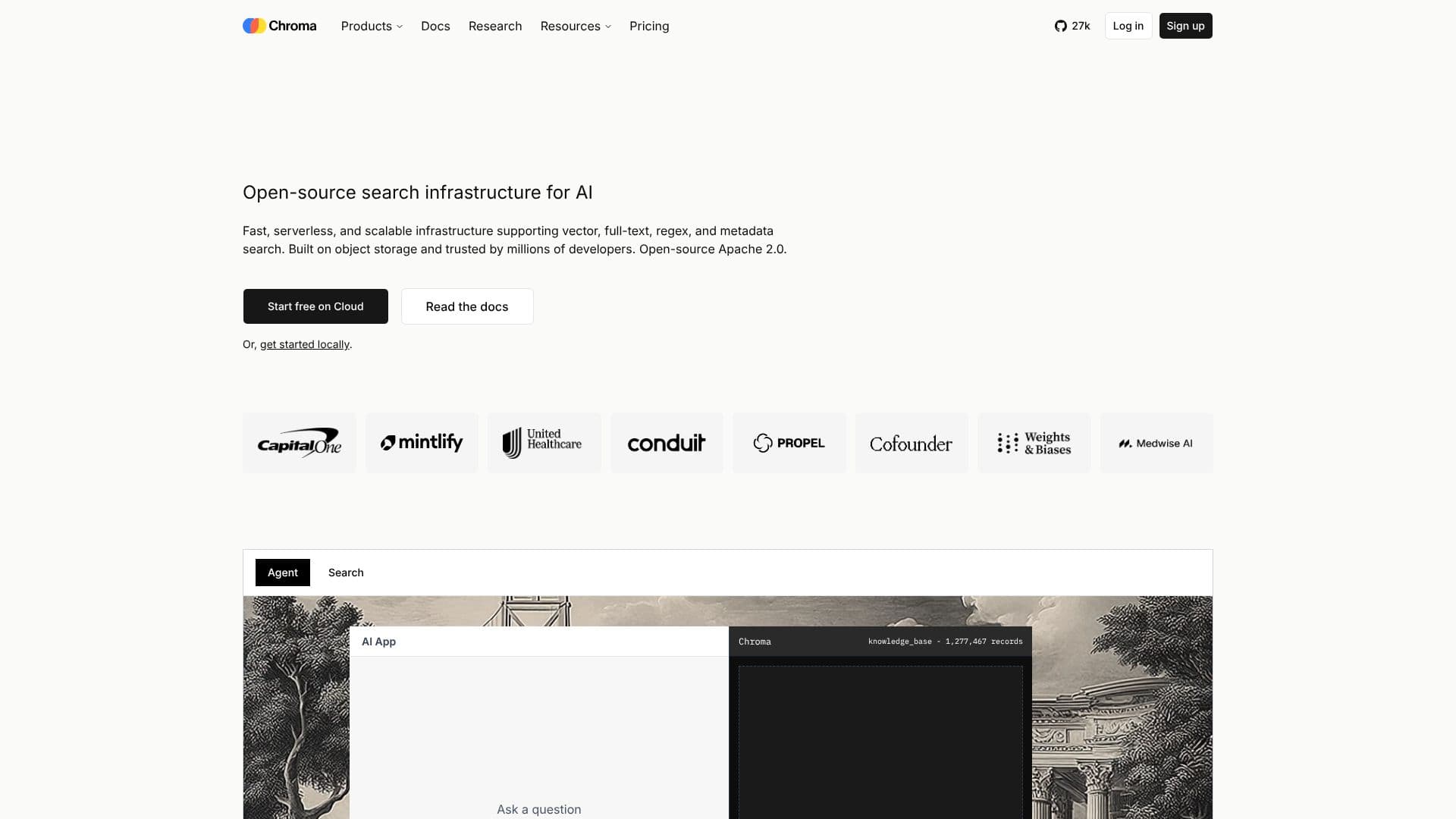
Description
Chroma is an open-source search infrastructure specifically designed for AI applications. It provides a robust solution for developers seeking to implement efficient and scalable search functionalities. Chroma supports various search types, including vector, full-text, regex, and metadata search, catering to diverse data retrieval needs.
Read More
Built on object storage, Chroma offers fast and scalable performance. It is engineered to handle billions of multi-tenant indexes, ensuring low-latency queries. The system is designed with automatic data tiering and caching, optimizing performance and cost-effectiveness. Chroma's architecture leverages object storage, making it up to 10x cheaper than legacy search systems. It also features zero-ops infrastructure, auto-scaling capabilities, and no manual tuning requirements.
Chroma's key features include sparse vector search, lexical search (BM25, SPLADE), semantic similarity search, full-text search, metadata search, and dataset versioning. It offers command-line tools for development and supports various programming languages like TypeScript, Python, and Rust. Chroma also provides enterprise-level features such as BYOC (Bring Your Own Cloud) in your VPC, multi-cloud/multi-region replication, and point-in-time recovery, ensuring a resilient and scalable search system.
Chroma is ideal for developers, data scientists, and AI engineers working on projects that require efficient and scalable search capabilities. It is particularly well-suited for applications involving vector embeddings, semantic search, and knowledge base querying. The open-source nature of Chroma allows for community contributions and customization, providing users with control and flexibility in building their search infrastructure.
- CategoryVector Databases & Retrieval
- Pricing ModelFree
- DeploymentCloud, Local
- PlatformsWeb
Chroma's Core Features
Sparse vector search
Lexical search (BM25, SPLADE)
Semantic similarity search
Full-text search
Metadata search
Dataset versioning
Command-line tools
Automatic data tiering
Zero-ops infrastructure
Multi-tenant indexing
BYOC (Bring Your Own Cloud)
Multi-region replication
Point-in-time recovery
How to use Chroma?
Get Started: Start free on Cloud or get started locally.
Configure: Configure the client and collection for sparse embeddings.
Add Documents: Add documents with sparse embeddings.
Query: Query with sparse vector.
Analyze Results: Review the search results, ranked by score.
Chroma's Use Cases
- Semantic Search
- Knowledge Base
- Vector Search
- Full-Text Search
- Metadata Filtering
- AI Agents
- Context Engineering