


Description
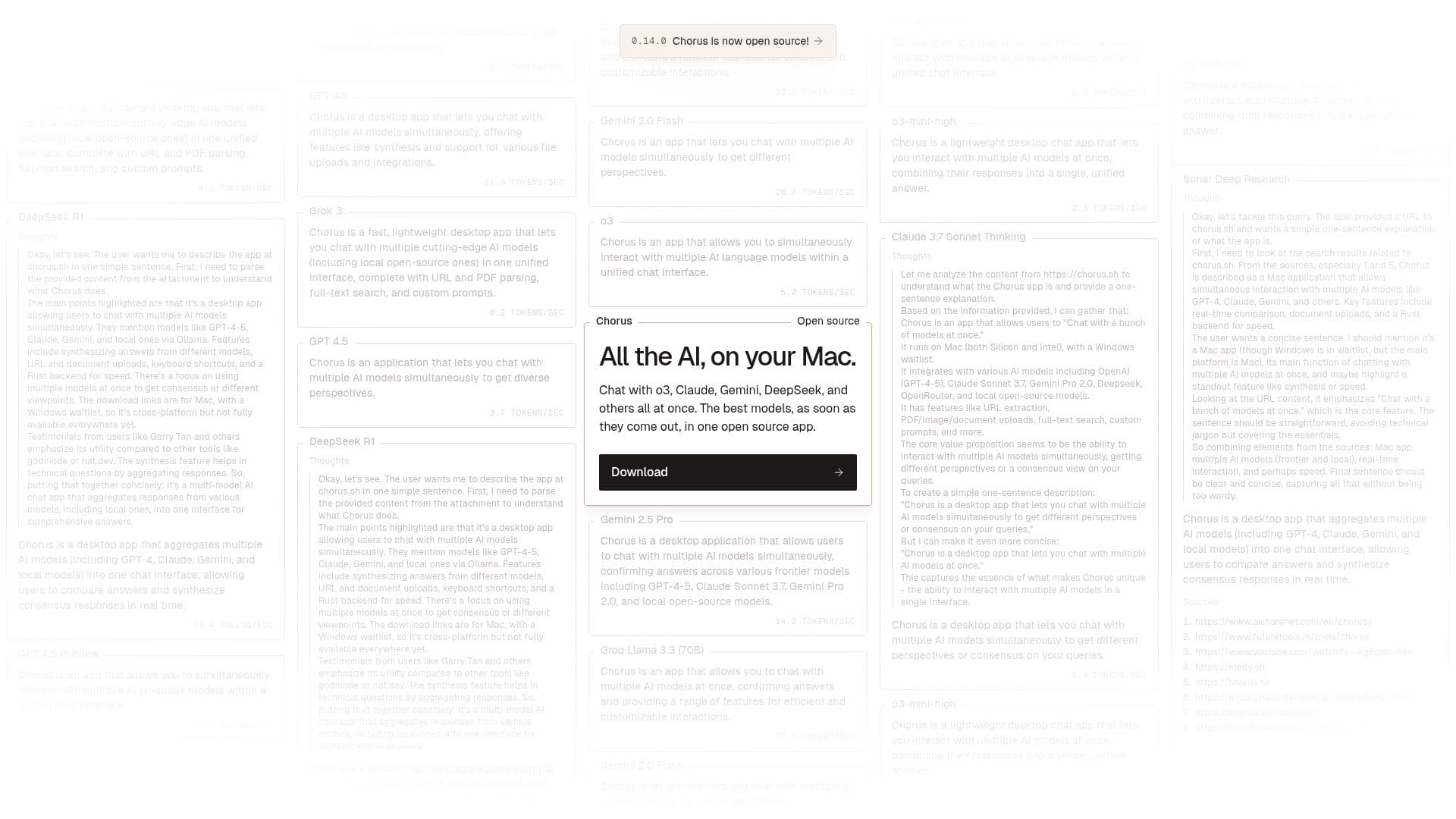
Chorus is a fast, lightweight desktop application designed to facilitate interaction with multiple AI models simultaneously. It integrates cutting-edge models such as GPT-4, Claude, Gemini, and local open-source models into a unified chat interface. This allows users to compare answers and synthesize consensus responses in real time, providing a multifaceted perspective on queries.
The app is particularly beneficial for technical questions, as it aggregates responses from different models to offer comprehensive solutions. Key features include URL and PDF parsing, full-text search, and custom prompts. Chorus supports document uploads, allowing users to bring their own files into the chat for more context-driven interactions.
Built on Tauri with a Rust backend, Chorus is optimized for speed and efficiency. It is primarily available for Mac users, with a Windows version currently on a waitlist. The app supports keyboard shortcuts for seamless navigation and integrates with various AI models, including OpenAI, Anthropic, and local open-source models.
Chorus is open source, providing flexibility for users to bring their own keys or use the app's proxy. It also supports MCPs, enabling AI models to search the web, run terminal commands, and integrate with GitHub. The app's ambient chat feature allows models to understand the user's context without explicit explanations, enhancing the overall user experience.
Chorus AI Chat App's Core Features
Multi-model chat interface
Document uploads
Full-text search
Custom prompts
Keyboard shortcuts
Ambient chat
Open source
MCP support
How to use Chorus AI Chat App?
Download: Get Chorus for Mac
Configure: Set up custom prompts and integrations
Use: Chat with multiple AI models simultaneously
Optimise: Utilize keyboard shortcuts and ambient chat
Chorus AI Chat App's Use Cases
- Technical support
- Research synthesis
- Document analysis
- Coding assistance
- Real-time collaboration