
Description
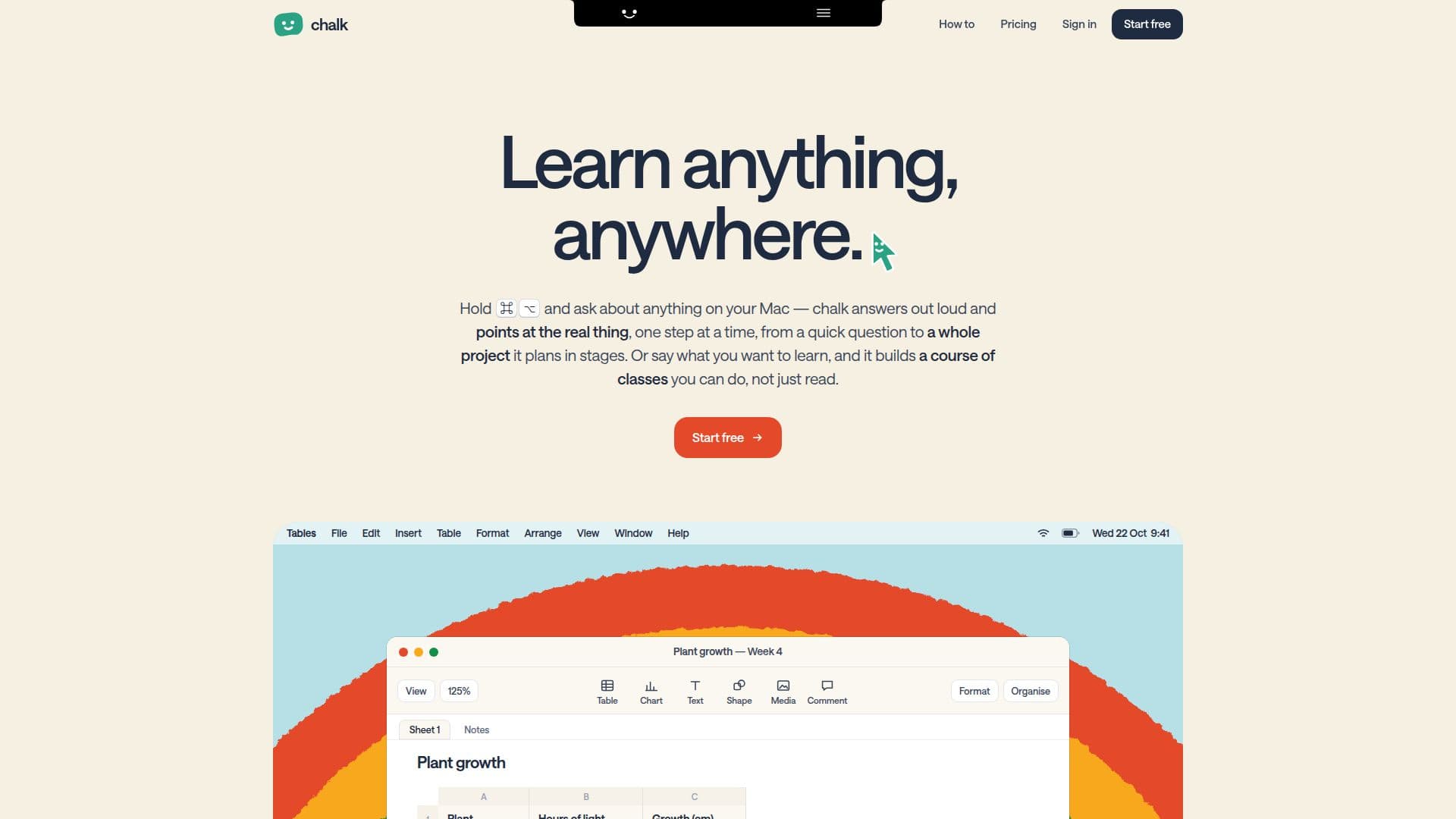
chalk is a versatile learning platform designed to help users learn anything, anywhere, whether on their Mac or through a web interface. It offers a unique interactive experience by answering questions out loud and visually guiding users by pointing to relevant elements on their Mac screen. This feature is particularly useful for understanding complex software or concepts by seeing them in action, one step at a time.
Read More
The platform allows users to create personalized courses on any topic. You can simply state what you want to learn, and chalk will build a structured course of interactive classes. Alternatively, you can upload your own materials, such as slides, tutorials, or past papers, and chalk will construct a course directly from your content, even citing the original pages. This makes it an invaluable tool for students preparing for exams or researchers delving into new methodologies.
chalk emphasizes active learning through interactive elements like graphs that compute, code that runs, and traces you can step through, complete with checks that explain the 'why' behind each step. It supports practicing in your own editor or real applications, bridging the gap between theoretical knowledge and practical application. For those needing help with specific content, chalk can explain highlighted text in another way, right where it is.
Beyond individual learning, chalk offers features for classroom environments. It can listen to lectures, transcribe them, and write notes against your slides, even translating if the lecture isn't in your language. Every class generates notes, a cheat sheet, and a visual board summary. The tool is designed to be non-intrusive; it only interacts with your screen when explicitly commanded (e.g., by holding ⌘⌥) and never appears in screenshots or shared screens, ensuring privacy. It also keeps user data, including profiles and remembered information, locally on your Mac, with options to manage or forget any line of data.
chalk offers flexible pricing plans, including a free trial week with credits to explore its features. Paid plans like 'Board', 'Board + Spatial', and 'Unlimited' cater to different usage needs, with options for weekly credits or unlimited access. Students and educators receive a discounted rate on the 'Board + Spatial' plan. The platform works both online and offline for saved content, making learning accessible regardless of internet connectivity.
- CategoryAI Study Tools
- Pricing ModelFreemium
- DeploymentCloud, Self-hosted
- PlatformsmacOS, Web
chalk's Core Features
Interactive Mac screen guidance (⌘⌥ + ask)
Out loud answers and explanations
Personalized course creation from any topic
Course generation from user's own files (slides, papers)
Interactive classes with computable graphs and runnable code
Real-time practice in user's own editor or apps
Contextual explanations for highlighted text
Lecture transcription and note-taking against slides
Translation of lecture content
Automatic generation of notes, cheat sheets, and class boards
Privacy-focused screen interaction (user-controlled clicks/typing)
Invisible in screenshots and shared screens
Local data storage on Mac with user control
Offline access to created boards, classes, and notes
Credit-based usage plans with weekly resets
Student and educator discounts
How to use chalk?
Install chalk: Download and set up the chalk application on your Mac.
Ask about your screen: Hold ⌘⌥ and ask chalk about anything visible on your Mac screen for real-time guidance.
Create a course: Tell chalk what you want to learn, or drop in your own files like slides and tutorials.
Engage with classes: Participate in interactive classes featuring runnable code, computable graphs, and step-through traces.
Practice in context: Use chalk to practice concepts directly within your own editor or other applications.
Record a class: Start recording a class to get transcripts, notes, and translations of lectures.
Review materials: Access automatically generated notes, cheat sheets, and visual boards for every class.
chalk's Use Cases
- Academic Study Aid
- Software Skill Development
- Concept Understanding
- Lecture Note-Taking
- Research Methodology Learning
- Personalized Learning Paths
- Interactive Code Practice
- Language Learning