
Description
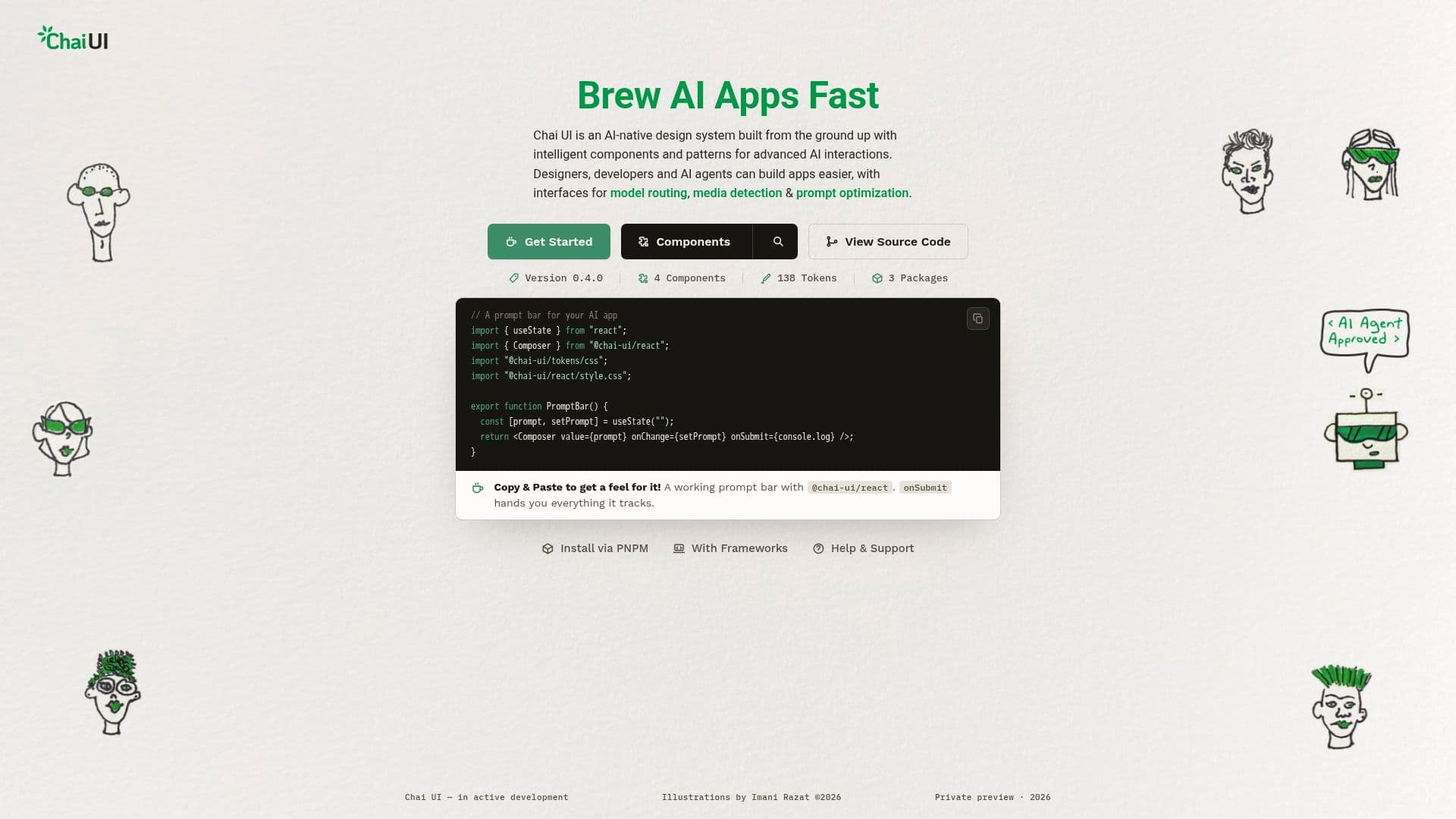
Chai UI is a comprehensive design system specifically crafted for AI model interactions. It provides a suite of intelligent components and patterns that facilitate the creation of advanced AI applications. Built on Material Design 3, Chai UI components are styled using your design tokens, ensuring a seamless integration with your existing design language. The system is compatible with Fal.ai, OpenRouter, or your own engine, offering flexibility in deployment.
Read More
The core of Chai UI lies in its ability to simplify the development process for designers, developers, and AI agents. It offers pre-designed components such as prompt bars, model pickers, and media analyzers, which are commonly used in AI applications like chat assistants and image generators. These components come with built-in intelligence, allowing for automatic model selection, prompt optimization, and media detection.
Chai UI's architecture is divided into three main packages: @chai-ui/tokens, @chai-ui/core, and @chai-ui/react. The tokens package provides a JSON source of color, space, type, and motion, which can be integrated into CSS variables, TypeScript, and Figma token sets. The core package acts as the framework-free brain, managing requests, runs, and results, while the React package offers controlled components and hooks for easy integration.
The system is designed to be both human and machine-friendly, with predictable props and machine-readable documentation. This makes it accessible for coding agents to build interfaces directly from the documentation. Chai UI's principles emphasize simplicity and efficiency, allowing users to create a working AI interface in the time it takes to brew a cup of tea.
- CategoryAI UI & UX Design Tools
- Pricing ModelNot specified
- DeploymentCloud
- PlatformsWeb
Chai UI's Core Features
AI-native design system
Material Design 3 components
Use case instructions included
Compatible with Fal.ai and OpenRouter
Automatic model selection
Prompt optimization
Media detection
Streaming results
How to use Chai UI?
Install: Set up Chai UI in your environment
Configure: Style components with your design tokens
Integrate: Connect with Fal.ai, OpenRouter, or your engine
Develop: Use components to build AI applications
Optimize: Utilize built-in features for model routing and prompt optimization
Chai UI's Use Cases
- AI Chat Assistants
- Image Generators
- Video Analysis
- Prompt Optimization
- Model Comparison