Description
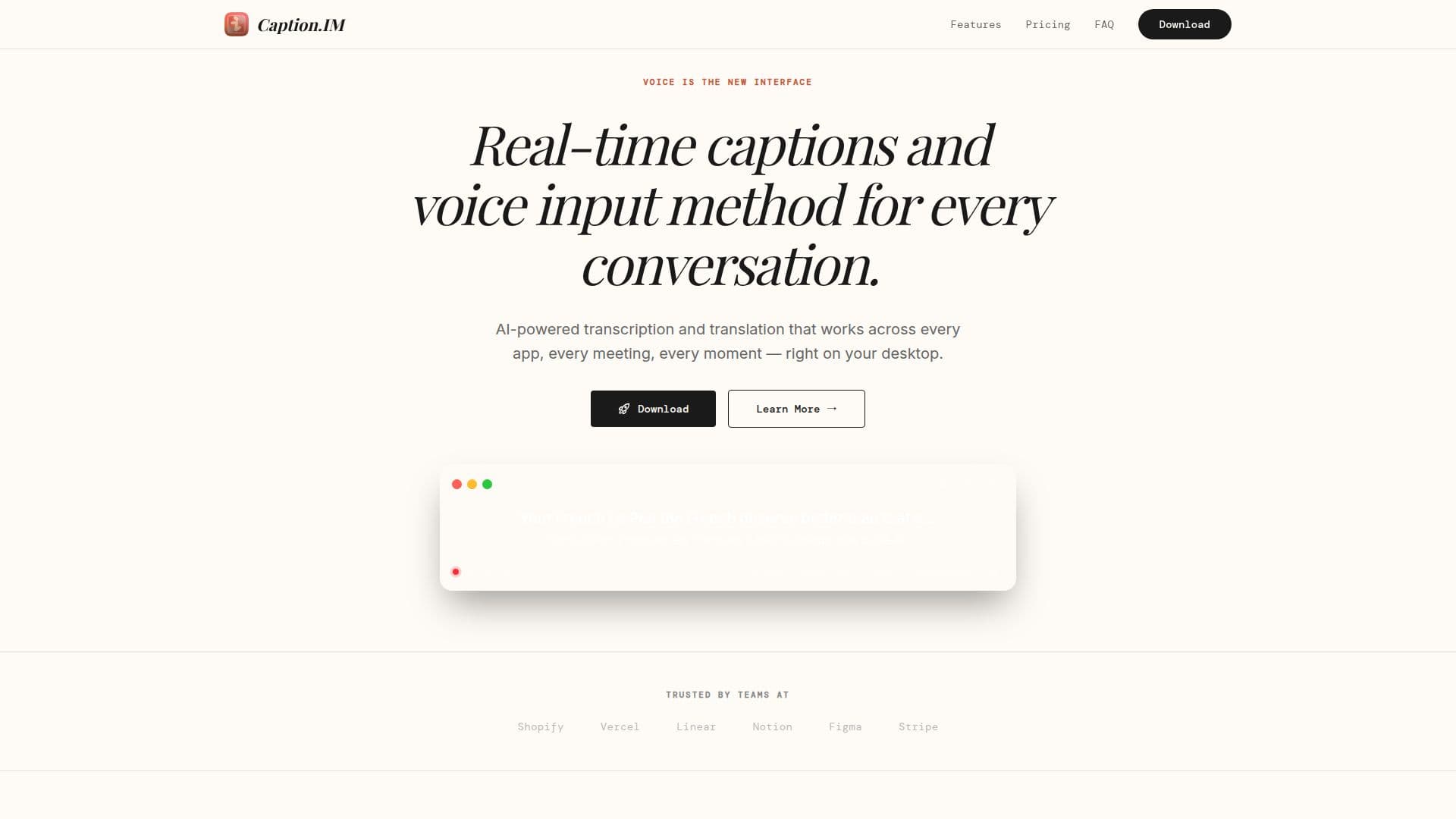
Caption.IM is a desktop application that delivers real-time, accurate captions and voice input for every conversation. It captures system audio directly from your device, so it works across any app, including Zoom, Google Meet, Microsoft Teams, Webex, Slack Huddles, Discord, YouTube, podcasts, and lectures, with no browser extension or special setup required.
Read More
Using AI-powered transcription, Caption.IM shows captions on screen in real time with 98%+ accuracy and can instantly translate them into 50+ languages, helping break language barriers in international meetings, lectures, and conferences. Additional features include speaker detection to label different speakers, global hotkeys to start and stop captions instantly, and transcript export in TXT, SRT, and VTT formats.
Caption.IM is privacy-first: all audio processing happens locally on your device using optimized AI models, so your audio never leaves your machine and there is no cloud processing or tracking. It works offline, keeping data on your device. The app is available on the Mac App Store, with a free tier offering a limited number of languages and monthly hours, a Pro plan for unlimited captions and translation, and a plan for organizations that need team management, SSO/SAML, and custom integrations.
- CategoryAI Transcription Tools
- Pricing ModelFreemium
- DeploymentDesktop app
- PlatformsmacOS
Caption.IM's Core Features
Real-time captions with 98%+ accuracy for any audio source on your device
System audio capture that works with any app, with no browser extension needed
Instant translation into 50+ languages
Privacy-first local processing so audio never leaves your device
Speaker detection that labels different speakers
Global hotkeys to start and stop captions instantly
Transcript export in TXT, SRT, and VTT formats
Works offline with data kept on your device
How to use Caption.IM?
Grant permissions: Open Caption.IM and allow it to begin capturing audio from any app.
See captions: Watch real-time transcription with 98%+ accuracy appear on screen.
Translate: Instantly translate the captions into 50+ languages in real time.
Export: Save the captions as TXT, SRT, or VTT for later reference.
Caption.IM's Use Cases
- Caption live meetings
- Translate across languages
- Accessibility support
- Private, offline transcription
- Export meeting notes