
Description
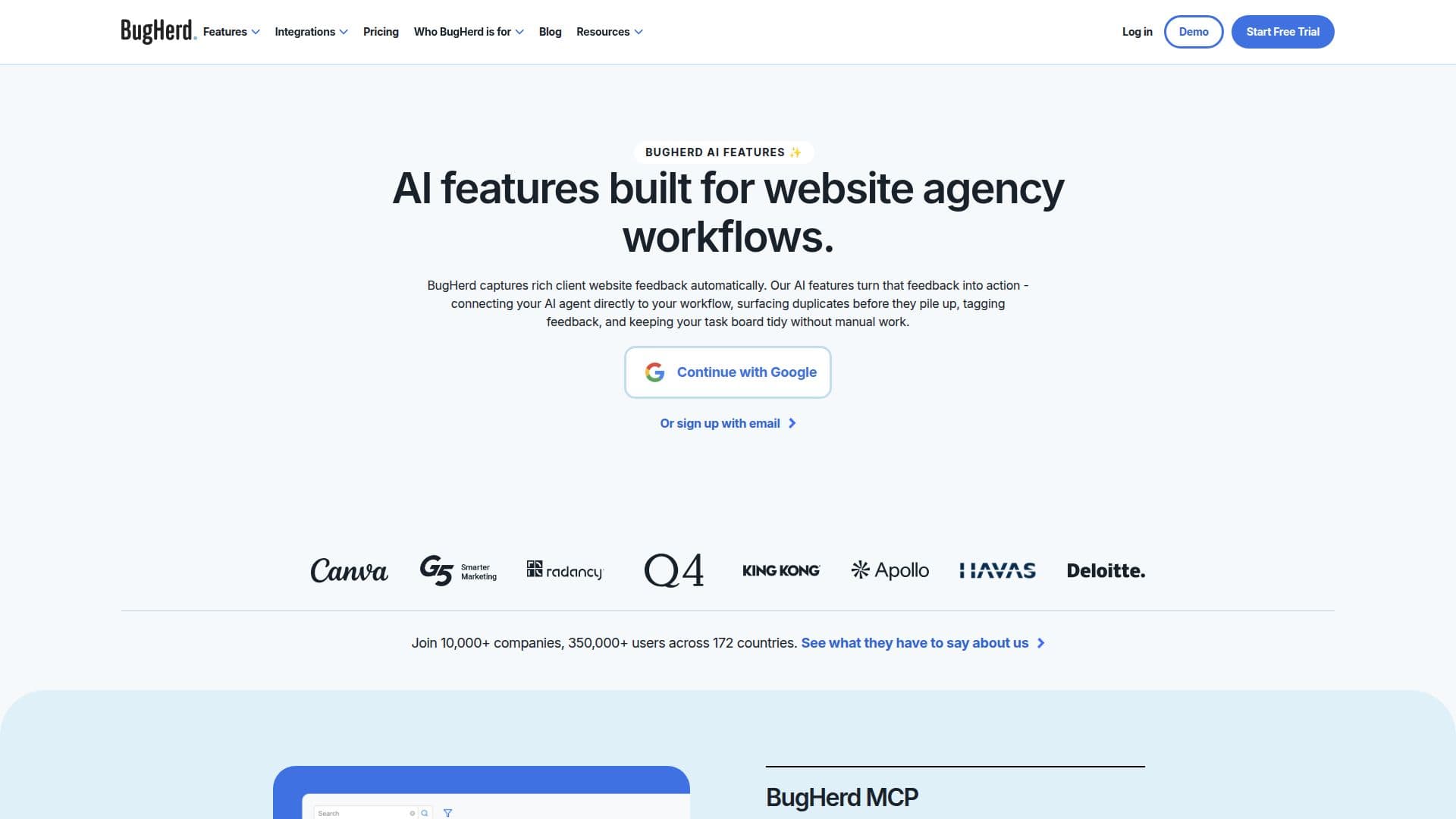
BugHerd is a comprehensive website feedback tool designed for web development agencies and teams. It allows clients to leave feedback directly on a webpage by clicking on any element and adding a comment. Each piece of feedback is automatically captured with technical metadata, such as browser, OS, and screen resolution, and converted into a task on a built-in project board. This eliminates the need for feedback via email, screenshots, or spreadsheets, streamlining the client review and website approval process.
Read More
BugHerd's AI features are currently in open beta and available for all users. These features include auto-title generation, which summarizes lengthy feedback descriptions into concise titles, and auto-tagging, which suggests tags for new feedback based on existing project tags. The tool also offers similar task detection, automatically surfacing related tasks to prevent duplicates from piling up.
The BugHerd MCP feature connects BugHerd to AI agents, allowing for seamless integration into existing workflows. This feature enables AI to read client comments, screenshots, and recordings, making changes directly in codebases, CMS, or design tools. BugHerd's AI capabilities are designed to keep task boards organized without manual intervention.
BugHerd offers a free 7-day trial, allowing users to explore all features without requiring a credit card. The tool is suitable for freelancers, small teams, and larger agencies, with pricing plans that cater to different needs. BugHerd integrates with popular project management and communication tools like Jira, Asana, Slack, and Microsoft Teams, ensuring feedback is visible where work happens.
Overall, BugHerd provides a robust solution for managing website feedback, enhancing efficiency, and improving collaboration between clients and development teams. Its AI features offer significant value by automating repetitive tasks and ensuring feedback is actionable and organized.
- CategoryAI Project Management
- Pricing ModelFreemium
- DeploymentCloud
- PlatformsWeb
BugHerd AI Features's Core Features
Auto-title generation for feedback
Auto-tagging of new feedback
Similar task detection to prevent duplicates
BugHerd MCP for AI integration
Kanban-style task board
Feedback capture with technical metadata
Integration with project management tools
Free 7-day trial available
Two main user levels: members and guests
Feedback on websites, Figma designs, PDFs, images
Video feedback support
Customizable project board
Unlimited feedback and client users
Data export via CSV, XML & JSON
REST API and webhook support
How to use BugHerd AI Features?
Enable AI features: Navigate to BugHerd project > BugHerd AI > Enable beta
Capture feedback: Use BugHerd extension or JavaScript snippet
Organize tasks: Use Kanban-style task board
Integrate tools: Connect with Jira, Asana, Slack, etc.
BugHerd AI Features's Use Cases
- Website feedback management
- Agency workflow automation
- Client collaboration
- Project management integration
- Quality assurance testing