Description
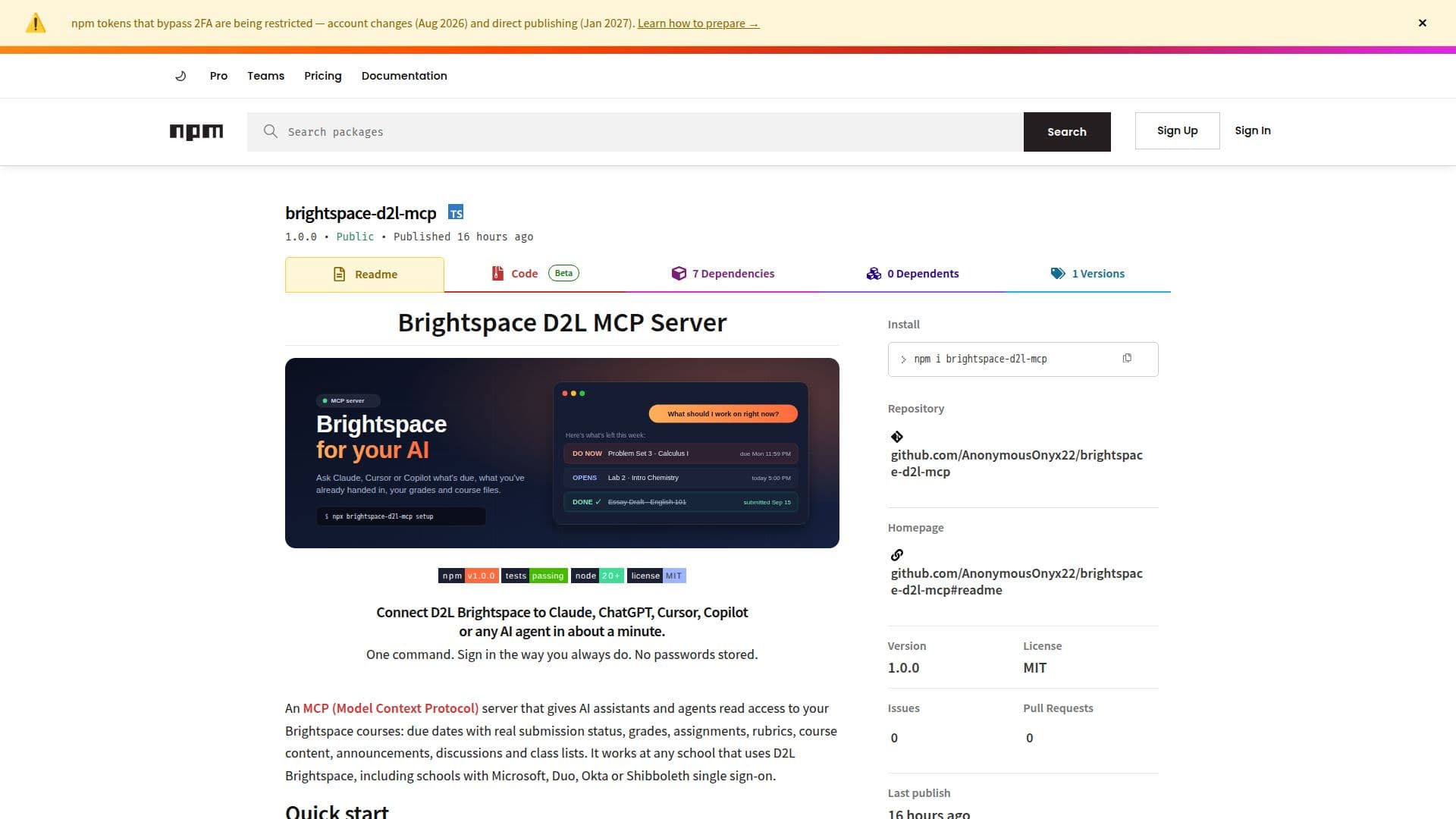
Brightspace D2L MCP Server is a tool designed to connect D2L Brightspace with AI agents such as Claude, ChatGPT, Cursor, and Copilot. It provides a seamless integration that allows students and educators to access course-related data through AI interfaces. The server supports a one-command setup, making it easy to deploy at any institution using D2L Brightspace. Users can sign in using their usual methods, including SSO, Duo, and MFA, ensuring secure access without storing passwords.
Read More
The server offers read access to various course elements, including due dates, grades, assignments, rubrics, course content, announcements, discussions, and class lists. This functionality allows AI agents to provide insights and reminders about upcoming deadlines, grades, and other course-related information. The tool is compatible with Node.js 20 or newer and requires either Google Chrome or Microsoft Edge for setup.
Brightspace D2L MCP Server is designed to work with any school using D2L Brightspace, regardless of the sign-in method. It connects automatically to a range of AI applications and frameworks, including Claude Desktop, VS Code, and OpenAI Codex. The server operates locally, ensuring that all data remains on the user's computer, with no external servers involved.
This tool is particularly beneficial for students and educators looking to streamline their workflow and enhance their educational experience through AI. It does not require API keys or admin access from schools, making it accessible to individual users. However, it is important to note that the server is read-only and cannot submit assignments or post content on behalf of users.
- CategoryAI Agent Builders
- Pricing ModelOpen Source
- DeploymentLocal
- PlatformsNode.js
Brightspace D2L MCP Server's Core Features
Connects D2L Brightspace to AI agents
One-command setup for easy deployment
Supports SSO, Duo, and MFA sign-in methods
Provides read access to course data
Compatible with Node.js 20 or newer
Works with Google Chrome or Microsoft Edge
Operates locally with no external servers
Automatically connects to various AI applications
How to use Brightspace D2L MCP Server?
Setup: Install Node.js 20 or newer
Sign in: Use your school's sign-in method
Connect: Automatically link AI apps
Use: Access course data through AI agents
Brightspace D2L MCP Server's Use Cases
- Deadline Management
- Grade Monitoring
- Course Content Access
- AI Integration
- Secure Sign-In