
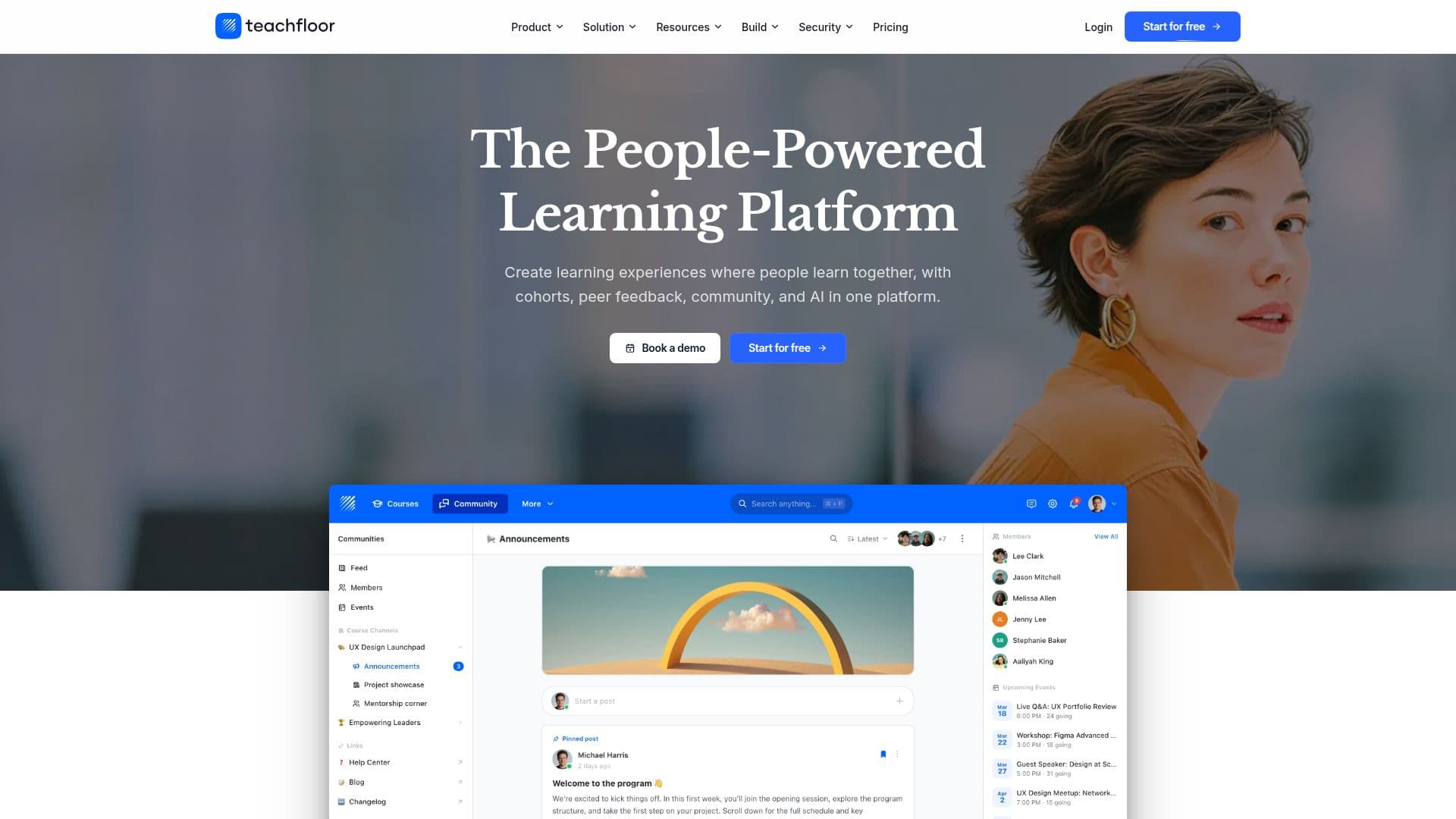
Description
Teachfloor is a modern learning management system built around people learning together rather than just consuming content. It combines cohort-based courses, peer feedback, community, and AI in one platform, serving course creators, academies, nonprofits, and corporate learning and development teams.
Read More
Courses are designed in a visual editor that mixes video, live sessions, peer activities, and assessments, and can be structured as cohort-based, peer-learning, team-training, or project-based experiences. Built-in AI drafts courses, writes lessons, generates quizzes and cover images, and grades assignments using a rubric to return consistent feedback. Teachfloor can also be operated from Claude, ChatGPT, Gemini, or any MCP client via its MCP server, so AI agents can create courses, automations, and reports by request.
The platform adds the operational layer programs need to scale, including automations and workflows, branded notifications, roles, teams and tags, learning paths with prerequisites, a searchable content library, and multi-branch management for running several academies from one hub. It supports customization and white-labeling with custom domains and branding, embedded tools, Stripe payments including subscriptions and installments, and SCORM import.
Teachfloor integrates with Zoom, Slack, Stripe, Salesforce, HubSpot, and 300+ tools, plus a REST API, webhooks, and LTI, and includes security features such as SSO, role-based access, audit logs, and GDPR and SOC 2-aligned controls. Plans start at $89 per month with custom pricing above that, a free trial, and nonprofit discounts.
- CategoryCorporate Training & E-Learning
- Pricing ModelPaid
- DeploymentCloud
- PlatformsWeb
Teachfloor's Core Features
Cohort-based, peer, team, and project-based learning
Visual course editor mixing video, live sessions, and assessments
AI that drafts courses, grades work, and flags at-risk learners
AI assessment review using rubrics
MCP server to run Teachfloor from Claude, ChatGPT, or Gemini
Community, discussions, and peer review
White-label branding, custom domains, and SCORM support
Automations, learning paths, and multi-branch management
How to use Teachfloor?
Design a course: Use the visual editor or AI to combine video, live sessions, peer activities, and assessments.
Choose an approach: Set it up as a cohort, peer, team, or project-based learning experience.
Add community and feedback: Enable discussions, peer review, and live workshops to keep cohorts engaged.
Automate operations: Set up automations, roles, learning paths, and branded notifications.
Sell and deliver: Sell cohorts with Stripe, apply your branding, and track completion and analytics.
Teachfloor's Use Cases
- Online academies
- Corporate training
- Bootcamps
- Nonprofit training
- White-label customer academies