Description
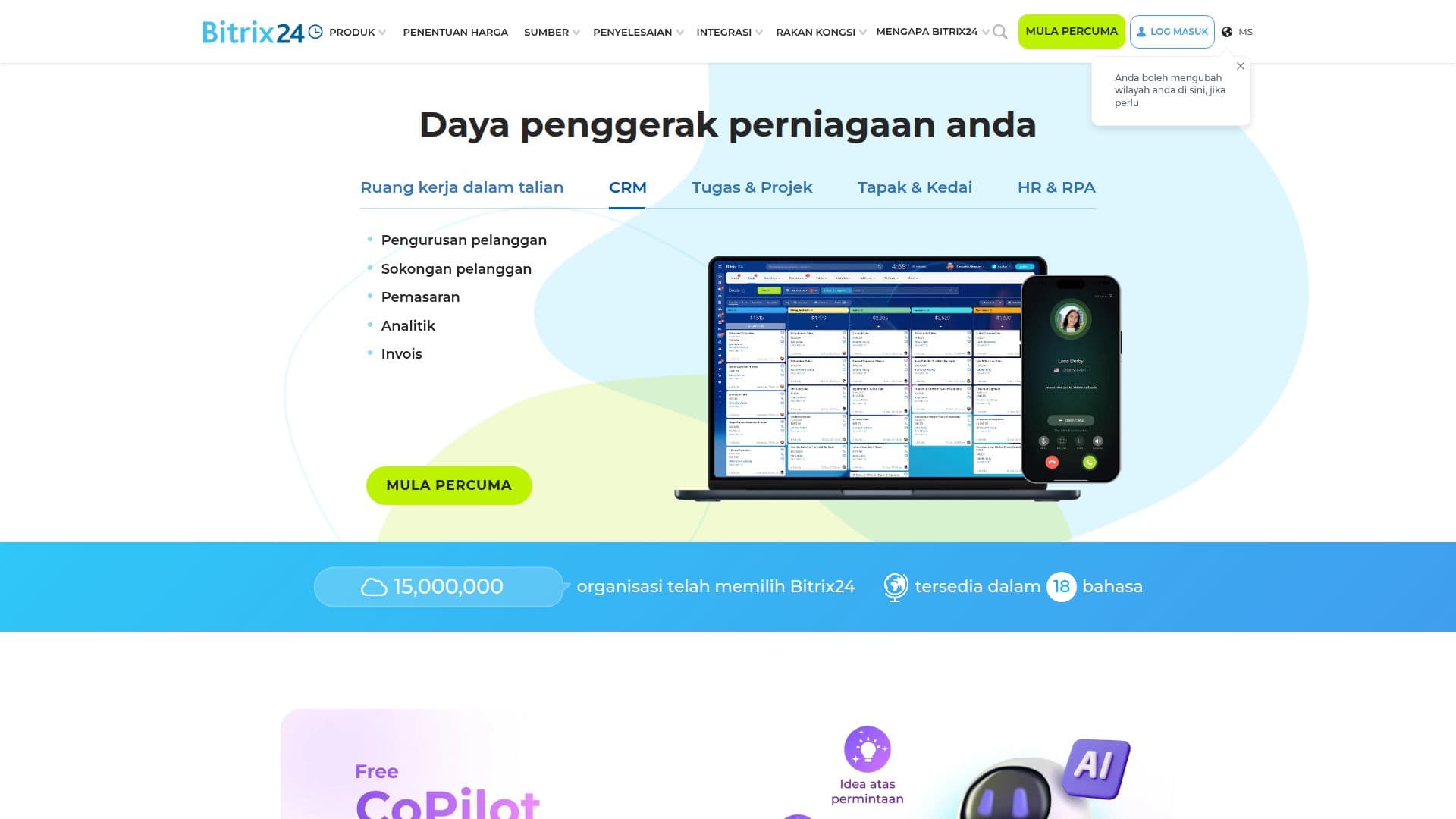
Bitrix24 is a comprehensive online workspace that integrates seamlessly into business processes, offering tools for CRM, task management, online meetings, and more. It is trusted by over 15 million businesses worldwide and provides a free plan with unlimited users. The platform supports self-hosting, allowing complete control over data and access to source code. Bitrix24 offers various solutions for industries like healthcare, legal, retail, and more, making it versatile for different business needs.
Read More
The platform includes features such as project management, communication tools, and AI-powered assistants, enhancing productivity and collaboration. Bitrix24 is available in multiple languages and can be accessed via web browsers, mobile apps, and desktop applications. It ensures data security with multiple layers of protection and compliance with standards like GDPR and HIPAA.
Pricing plans vary, with a free tier available and options for paid plans that offer additional functionalities like Telephony and third-party app integrations. Bitrix24 also provides a 15-day free trial for higher-tier features. The platform is ideal for businesses of all sizes, from solo entrepreneurs to large enterprises, offering scalability and customization to meet specific needs.
- CategoryAI CRM Tools
- Pricing ModelFreemium
- DeploymentCloud, Self-hosted
- PlatformsWeb, iOS, Android, Windows, Mac
Bitrix24's Core Features
CRM integration
Task management
Online meetings
Self-hosting option
Unlimited users on free plan
Multi-language support
Mobile and desktop apps
AI-powered assistants
Project management tools
Communication tools
Data security compliance
Third-party integrations
Telephony features
Customizable solutions
Free trial available
How to use Bitrix24?
Configure: Set up your workspace
Use: Utilize CRM and task management tools
Integrate: Connect with third-party apps
Optimize: Enhance productivity with AI assistants
Bitrix24's Use Cases
- CRM management
- Task tracking
- Online meetings
- Project collaboration
- Data security