
Description
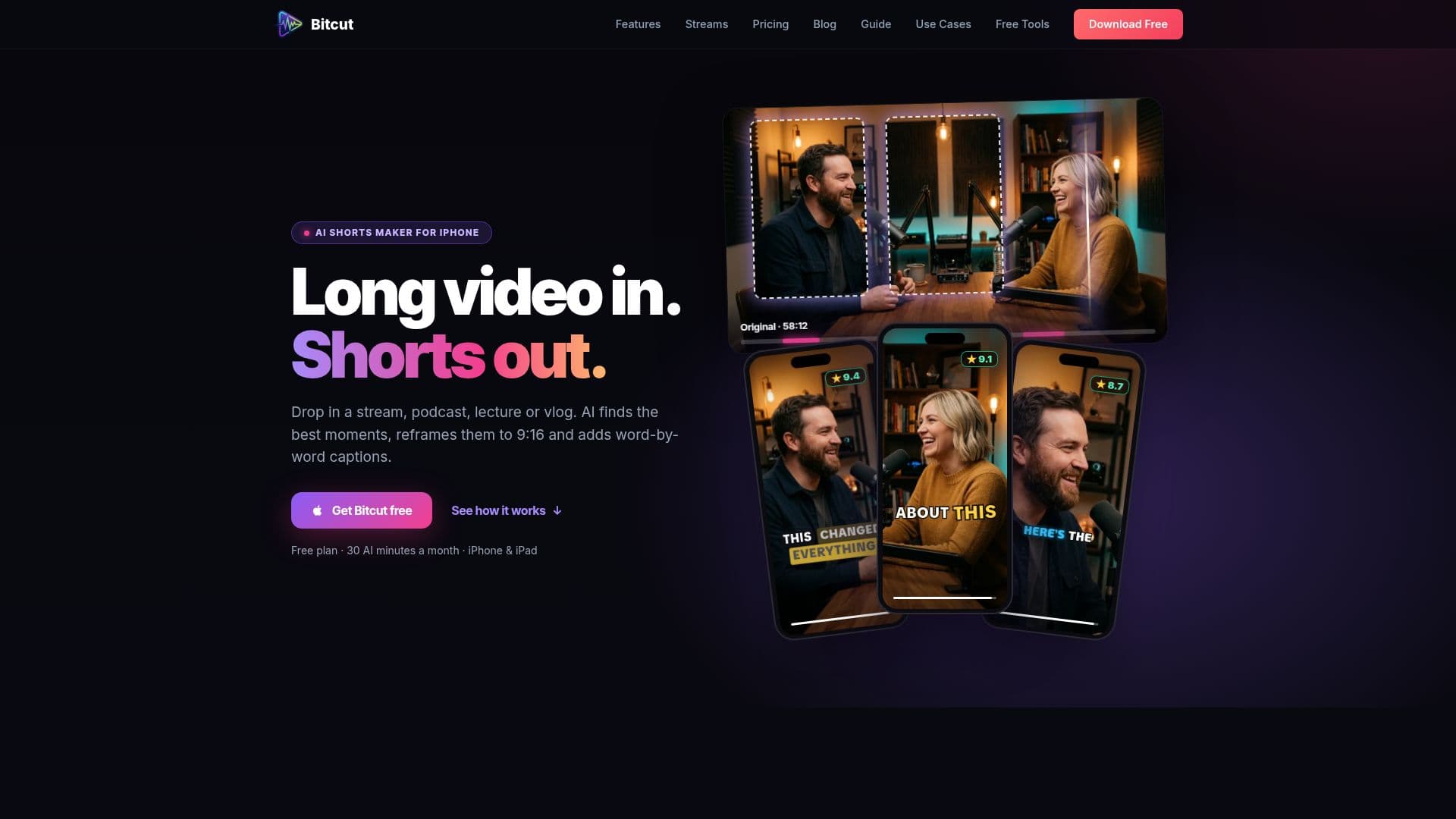
Bitcut is an AI-driven video editing application designed for iPhone and iPad users. It specializes in converting lengthy videos into short-form content suitable for platforms like YouTube Shorts, Instagram Reels, and TikTok. The app is equipped with a comprehensive timeline editor that allows users to import clips, sync them to music beats, and generate Shorts with AI assistance. Key features include animated subtitles, horizontal-to-vertical reframing with face tracking, and the ability to export edited videos directly from the device.
Read More
The app offers a free plan that includes 30 minutes of AI processing per month, which covers AI Shorts generation and AI subtitles. Users can upgrade to paid plans to unlock additional AI minutes, face tracking, and cloud storage, as well as to remove watermarks from exports. Bitcut supports multiple languages for AI transcription and subtitles, making it accessible to a global audience.
Bitcut's AI analyzes speech content to identify the best moments in a video, transcribes the audio, and segments it into self-contained Shorts. Each Short is rated based on criteria like engagement and completeness, helping users prioritize which clips to post. The app also features Beat Sync, which aligns video cuts with music beats, enhancing the overall viewing experience.
Designed for various content creators, Bitcut is suitable for YouTubers, educators, musicians, social media managers, and more. It supports offline editing, ensuring that users can work on their projects without an internet connection. With its user-friendly interface and robust feature set, Bitcut provides a powerful solution for anyone looking to create engaging short-form video content.
- CategoryAI Video Editors
- Pricing ModelFreemium
- DeploymentMobile App
- PlatformsiOS
Bitcut's Core Features
AI-powered video editing
Auto subtitles and transcription
Beat sync for music alignment
Face tracking for reframing
Horizontal-to-vertical conversion
Multiple language support
Cloud storage options
Offline editing capabilities
Quality scoring for Shorts
Free and paid plan options
Device-based authentication
Secure Apple payment processing
No account required for free features
Export options up to 4K
AI-generated social media descriptions
How to use Bitcut?
Import: Add your video clips to the project
Edit: Use the timeline editor to arrange and trim clips
Enhance: Apply AI features like subtitles and face tracking
Export: Save or share your edited video directly from the app
Bitcut's Use Cases
- YouTubers
- Educators
- Musicians
- Social Media Managers
- Podcasters
- Fitness Creators
- Real Estate
- Gamers
- Travel Vloggers
- Wedding Videographers