
Description
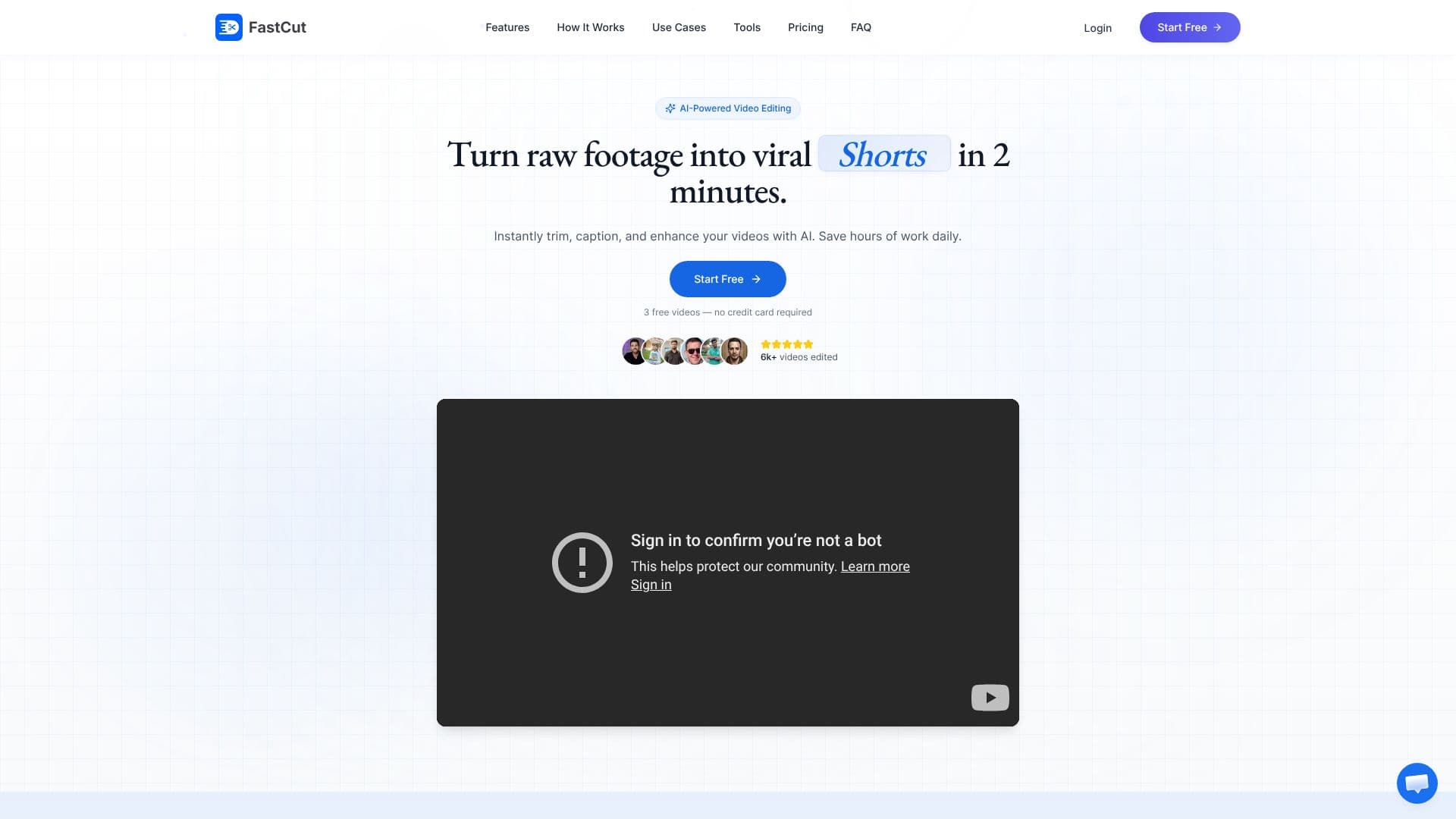
FastCut offers an AI-driven solution for effortless video editing, specifically designed to transform raw footage into engaging short-form content for platforms like TikTok, Instagram Reels, and YouTube Shorts. The platform aims to significantly reduce the time and effort required for video creation, allowing users to produce viral-ready videos in as little as two minutes.
Read More
At its core, FastCut leverages artificial intelligence to automate complex editing tasks. Users can instantly trim videos, add AI-generated captions, and enhance their content with B-roll footage, sound effects, and background music. This automation means that individuals without professional editing skills can achieve high-quality results quickly, saving valuable hours daily. The tool boasts a "magic" feature that allows for one-click video editing, demonstrating its power to enhance output tenfold with minimal user input.
Key capabilities include auto-captions, trending templates, text-based video trimming, and silence removal, all designed to increase viewer engagement. FastCut also facilitates higher engagement through animated captions and smart B-roll selection, even generating automatic GIFs using Google Image Search. For creators looking to save time, FastCut automates manual editing and keyframing, while also offering audio enhancement and background music integration. The platform promises up to 90% faster editing, 10x content output, and 78% higher engagement rates.
FastCut is ideal for content creators, social media marketers, and businesses aiming to grow their audience and ROI through short-form video. It is particularly beneficial for those focused on TikTok growth, aiming for higher follower rates, or seeking to increase views on Reels and Shorts. Social media advertisers can also leverage FastCut to improve their return on ad spend. The platform's testimonials highlight significant follower growth and increased ad performance, underscoring its value proposition for driving engagement and achieving business objectives.
The pricing structure is transparent, offering a free plan with limited credits and features, as well as paid tiers like Starter, Essential, and Pro, each with increasing video credits, duration limits, export quality, and advanced features. This tiered approach caters to individuals just starting out, growing creators, and professional teams with extensive needs.
- CategoryAI Short Video Makers
- Pricing ModelFreemium
- DeploymentCloud
- PlatformsWeb
FastCut AI Video Editor's Core Features
AI-powered video editing
Automated caption generation
Text-based video trimming
Silence removal
B-roll and image suggestions
Automatic GIF creation
Background music integration
One-click templates
Audio enhancement
Animated caption styles
Trending templates
Split-screen gameplay support
How to use FastCut AI Video Editor?
Upload Footage: Provide your raw video clips to the FastCut platform.
AI Editing: Let the AI automatically trim, add captions, and enhance your video.
Customize: Review and make minor adjustments to the AI-generated edits.
Enhance: Add background music, sound effects, or select B-roll footage.
Export & Share: Download your polished video and share it across social media platforms.
FastCut AI Video Editor's Use Cases
- Viral TikToks
- Instagram Reels
- YouTube Shorts
- Social Media Ads
- Content Creator Workflow
- Brand Marketing