Description
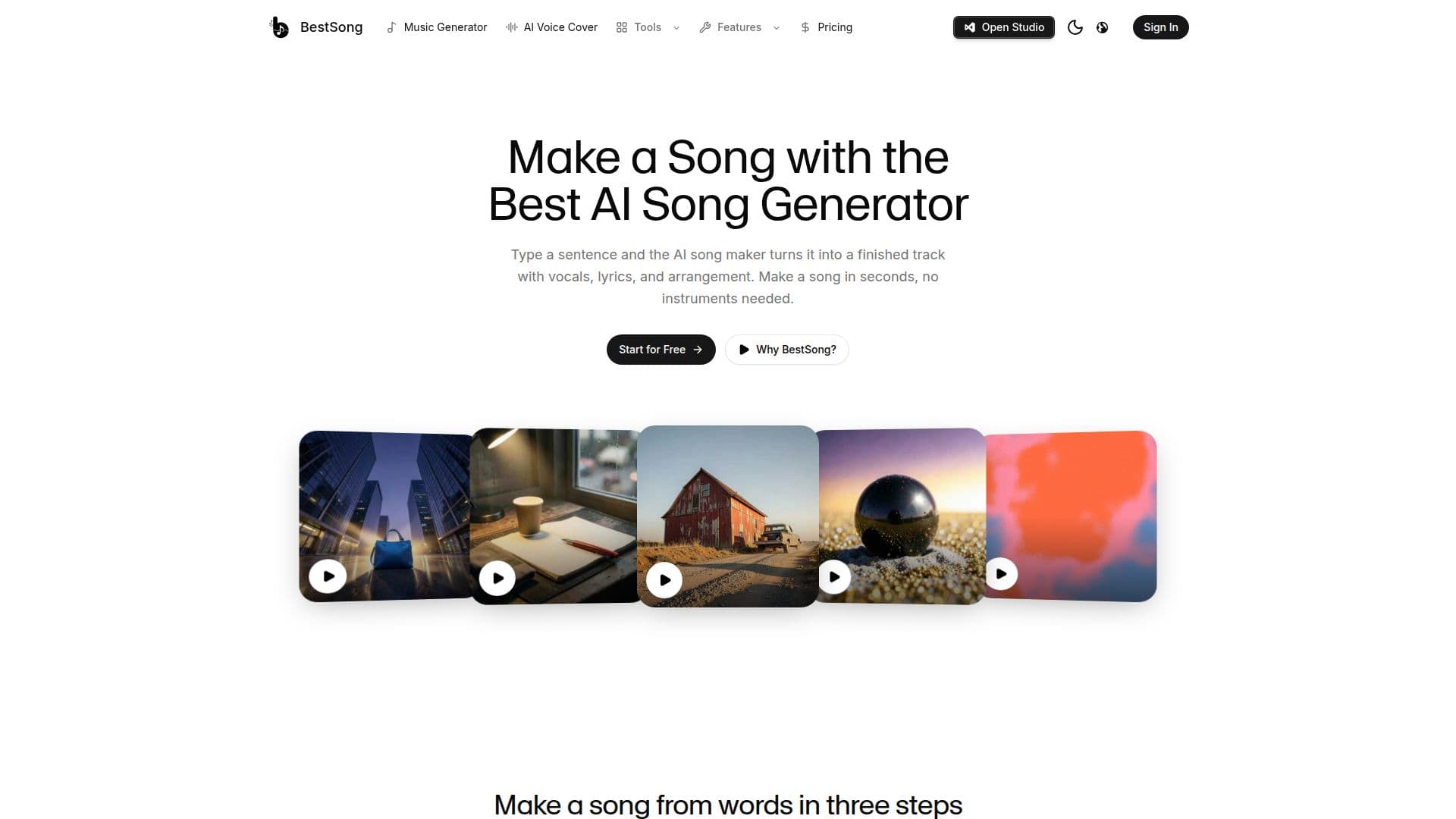
BestSong is a comprehensive AI music studio designed to help creators produce finished songs from initial ideas. It allows users to describe a song or paste their own lyrics, and the AI generates a complete track with vocals, lyrics, and arrangement in various styles like pop, hip-hop, lo-fi, country, and synthwave. The platform aims to streamline the music creation process, eliminating the need for multiple disconnected tools.
Read More
The integrated studio provides a workbench for refining generated tracks. Users can split any song into up to 12 time-aligned WAV stems, suitable for professional DAWs like Ableton or Logic. A voice cloning feature enables users to record their singing voice and apply it to any track they create, allowing for personalized covers. The MIDI studio offers an AI MIDI generator to create melodies and a piano-roll editor for note-by-note adjustments, with export options for standard MIDI files. Additionally, an AI mastering engine balances EQ, loudness, and stereo width to streaming standards (-14 LUFS), ensuring release-ready sound.
BestSong is built for a diverse range of creators, including songwriters who want to quickly demo ideas, content creators needing original background tracks with commercial rights (on paid plans), game developers requiring themes and ambient loops, podcasters for intros and outros, and marketing teams for jingles. The platform also offers free browser-based tools like a BPM Finder, Chord Finder, and MP3 Cutter, accessible without an account.
The service operates on a freemium model, offering a free plan with 50 daily credits (approximately 10 songs) for personal use. Paid plans, starting from $5.99/month, include commercial licenses and additional credits. BestSong emphasizes user ownership of generated content, with commercial rights granted for tracks created on paid plans. The platform is continuously evolving, with plans to expand its toolset and deepen editing capabilities to provide a seamless workflow from concept to final master.
- CategoryAI Music Generators
- Pricing ModelFreemium
- DeploymentCloud
- PlatformsWeb
BestSong's Core Features
AI Song Generation from Text or Lyrics
Over 100 Music Styles (Pop, Hip-hop, Lo-fi, Country, Synthwave, etc.)
Integrated Studio for Post-Generation Editing
Stem Splitting (up to 12 time-aligned WAV stems)
AI Voice Cloning for Personalized Covers
AI MIDI Generator and Piano-Roll Editor
AI Mastering to Streaming Standards (-14 LUFS)
Commercial License on Paid Plans
Free Plan with Daily Credits (50 credits/day, ~10 songs)
Free Browser Tools (BPM Finder, Chord Finder, MP3 Cutter)
Generate Music up to 8 Minutes Long
Download in MP3 and WAV Formats
Two Takes per Generation for Choice
Custom Mode for Detailed Song Control
Instrumental-Only Music Generation
How to use BestSong?
Describe your song: Tell the AI song generator what kind of song you want to make, including mood, story, or paste your own lyrics.
Click Create: Initiate the generation process and wait for the AI to compose the track.
Listen and share: Enjoy the generated song and share it if desired, or open it in the studio for further editing.
Refine in Studio: Use the integrated studio to split stems, clone your voice, edit MIDI, or master the track.
Generate MIDI: Describe a melody to the AI MIDI generator and get quantized MIDI in seconds.
Master your mix: Upload a mix to the AI mastering engine to balance EQ, loudness, and stereo width to streaming standards.
Use free tools: Access browser-based utilities like BPM Finder, Chord Finder, or MP3 Cutter without an account.
Download and publish: Download your finished songs as MP3 or WAV files and publish them according to your plan's license.
BestSong's Use Cases
- Songwriting Demos
- Content Creation Background Music
- Game Development Audio
- Podcast Intros and Outros
- Marketing Jingles and Campaigns
- Personalized Gifts
- Voice Cover Songs
- MIDI Melody Generation
- Audio Mastering
- Stem Separation