Description
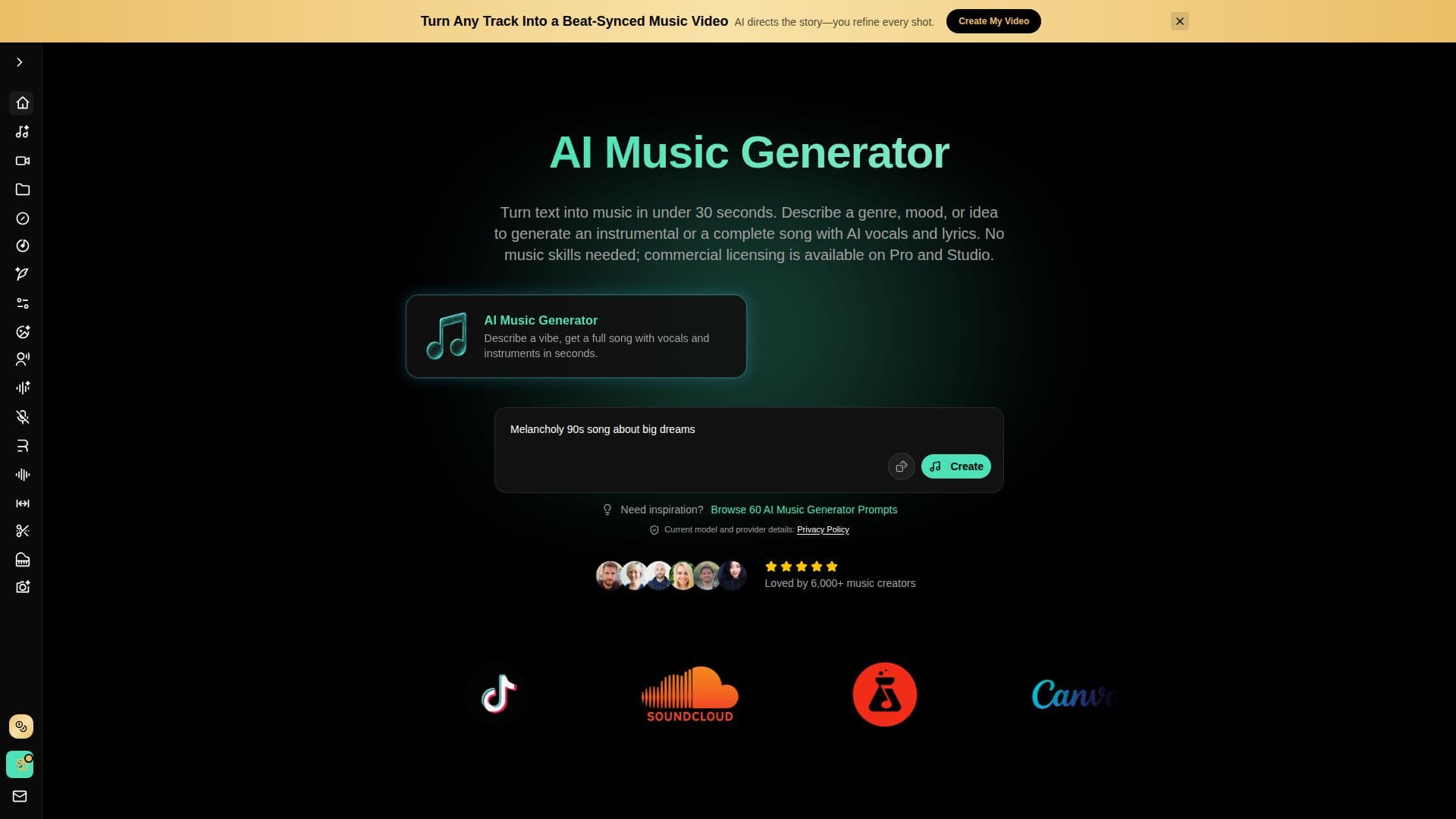
BeMusic AI is an AI music generator that turns a text prompt into a full track with vocals in seconds, with no music skills required. You describe the song you want, generate an instrumental or full song across genres like pop, rock, hip-hop, EDM, and lo-fi, then preview, refine, and download. The pitch is aimed at replacing costly composers and restrictive music libraries with fast, controllable generation.
Read More
The platform includes a wider toolkit: an AI song generator, lyrics generator, cover generator, vocal remover and stem splitter, instrumental generator, music remixer, voice changer, AI singing photo, and an AI music video generator. The music video tool uses a storyboard-first workflow with per-shot editing, beat-synced cuts, 12 styles and 8 moods, character consistency, lip sync to your vocals, and export up to 1080p MP4. A prompt library of 60 genre-specific examples helps users write effective text-to-music prompts.
BeMusic AI is free to start with starter credits and runs on a credit system. Free and Creator output is for personal, non-commercial use, while Pro and Studio plans include a perpetual, worldwide, royalty-free commercial-use license for eligible output (including tracks generated before upgrading). Paid tiers add WAV downloads, extended tracks up to 8 minutes, voice cloning, priority generation, and higher credit allowances. Unused credits do not roll over.
- CategoryAI Music Generators
- Pricing ModelFreemium
- DeploymentCloud
- PlatformsWeb
BeMusic AI's Core Features
Text-to-music generation with AI vocals or instrumentals
Multiple genres including pop, rock, hip-hop, EDM, and lo-fi
AI cover generator, vocal remover, and stem splitter
AI lyrics generator and music prompt library
AI music video generator with storyboard editing and lip sync
AI voice changer, voice cloning, and singing photo
MP3 and WAV downloads with tracks up to 8 minutes on paid plans
Royalty-free commercial-use license on Pro and Studio plans
How to use BeMusic AI?
Enter a prompt: describe the song, including genre, mood, and vocals.
Generate: create an instrumental or full song with AI vocals.
Preview and refine: listen, adjust the prompt, and regenerate as needed.
Download: save your track as MP3 (or WAV on paid plans).
BeMusic AI's Use Cases
- YouTube and podcast music
- Short-form social music
- Game soundtracks
- Ad campaign music
- Music videos