Description
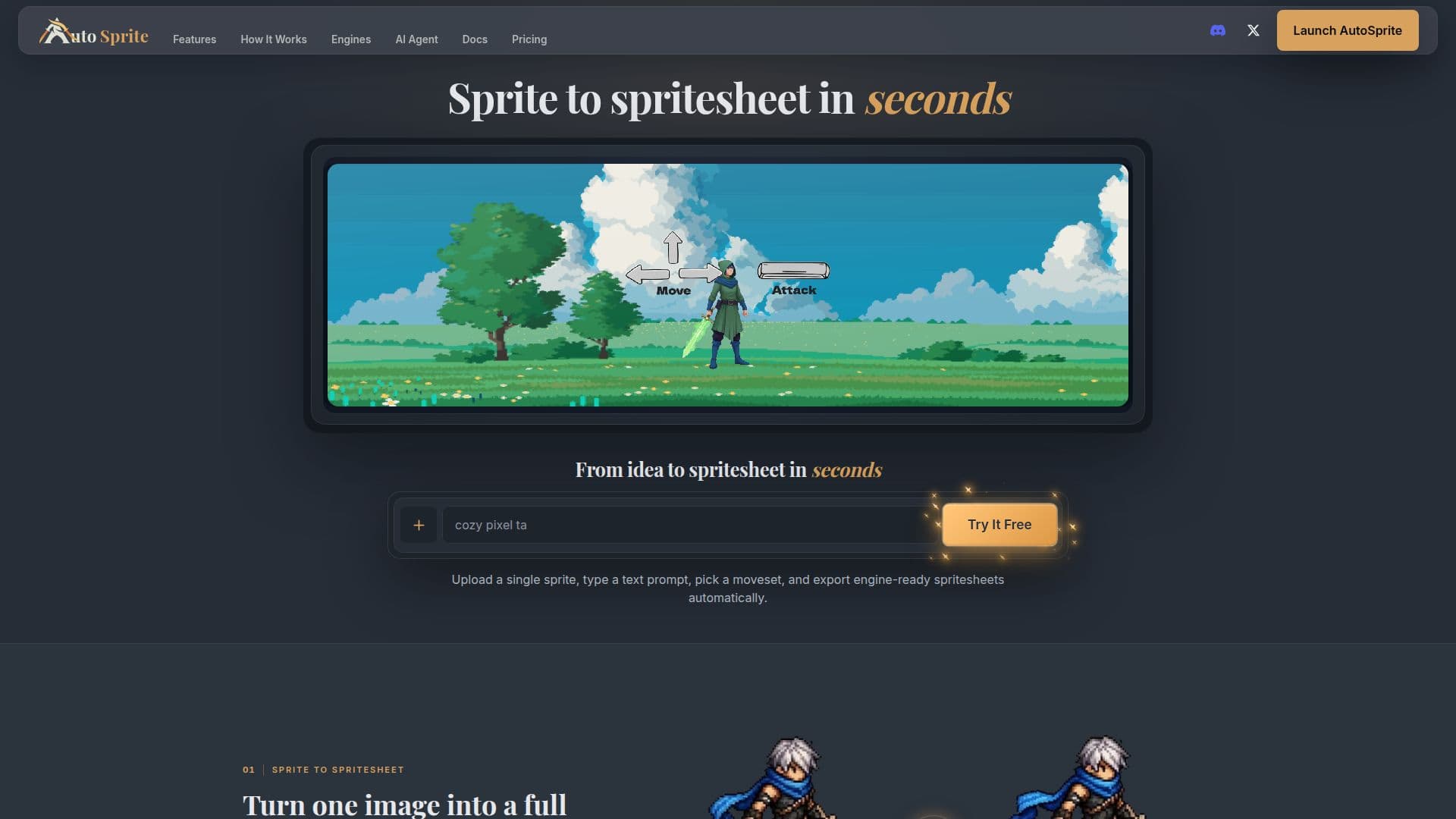
AutoSprite is an AI-driven sprite sheet generator designed to streamline the creation of game-ready animations. By uploading a single sprite, users can select a moveset and export spritesheets compatible with popular game engines like Unity, Godot, GameMaker, and Phaser. The tool supports a variety of animation types, including idle, walk, run, and custom animations, ensuring character consistency across frames.
Read More
AutoSprite offers a free plan with daily credits, and additional plans such as Starter, Pro, and Enterprise for higher volumes and team collaboration. The tool allows for batch processing and includes a REST API for integrating into game production pipelines. Users can also connect AutoSprite to MCP clients like Claude Code and Cursor for seamless game development.
The platform supports directional animations for side-scrollers, top-down games, and isometric projects. It also enables the creation of game assets, props, and cinematic cutscenes from text or image prompts. AutoSprite maintains character design consistency, allowing for variations in outfits and visual styles without altering the core animation.
AutoSprite's pricing model includes a free plan with limited credits, while paid plans offer increased credits, higher resolution exports, and additional features like API access and team management. The tool is ideal for indie game developers seeking to automate and enhance their animation workflows.
- CategoryAI Game Development Tools
- Pricing ModelFreemium
- DeploymentCloud
- PlatformsUnity, Godot, GameMaker, Phaser
AutoSprite's Core Features
AI sprite sheet generation
Engine-ready exports for Unity, Godot, GameMaker, Phaser
Supports custom animations and movesets
Batch processing in Advanced Mode
REST API for programmatic access
MCP integration for coding environments
Directional and isometric animations
Commercial use rights for generated assets
Character consistency across animations
Free plan with daily credits
How to use AutoSprite?
Upload: Start with a character image or text prompt
Select: Choose animations like idle, walk, run
Generate: Use AI to create animation loops
Export: Download spritesheets with PNG and atlas files
Integrate: Use in game engines like Unity, Godot
AutoSprite's Use Cases
- Indie Game Development
- Batch Animation Processing
- Custom Game Assets
- Cinematic Cutscenes
- Team Collaboration