
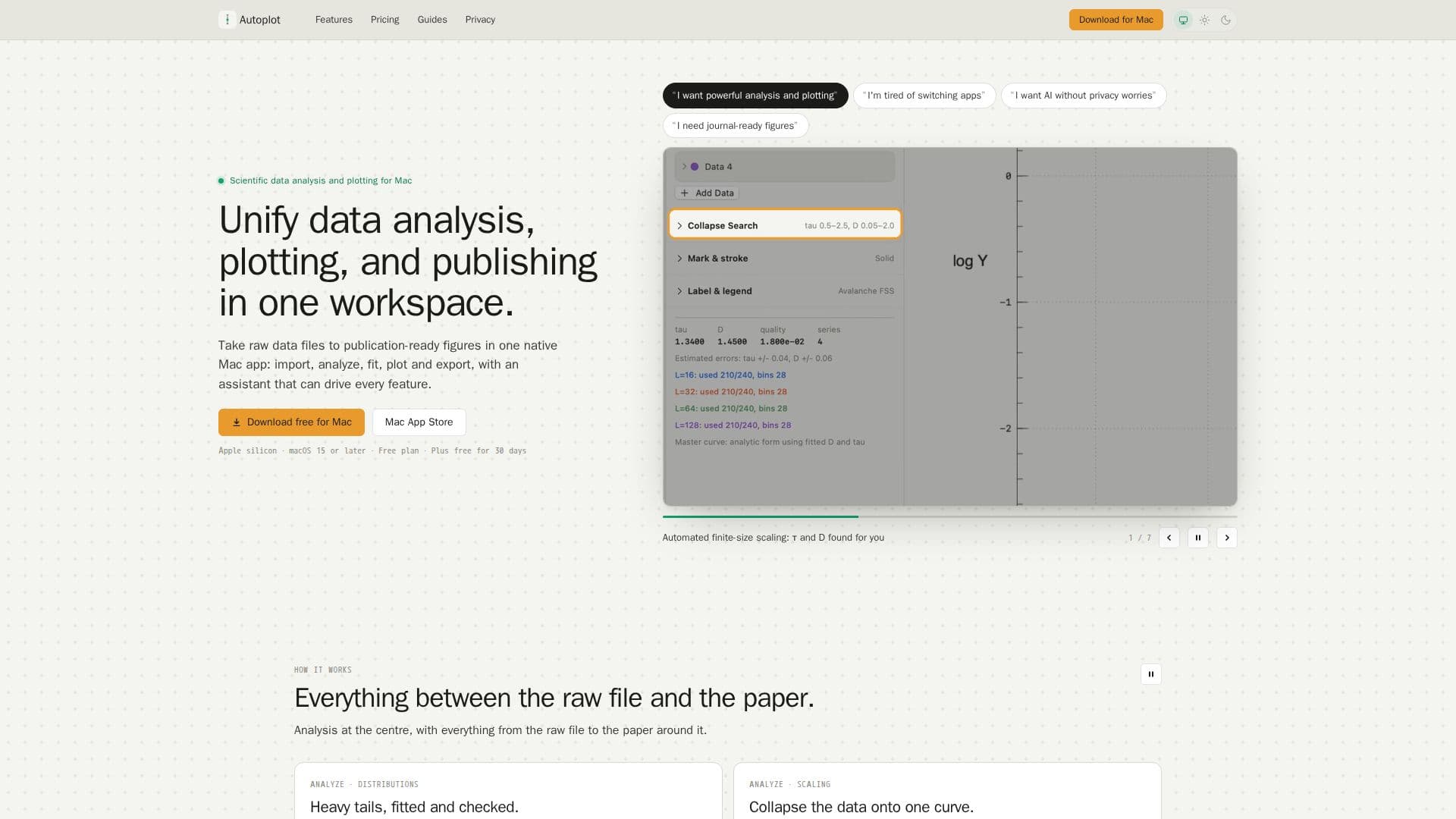
Description
Autoplot is a comprehensive scientific data analysis and plotting tool designed specifically for macOS. It provides a native Mac workspace where users can import raw data files, analyze them, and create publication-ready figures. The application supports a wide range of data formats and offers features such as automated finite-size scaling, 3D surface plotting, and density map fitting.
Read More
One of the standout features of Autoplot is its conversational assistant, which can automate various tasks by writing and executing Python scripts directly on the user's Mac. This ensures that data privacy is maintained, as raw data never leaves the local environment. The assistant can handle tasks such as file operations, data wrangling, and generating plots, making it a powerful tool for scientists who need to focus on analysis rather than coding.
Autoplot offers a freemium pricing model with three tiers: Free, Plus, and Pro. The Free plan includes essential plotting and analysis features, while the Plus and Pro plans unlock advanced capabilities such as 3D plotting and additional AI credits. The Pro plan is designed for users who require extensive use of the assistant, offering 1000 hosted-AI credits per month.
The application is optimized for Apple silicon and requires macOS 15 or later. It is particularly suitable for scientists and researchers who need to perform complex data analysis and visualization tasks without switching between multiple tools. Autoplot's ability to export figures to journal specifications and its support for a wide range of analysis methods make it a valuable asset for scientific publishing.
- CategoryAI Data Analysis
- Pricing ModelFreemium
- DeploymentLocal
- PlatformsmacOS
Autoplot's Core Features
Native Mac application
Conversational assistant for automation
Supports Apple silicon
3D surface plotting
Density map fitting
Automated finite-size scaling
Python script generation
Journal-spec export
How to use Autoplot?
Download: Install Autoplot from the Mac App Store
Import: Drag and drop data files into the workspace
Analyze: Use the assistant to automate data analysis
Plot: Create 2D and 3D plots with customizable settings
Export: Save figures in journal-ready formats
Autoplot's Use Cases
- Scientific Research
- Data Wrangling
- Educational Use
- Collaborative Projects
- Journal Publication