
Description
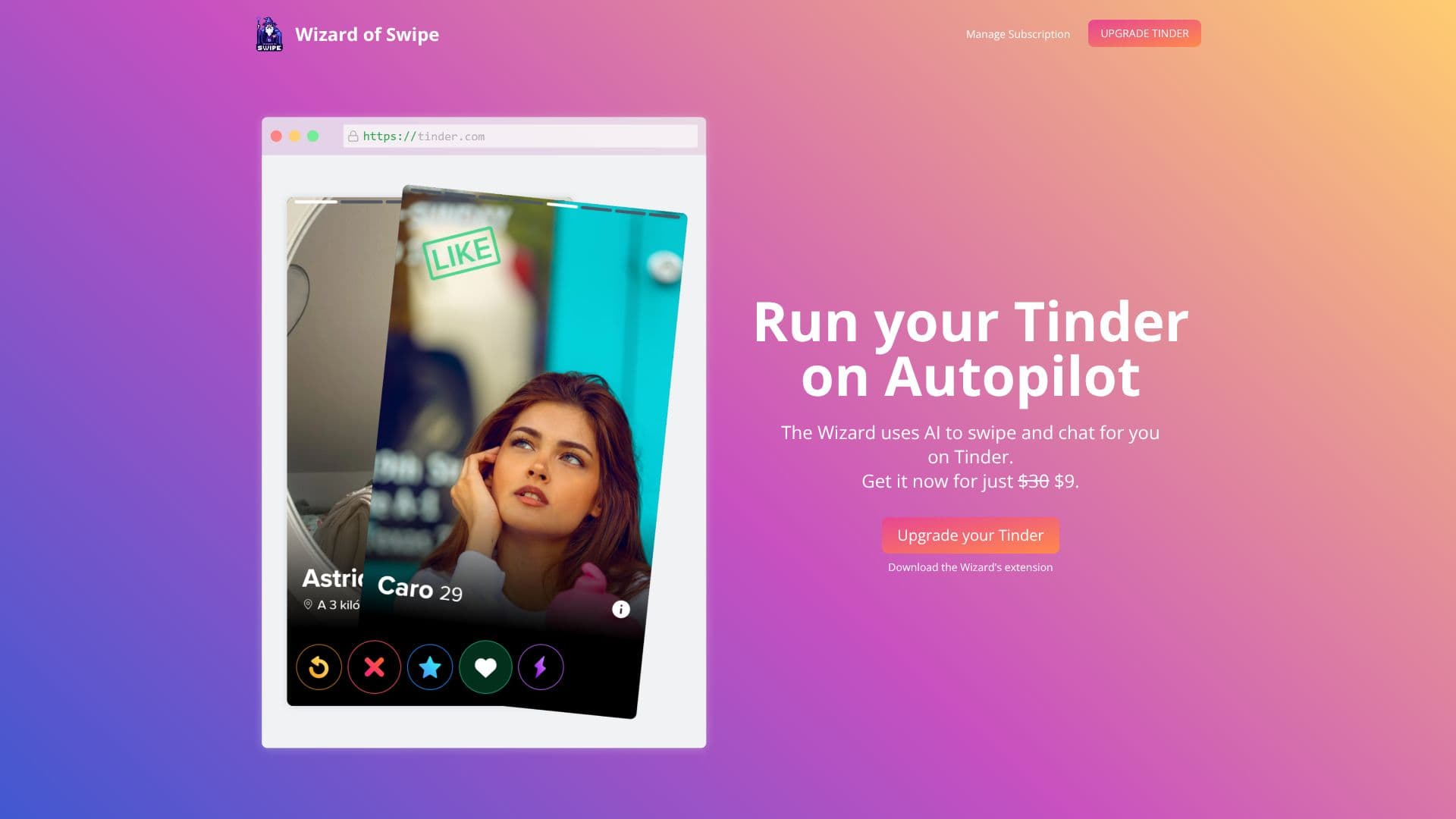
Autopilot for Tinder, accessible via a browser extension, leverages artificial intelligence to streamline and enhance your Tinder experience. The core functionality revolves around automating two critical aspects of the dating app: swiping and chatting. By analyzing both your profile and those of your potential matches, the AI can intelligently make decisions about who to connect with.
Read More
The tool's chat generation capability is a standout feature. It reviews chat history and profiles to craft messages that aim to keep conversations flowing smoothly, reducing the pressure of initiating or maintaining dialogue. This AI-driven approach ensures that interactions are contextually relevant and engaging.
Beyond communication, Autopilot for Tinder incorporates a "Beauty Score" feature. This AI system evaluates user images and assigns a score based on attractiveness, providing an additional layer of data for users to consider when swiping. This feature aims to offer a quantitative perspective on visual appeal.
To further refine match selection, the platform offers "Premium Filters." Users can specify criteria such as zodiac signs, pet preferences, and even ethnicity. The AI's ability to identify ethnicity through image analysis allows for more precise filtering, catering to a wide range of user preferences and enabling more targeted connections.
The overall value proposition is to save users time and effort while potentially improving the quality of matches and interactions on Tinder. It transforms the often time-consuming process of online dating into a more efficient and data-driven experience, allowing users to focus on building meaningful connections.
- CategoryAI Dating Assistants
- Pricing Model$9
- DeploymentBrowser Extension
- PlatformsWeb
Autopilot for Tinder's Core Features
AI-powered Tinder automation
Automated swiping and chatting
AI-generated chat messages
Profile analysis for message generation
Chat history review for context
AI-driven beauty score for images
Attractiveness evaluation of user photos
Premium filtering options
Filter by zodiac signs
Filter by pet preferences
Ethnicity identification via image analysis
Filter by user ethnicity
How to use Autopilot for Tinder?
Install: Download and install the Wizard's browser extension.
Configure: Set your preferences for filtering and AI interaction.
Activate: Enable Autopilot for Tinder to begin automated actions.
Review: Monitor generated messages and swipe decisions.
Optimize: Adjust filters and settings based on performance.
Autopilot for Tinder's Use Cases
- Automated Swiping
- AI Chat Generation
- Profile Filtering
- Attractiveness Scoring
- Ethnicity Filtering
- Dating App Efficiency