
Description
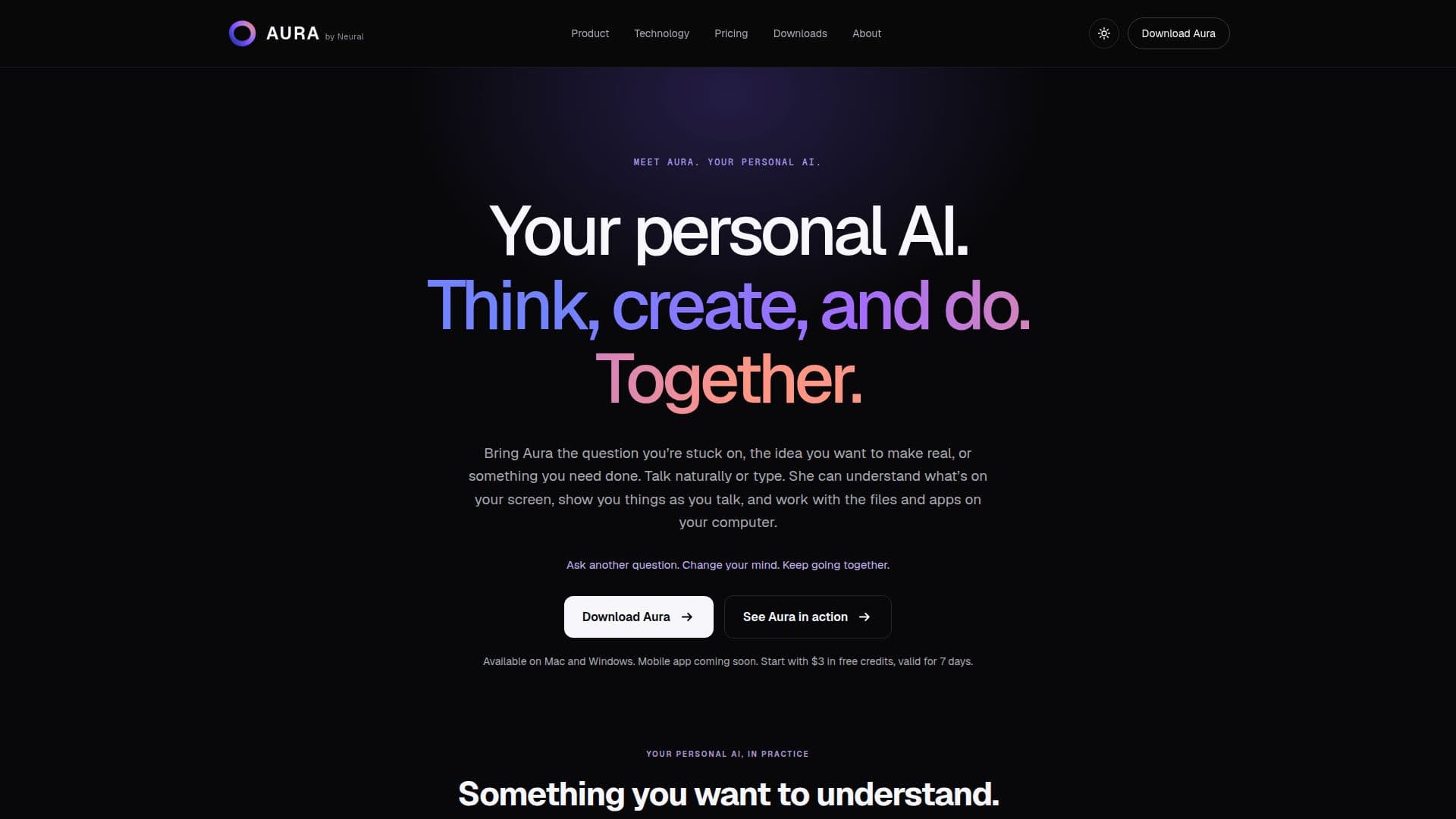
Aura by Neural is a personal AI assistant designed to enhance your computing experience on Mac and Windows. It offers a range of functionalities, including helping users understand complex lessons, transforming ideas into presentations, and managing files and applications on their computers. Users can interact with Aura through natural conversation, either by speaking or typing, and Aura can understand the context of what's on the screen to provide relevant assistance.
Read More
Aura's capabilities extend to creating interactive interfaces, allowing users to see plans take shape in real-time. This feature is particularly useful for tasks such as organizing project files or preparing presentations. Aura also supports voice interaction, enabling users to choose a voice they prefer and even name their AI assistant, fostering a more personalized experience.
The AI assistant is powered by advanced frontier AI models and NeuralAction, a computer-use model that facilitates seamless interaction with desktop and browser interfaces. This integration allows Aura to perform tasks across various applications, enhancing productivity and efficiency.
Aura offers flexible pricing options, starting with $3 in trial credits valid for 7 days. Users can continue with pay-as-you-go credits starting from $10 or opt for an Aura Pro membership at $100 per month, which includes monthly credits and preferred usage rates. Aura is also available for teams and enterprises, providing centralized billing, managed seats, and advanced governance features.
The target audience for Aura includes individuals seeking a personal AI assistant to aid in learning, creativity, and task management. Its ability to remember user preferences and ongoing projects makes it a valuable tool for those who require a personalized computing experience. However, it's important to note that Aura is currently available only on Mac and Windows, with a mobile app coming soon.
- CategoryAI Personal Assistants
- Pricing ModelFreemium
- DeploymentDesktop
- PlatformsMac, Windows
Aura by Neural's Core Features
Personal AI assistant
Available on Mac and Windows
Interactive interfaces
Voice and text interaction
NeuralAction computer-use model
Flexible pricing options
Memory and preference management
Enterprise and team solutions
How to use Aura by Neural?
Configure: Set up Aura on your Mac or Windows
Use: Interact with Aura through voice or text
Optimise: Customize preferences and memory settings
Explore: Utilize interactive interfaces for tasks
Aura by Neural's Use Cases
- Lesson Assistance
- Presentation Creation
- File Management
- Interactive Planning
- Voice Interaction