Description
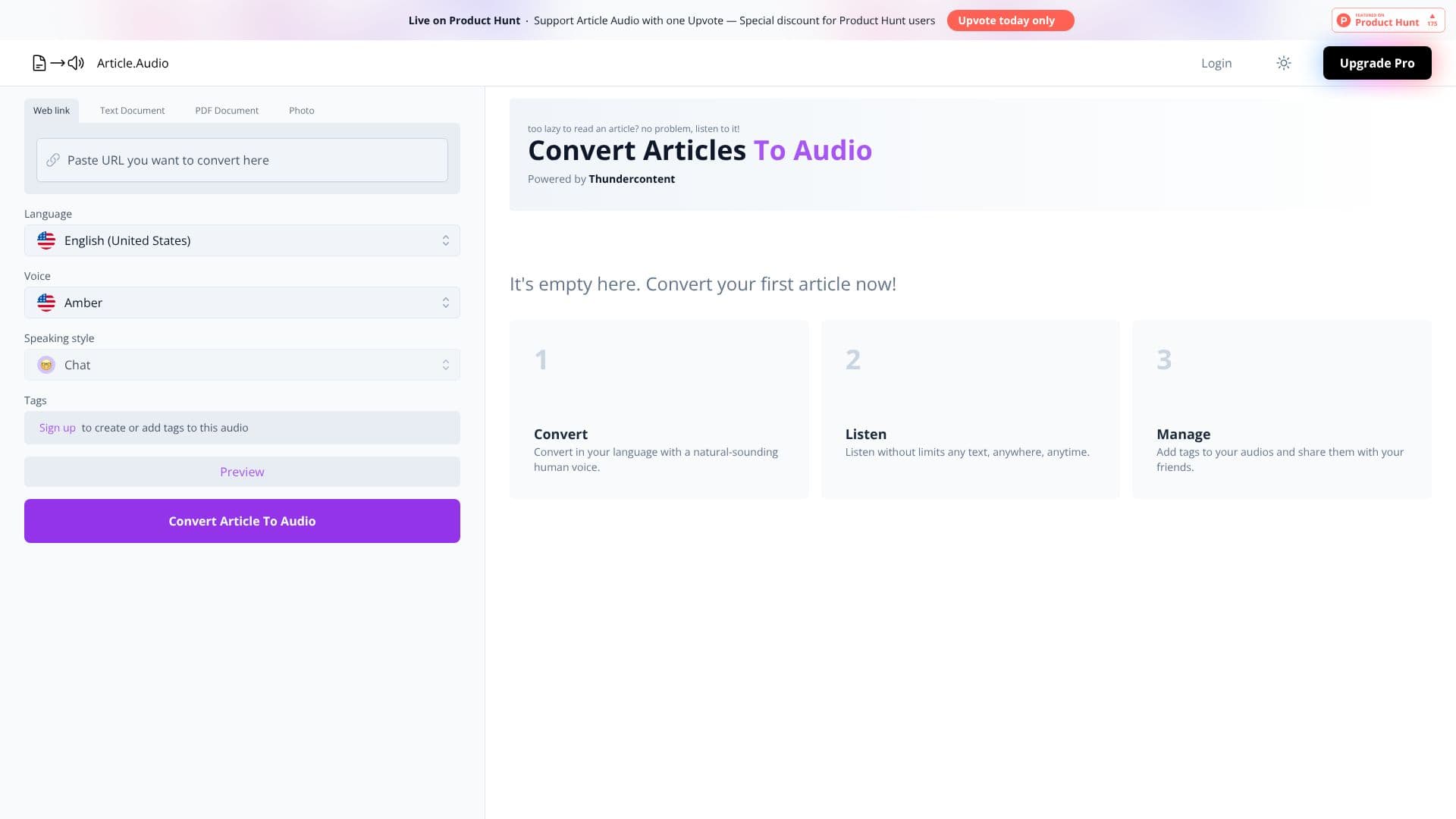
Article Audio offers a straightforward solution for converting written articles into high-quality audio. This service is powered by Thundercontent and aims to make content consumption more flexible and accessible. Users can bypass the need for reading by simply listening to articles, which is particularly beneficial for those with busy schedules or a preference for auditory learning.
Read More
The platform boasts an extensive language selection, supporting over 140 languages, and utilizes natural-sounding human voices to deliver an engaging listening experience. This broad linguistic support ensures that a global audience can benefit from the service, regardless of their native tongue.
Getting started with Article Audio is designed to be simple. Users can initiate the process by signing up with their email address or by using their Google account. The service provides a clear interface for converting articles, and once converted, the audio can be listened to without limitations, anytime and anywhere.
Beyond basic conversion, Article Audio allows users to manage their generated audios by adding tags and sharing them with others. This feature enhances organization and collaboration, making it easier to keep track of converted content and distribute it effectively. The platform also highlights a 'Pro' version for users who wish to unlock all available features, suggesting a tiered service model.
Article Audio is particularly useful for content creators, students, researchers, and professionals who frequently engage with long-form written content. It transforms static articles into dynamic audio experiences, catering to diverse learning styles and accessibility needs. The ability to listen on the go, while commuting, exercising, or multitasking, adds significant value to the user experience.
- CategoryText to Speech
- Pricing ModelFreemium (implied by Pro version)
- DeploymentCloud
- PlatformsWeb
Article Audio's Core Features
Converts articles into audio format
Supports over 140 languages
Utilizes natural-sounding human voices
Allows listening to content instead of reading
Tagging and sharing of generated audios
Email and Google sign-up options
Pro version available for advanced features
Powered by Thundercontent
Accessible anytime, anywhere
No listening limits
How to use Article Audio?
Sign up: Create an account using your email or Google login.
Convert: Input your article text into the conversion tool.
Choose voice and language: Select from over 140 languages and various human voices.
Listen: Play the generated audio content.
Manage: Add tags to your audios for organization.
Share: Distribute your audio content with friends or colleagues.
Article Audio's Use Cases
- Content Consumption
- Auditory Learning
- Accessibility
- Commuting Companion
- Research & Study
- Content Sharing
- Multitasking Aid