Description
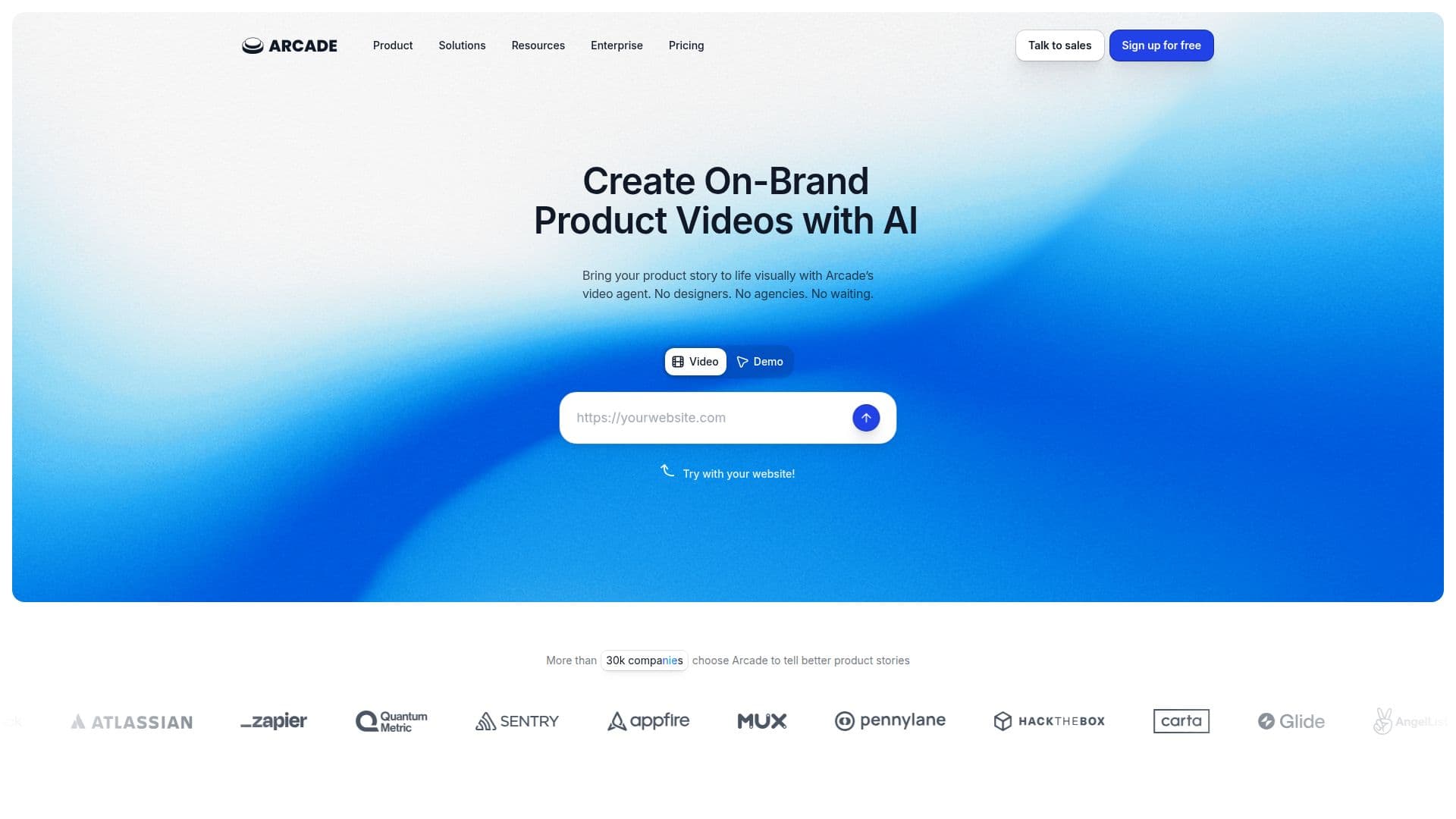
Arcade is an AI-powered platform for creating on-brand product videos, visuals, and interactive demos quickly. Rather than acting as a generic AI tool, it starts from your actual product and brand, pulling logos, colors, fonts, and writing style from your website so every output looks like your own creative work. On average, it takes about six minutes to create a new video in Arcade.
Read More
The workflow centers on a Brand Kit and a context engine. You set up a brand profile, attach product context such as messaging docs, screenshots, or one-pagers, and prompt Arcade to generate product overviews, launch teasers, social sizzles, or explainer videos. You can then fine-tune with broad or scene-by-scene AI edits or manual adjustments, add AI voiceovers and translations, and export videos as MP4 or GIF, embed them on a website, or share a review link.
Arcade is built for go-to-market teams across marketing, sales and pre-sales, customer success, enablement and training, and product, supporting personalized demos, onboarding content, and release videos. It offers demo features like branching, CTAs, forms, hotspots, and insights, and connects to tools such as HubSpot, Salesforce, Slack, Google Analytics, Segment, and more, plus an Arcade MCP for AI agent workflows.
Arcade offers a free plan (1 user, limited published content, 200 AI credits/month) and paid plans starting at $32/month, with a Growth plan adding up to 10 users, more credits, and custom branding, and an Enterprise plan for larger teams. It maintains SOC 2 Type II compliance and uses TLS 1.2+ and AES-256 encryption.
- CategoryAI Video Generators
- Pricing ModelFreemium
- DeploymentCloud
- PlatformsWeb
Arcade's Core Features
AI text-to-video generation from prompts and screenshots
Brand Kit and context engine for automatically on-brand output
Interactive product demos with branching, CTAs, and forms
Scene-by-scene AI editing plus manual fine-tuning
AI voiceovers and translations
Export to MP4 or GIF, embed, or share via link
Integrations with HubSpot, Salesforce, Slack, and analytics tools
Arcade MCP for connecting AI agents and GTM workflows
How to use Arcade?
Set up a Brand Kit: Pull logos, colors, fonts, and writing style from your website.
Add product context: Attach messaging docs, screenshots, or one-pagers.
Prompt to generate: Create product overviews or social videos with custom animations.
Fine-tune the details: Make broad or scene-by-scene edits with AI, or edit manually.
Download and embed: Export as video or GIF, embed on your site, or share a review link.
Arcade's Use Cases
- Marketing product videos
- Sales demos
- Customer success content
- Release and launch videos
- Enablement and training