Description
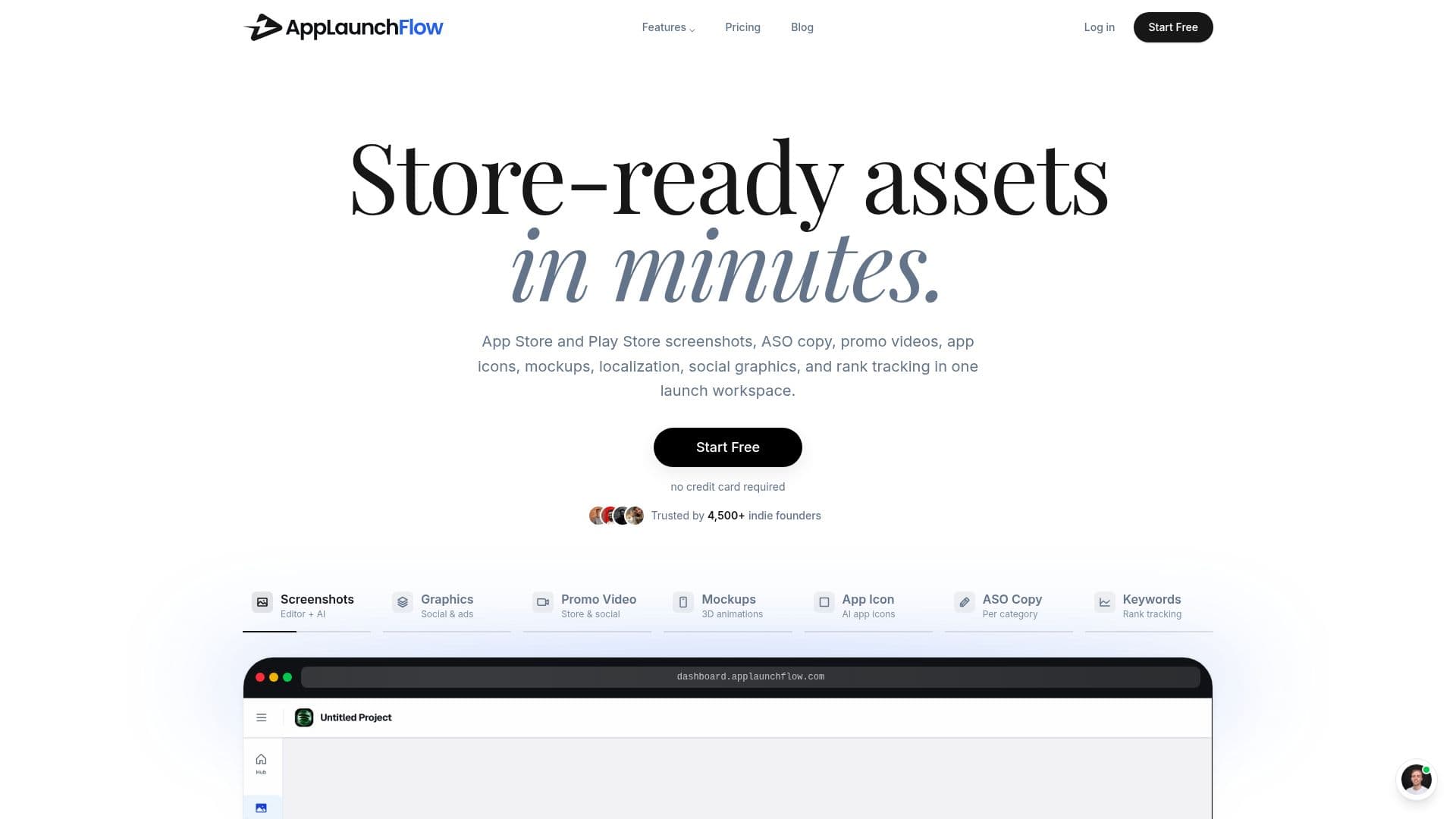
AppLaunchFlow is a purpose-built workspace for creating app-store launch assets. From a single project, teams import raw screenshots and generate a complete launch package around them: App Store and Google Play screenshots, app icons, 1024x500 feature graphics, promo videos, mockups, social graphics, ASO copy, localized variants, and store-ready exports, all reusing the same brand system, captions, and store metadata.
Read More
Apple's and Google's size requirements are built into the export presets, so users can export complete sets in every required App Store Connect and Google Play size and hand them off directly through store connections. The platform covers the full Google Play visual set (phone, 7-inch and 10-inch tablet screenshots, feature graphics, and store-ready packs) and matching App Store screenshots, plus icon production with iOS 1024x1024 planning, dark and tinted variants, Google Play 512x512 icons, and Android adaptive icon safe-area planning.
AppLaunchFlow is designed to replace stitching together separate tools for the store-asset handoff, working alongside delivery and project tools like Fastlane, App Store Connect, Google Play Console, Figma, and Notion rather than replacing them. It also localizes the full store listing package with layout-aware text fitting and RTL/CJK review, tracks App Store and Google Play keywords with competitor context, and helps create and compare screenshot, icon, copy, and graphic variants before handoff to store experiment tools.
- CategoryListing & Store Optimization
- Pricing ModelFreemium
- DeploymentCloud
- PlatformsWeb
AppLaunchFlow's Core Features
App Store and Google Play screenshot generation with built-in size presets
ASO copy generation and localized variants
App icon production for iOS and Android with variant planning
Feature graphics, mockups, and promo videos
Social and Product Hunt launch graphics from the same screenshots
Localization of the full store listing with layout-aware text fitting
Keyword tracking with competitor SERP context
Store-ready exports and handoff via store connections
How to use AppLaunchFlow?
Create a project: Set up one AppLaunchFlow project for your app.
Import screenshots: Upload raw captures of your app screens.
Pick a template and generate: Choose a layout and generate the full launch asset package around your screenshots.
Localize and vary: Create localized variants and compare screenshot, icon, and copy versions.
Export and hand off: Export complete sets in every required store size and hand off via store connections.
AppLaunchFlow's Use Cases
- App store screenshots
- ASO copy and metadata
- Icons and feature graphics
- Launch marketing assets