Description
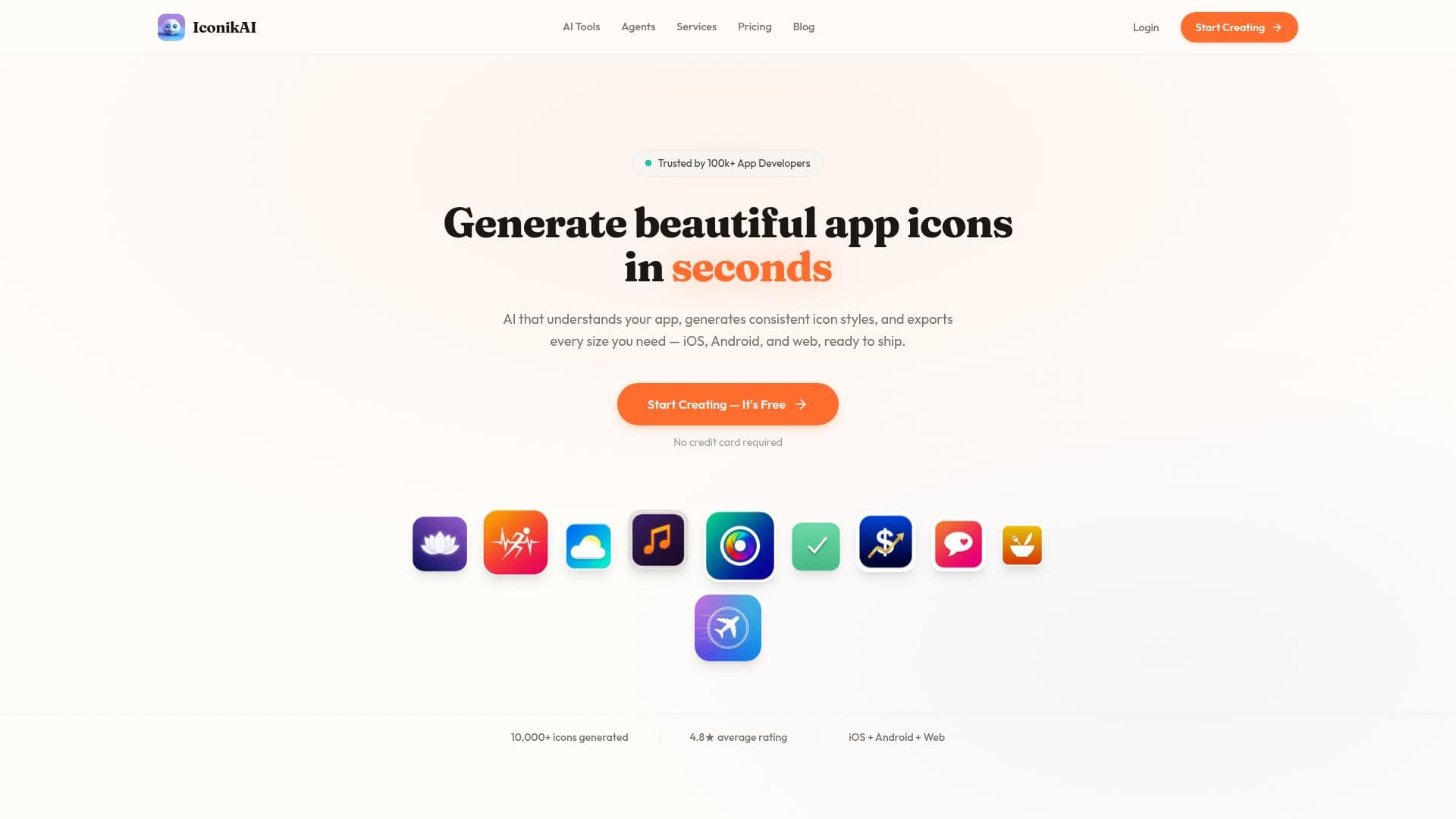
Iconikai is an AI-driven platform designed to streamline the creation of app icons and screenshots while enhancing app store optimization (ASO). It caters to developers and designers who seek to produce high-quality visual assets without investing extensive time in design tools like Figma. The platform's AI understands app context and generates consistent icon styles, exporting them in all necessary sizes for iOS, Android, and web platforms.
Read More
The process is straightforward: describe your app, and Iconikai's AI generates 4–8 icon variants, which can be exported with a single click. The platform supports a variety of styles, including flat, 3D, gradient, and more, ensuring that every icon aligns with the app's brand identity. Users can refine icons through simple text prompts, allowing for iterative improvements without starting from scratch.
In addition to icon generation, Iconikai offers an app screenshot generator that transforms raw app screens into polished sets ready for the App Store and Google Play. These screenshots include device frames and AI-generated captions, enhancing the app's visual appeal.
Iconikai also features an ASO agent that conducts audits, performs keyword research, tracks competitors, and suggests metadata improvements. This comprehensive approach helps apps improve their discoverability and download rates. The platform's credit-based pricing model is flexible, allowing users to purchase credits as needed without subscription commitments.
Overall, Iconikai is a valuable tool for developers and small teams aiming to enhance their app's market presence efficiently. It combines AI capabilities with user-friendly interfaces, making it accessible to those without design expertise.
- CategoryAI Graphic Design Tools
- Pricing ModelCredit-based
- DeploymentCloud
- PlatformsiOS, Android, Web
Iconikai AI App Icon Generator's Core Features
AI-generated app icons
Contextual icon styles
One-click export for all platforms
Real-time icon editing
Brand kit memory
A/B testing for icon variants
App screenshot generator
ASO optimization agent
Credit-based pricing model
No design skills required
Supports multiple icon styles
AI-generated app store descriptions
Competitor tracking for ASO
Keyword research and suggestions
Device frame integration for screenshots
How to use Iconikai AI App Icon Generator?
Describe: Provide app details and desired style
Generate: AI creates multiple icon variants
Edit: Refine icons with text prompts
Export: Download icons in all required sizes
Optimize: Use ASO tools to enhance visibility
Iconikai AI App Icon Generator's Use Cases
- App Icon Design
- App Store Screenshots
- ASO Optimization
- Brand Consistency
- Competitor Analysis