Description
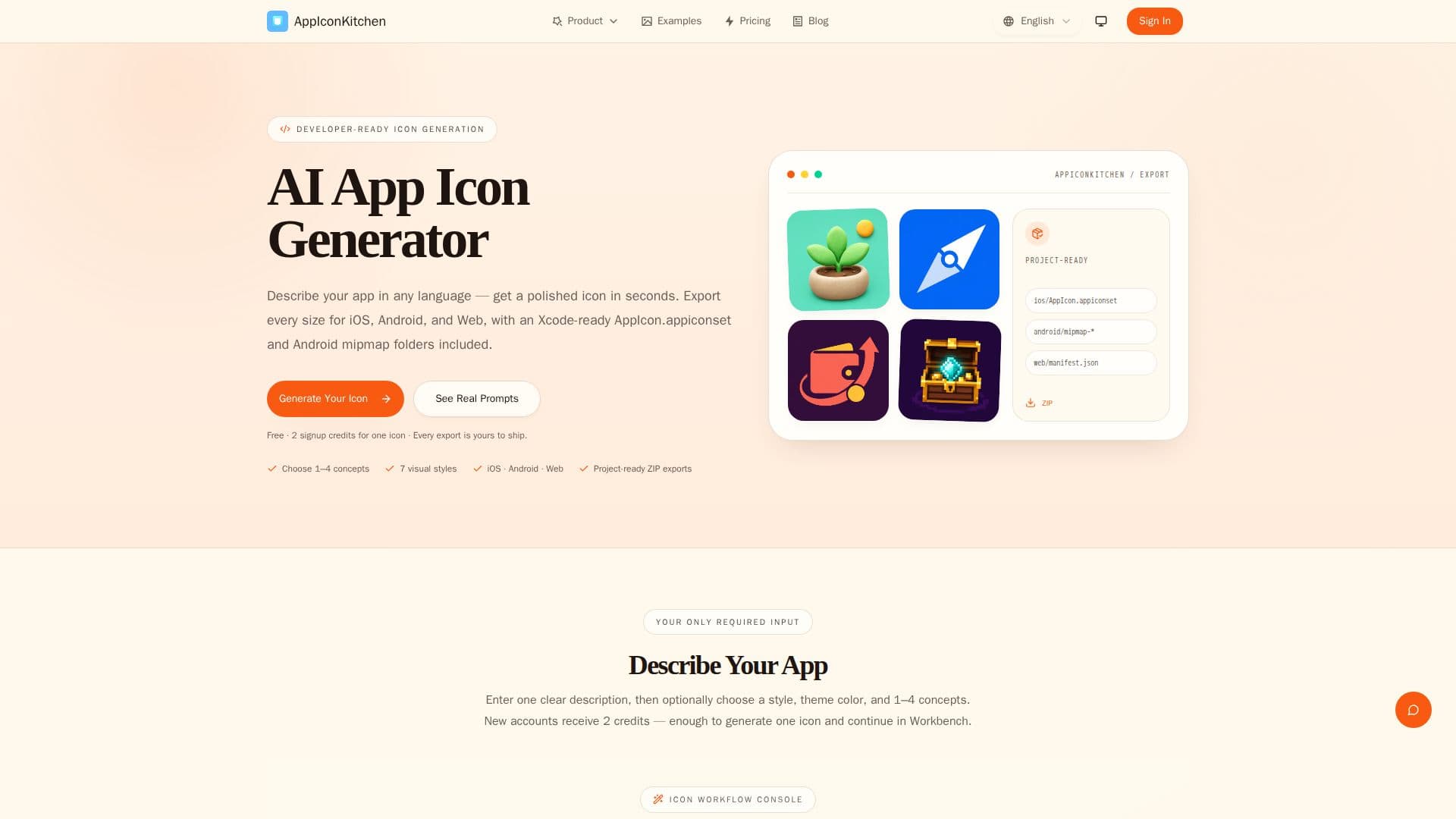
AppIconKitchen is an AI-powered app icon generator built for iOS and Android developers, indie makers, and Flutter, Expo, and PWA builders. Users describe their app in any language, optionally set a style and primary color, and the tool generates original icon concepts rather than templated designs.
Read More
Each run can produce one to four concepts from the same prompt and style, and results can be refined in the Workbench before export. A single ZIP export includes a 1024x1024 master PNG, the iOS AppIcon.appiconset with Contents.json and 20 catalog entries, Android density folders through a 512px Play Store icon, and Web assets such as favicon, PWA, maskable, and apple-touch-icon files, removing the need for manual resizing.
The export structure is designed to drop straight into development workflows: the AppIcon.appiconset goes into an Xcode Assets.xcassets catalog, mipmap folders copy into an Android project's res directory, and there are ready paths for flutter_launcher_icons, Expo app.json, and a web manifest. New accounts receive 2 free credits, enough to generate one icon, with additional credits available for purchase.
- CategoryAI Graphic Design Tools
- Pricing ModelFreemium
- DeploymentCloud
- PlatformsWeb
AppIconKitchen's Core Features
AI icon generation from a text description in any language
Optional style and primary color controls
Generate 1-4 concepts per run from the same prompt
Single ZIP export with a 1024px master PNG
iOS AppIcon.appiconset with Contents.json and 20 catalog entries
Android mipmap density folders and 512px Play Store icon
Web, PWA, maskable, and apple-touch-icon assets plus manifest
Workbench refinement before export
How to use AppIconKitchen?
Describe your app: Enter one clear description in any language, optionally choosing a style and theme color.
Choose concepts: Select how many icons (1-4) to generate from your prompt.
Review and refine: Continue in the Workbench to fine-tune the result if needed.
Export assets: Download the project-ready ZIP with iOS, Android, and Web icon files.
Add to your project: Drop AppIcon.appiconset into Xcode or copy mipmap folders into the Android res directory.
AppIconKitchen's Use Cases
- iOS app icons
- Android app icons
- Flutter and Expo apps
- Web and PWA icons
- Indie maker branding