Description
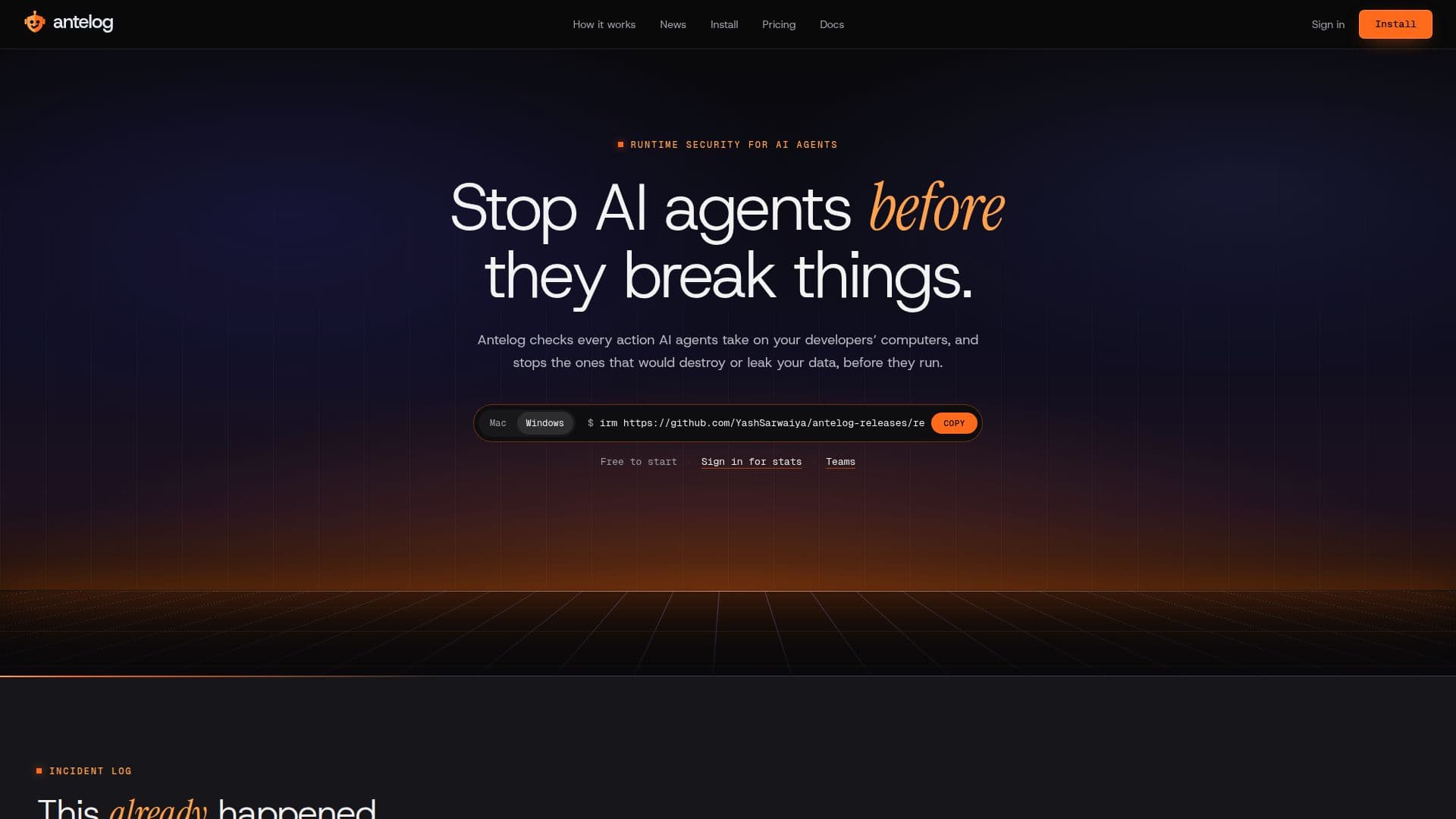
Antelog functions as a crucial safety layer for AI coding agents, designed to prevent potentially destructive or data-leaking commands from executing. It operates by intercepting every action an AI agent intends to take, performing a comprehensive check against predefined safety rules, and blocking any dangerous operations before they can run. This includes preventing actions like deleting production databases, force-pushing to main branches, or exposing sensitive `.env` secrets.
Read More
The tool is installed directly on the developer's machine, ensuring that checks run locally and quickly, typically adding only milliseconds to rule checks and under half a second for AI checks. Antelog supports a wide range of popular AI coding tools, including Claude Code, Codex, Cursor, GitHub Copilot, Gemini CLI, Qwen Code, Cline, OpenCode, and Kilo Code, covering any model run within these environments. It is designed to be tamper-proof, meaning AI agents cannot disable its settings, delete logs, or uninstall it.
Antelog's protection extends across six critical categories of disasters: prompt injection, secrets exposure, personal information leaks, data and backup destruction, cloud resource deletion, and code and file erasure. For instance, it blocks attempts to delete live tables, empty backup buckets, destroy Terraform stacks, or force-push to main branches. It also safeguards against uncommitted work being lost by quietly saving it before an agent runs commands like `git reset --hard`.
While the core blocking functionality is free for individual users, Antelog offers a Team plan for companies. This plan provides a centralized dashboard to monitor all AI agent actions across multiple developer machines, enforce company-wide safety rules, and access a tamper-evident audit log with CSV export capabilities. The Team plan also supports features like SSO and self-hosting upon request. For the free tier, an optional AI check sends anonymized action summaries to Antelog's server to help catch false alarms, but the AI itself never blocks actions; it only writes notes to the log. All sensitive data like keys and passwords are removed before any information is sent off the machine.
- CategorySecurity & Privacy
- Pricing ModelFreemium
- DeploymentOn-Premise
- PlatformsmacOS, Linux, Windows
Antelog's Core Features
Real-time AI agent action blocking
Protects against data leaks and destruction
Supports multiple AI coding agents (Claude Code, Cursor, GitHub Copilot, etc.)
Runs locally on your machine for speed
Tamper-evident log of all actions and blocks
Prevents deletion of production databases and cloud resources
Safeguards against sensitive data exposure (e.g., .env files, SSH keys)
Automatically saves uncommitted work before destructive git commands
Customizable safety rules
Free tier for individual users
Team plan with centralized dashboard and company rules
Audit log and CSV export for teams
SSO and self-hosting options for enterprise
Removes secrets before logging or sending data
Offline functionality for rule checks
Fails closed: blocks actions if the guard crashes or is unreachable
How to use Antelog?
Install Antelog: Paste a single command into your terminal on macOS, Linux, or Windows.
Connect Tools: Restart your open AI agent sessions; the installer automatically connects supported tools.
Approve Hooks (Codex): For Codex, type `/hooks` and approve Antelog's hooks, repeating after updates.
Monitor Activity: Use `antelog log` to see recent actions or `antelog blocked` to view stopped commands.
View Dashboard: Sign in for free to access your online dashboard and view stats.
Add Custom Rules: Create custom blocking rules by adding them to `~/.antelog/rules.txt`.
Antelog's Use Cases
- Prevent Production Database Deletion
- Safeguard Cloud Infrastructure
- Protect Sensitive Data
- Maintain Code Integrity
- Mitigate Prompt Injection Risks
- Preserve Uncommitted Work
- Centralized Team Security
- Audit AI Agent Actions